










Scheduling
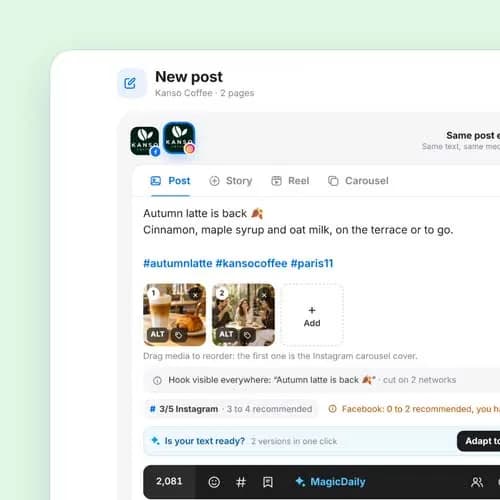
Create, adapt, approve and schedule all your content from one shared calendar.

Explore Dailyfy’s core tools and every feature that helps you create, collaborate, publish, reply and analyse in one place.
14 days free · No credit card required
The Dailyfy pillars
One feature can support scheduling, collaboration or analytics. The pillars give you a starting point without restricting your workflow.
Create, adapt, approve and schedule all your content from one shared calendar.
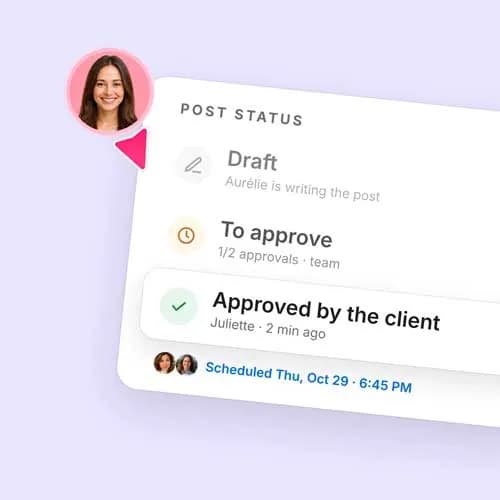
Organise feedback, roles and approval workflows across your team.

Centralise conversations and reply with your whole team from a single inbox.
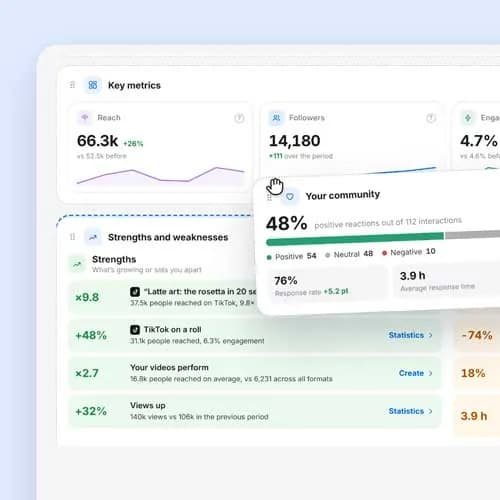
Turn your social media performance into useful decisions.
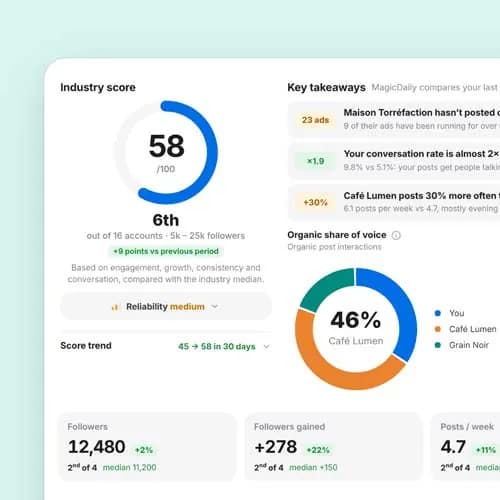
Compare your performance with competitors and your industry.
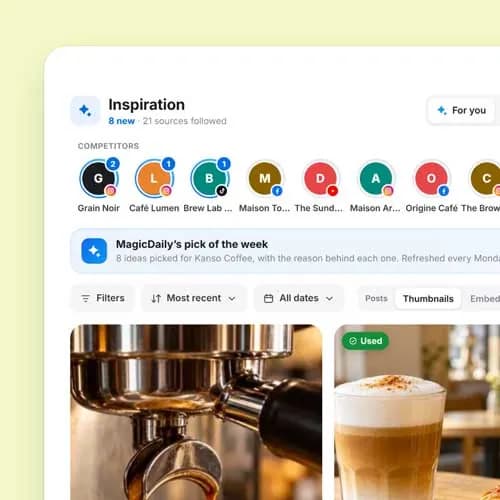
Save the trends, resources and ideas that matter.
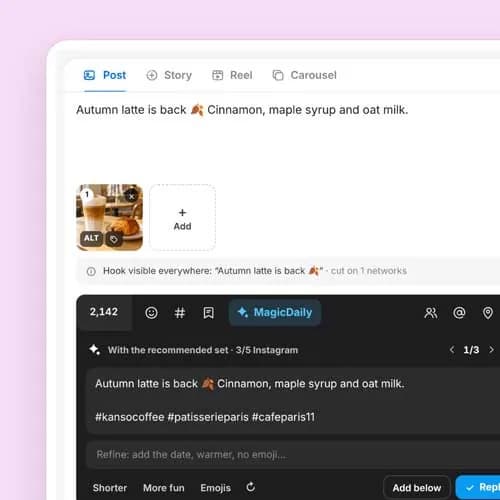
Create, analyse and moderate with AI built for social media.
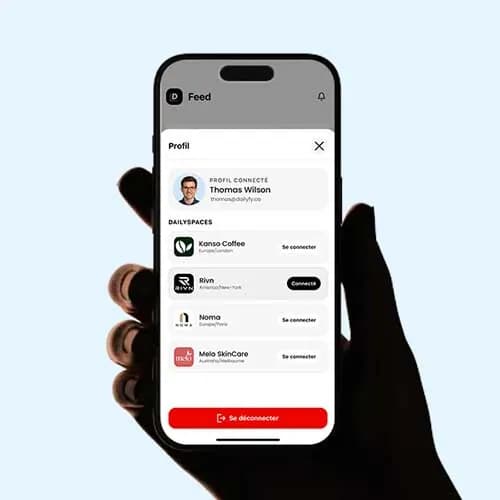
Access your workspaces and content wherever you are.
Features in detail
Each feature has its own page, use cases and answers. Find the one that removes an unnecessary step from your day.

Select your profiles, prepare your content once and choose a date. Facebook, Instagram, LinkedIn, TikTok and the others go out together, without copying and pasting.
Explore this feature
Duplicate a draft, a scheduled post or an already published post. Keep the text, media and settings in a copy ready to adapt and reschedule.
Explore this feature
Copy content from one profile to all the others. Keep synchronisation on to edit versions together, or turn it off whenever a network needs its own message.
Explore this feature
DailyScore compares your draft with your past posts, estimates its potential and tells you what to improve: the opening, format or publishing time.
Explore this feature
Truncated text, badly cropped images, unreadable thumbnails: spot them in each network’s preview before your post goes live.
Explore this feature
Organise topics, campaigns and key dates in a shared editorial calendar. See how posts are distributed across the week or month, with their status and pending approvals.
Explore this feature
List view displays each post on a row, with its status, approval and discussions. Choose columns, filter what needs action and manage several posts at once.
Explore this feature
In Feed view, posts appear as they will be published. Beside each one: the discussion, team notes, approval and history. Review, discuss and decide without changing screens.
Explore this feature
Scheduled posts appear above your current feed. See your grid seven days ahead, rearrange it by drag and drop and publish a profile that feels like you.
Explore this feature
Import a PDF for LinkedIn, or photos and videos for Instagram, Facebook, TikTok, Pinterest and Threads. Arrange your slides, check the preview and schedule.
Explore this feature
Your team’s images and videos, organised in one place and connected to your calendar. Find the right visual in seconds and add it to your post.
Explore this feature
Send a private link to a partner, brand or client. They see the post as it will appear on each network, share their feedback in seconds and their response joins the post’s conversation.
Explore this feature
Links in Instagram and TikTok captions prepared with Dailyfy are not clickable. AutoLink suggests replacing your URL with “link in bio”. Once accepted, the link joins your Dailyfy.bio page when the post is published.
Explore this feature
Instagram, Facebook, LinkedIn, X, Threads and Bluesky do not always use the same handle. Group them once and Dailyfy adds the correct mention to each version of your post.
Explore this feature
Search for your shop, restaurant or event venue in the Dailyfy editor. It is added to your post on Instagram, Facebook and Threads.
Explore this feature
Group profiles by region, country, brand or campaign. When publishing, choose a group and all the right accounts are selected.
Explore this feature
Enable the option once: whenever you add a visual, MagicDaily examines it and writes its alternative text. Review it, adjust it if needed and make your post more accessible to people using a screen reader.
Explore this feature
Open Canva or Adobe Express from your Dailyfy workflow, prepare your design and bring it back to finish your post.
Explore this feature
Your link, hashtags or question go in the first comment, just after publication. Schedule once without having to return to the network.
Explore this feature
Inside your post, Dailyfy suggests each profile’s best time slots, calculated from your own statistics. One click sets the date.
Explore this feature
Tips, behind the scenes, products, back-to-school campaign: label each post, or let MagicDaily classify published posts if you enable the option. See whether your calendar reflects your content pillars and which ones work best.
Explore this feature
Invite a creator, partner brand or sponsor to collaborate on your Instagram post or Reel, or your Facebook Reel. Prepare and schedule it; Dailyfy publishes it.
Explore this feature
MagicDaily reads your post and suggests hashtags for each network based on your results, industry and trends. Add them in one click while your reusable lists stay organised in groups.
Explore this feature
Captions, signatures, opening hours, calls to action, mandatory notices: save recurring text in Caption Manager and insert it into posts in one click. Your whole team uses the same wording.
Explore this feature
Crop images to each network’s format, rotate them, adjust brightness or add text with DailyStudio. They return straight to your post, ready to schedule.
Explore this featureConnect your social accounts and tools, then discover the features that will save you time every week.
Start for free14 days free, no credit card required