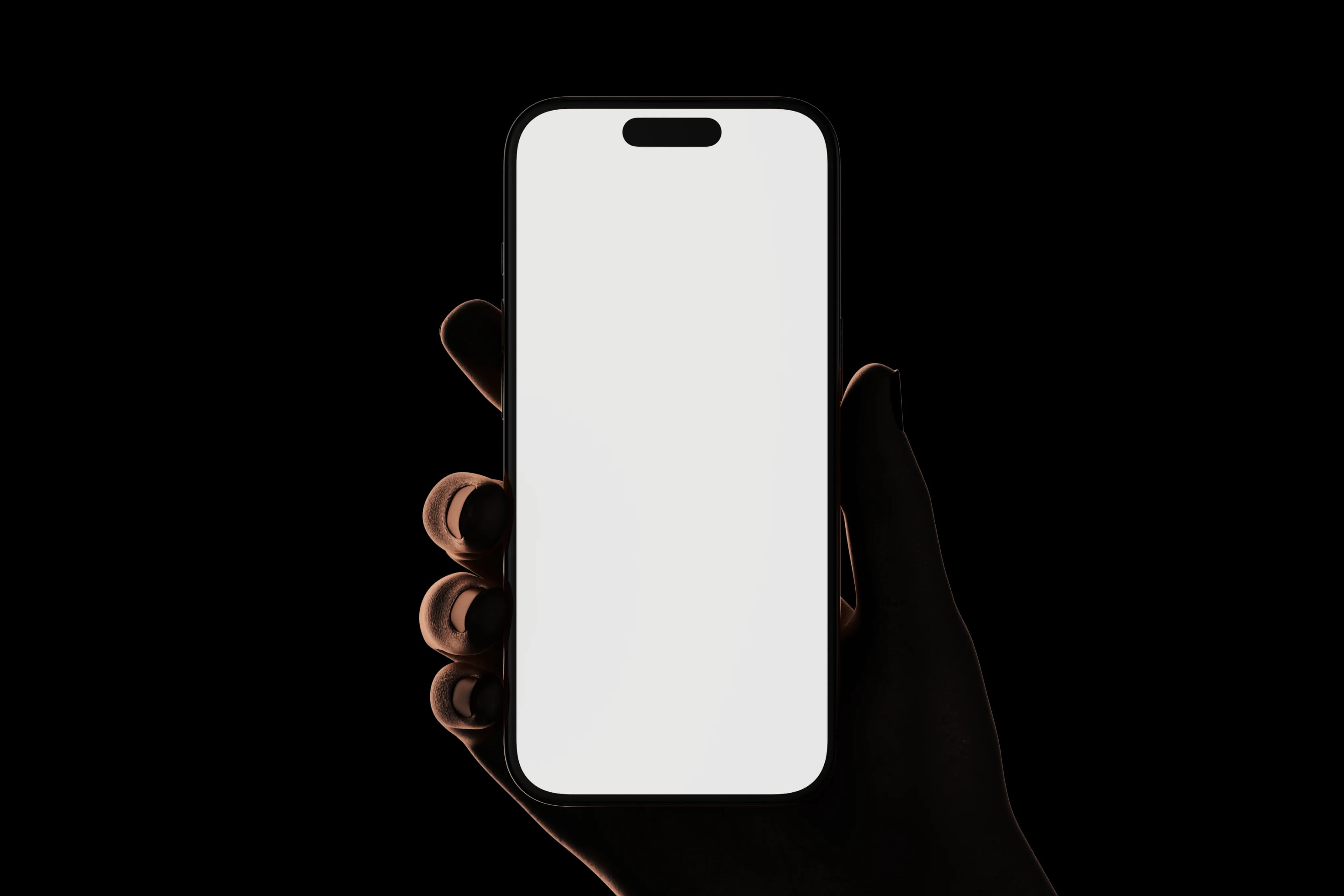
All your Dailyspaces
Switch brands or clients without logging out.
Main brand
Client Studio
+ 4 workspaces

Review, approve and publish wherever you are. Your team, content and inspiration stay in sync with Dailyfy.
Switch Dailyspaces, filter the feed and instantly find the content that needs your attention.
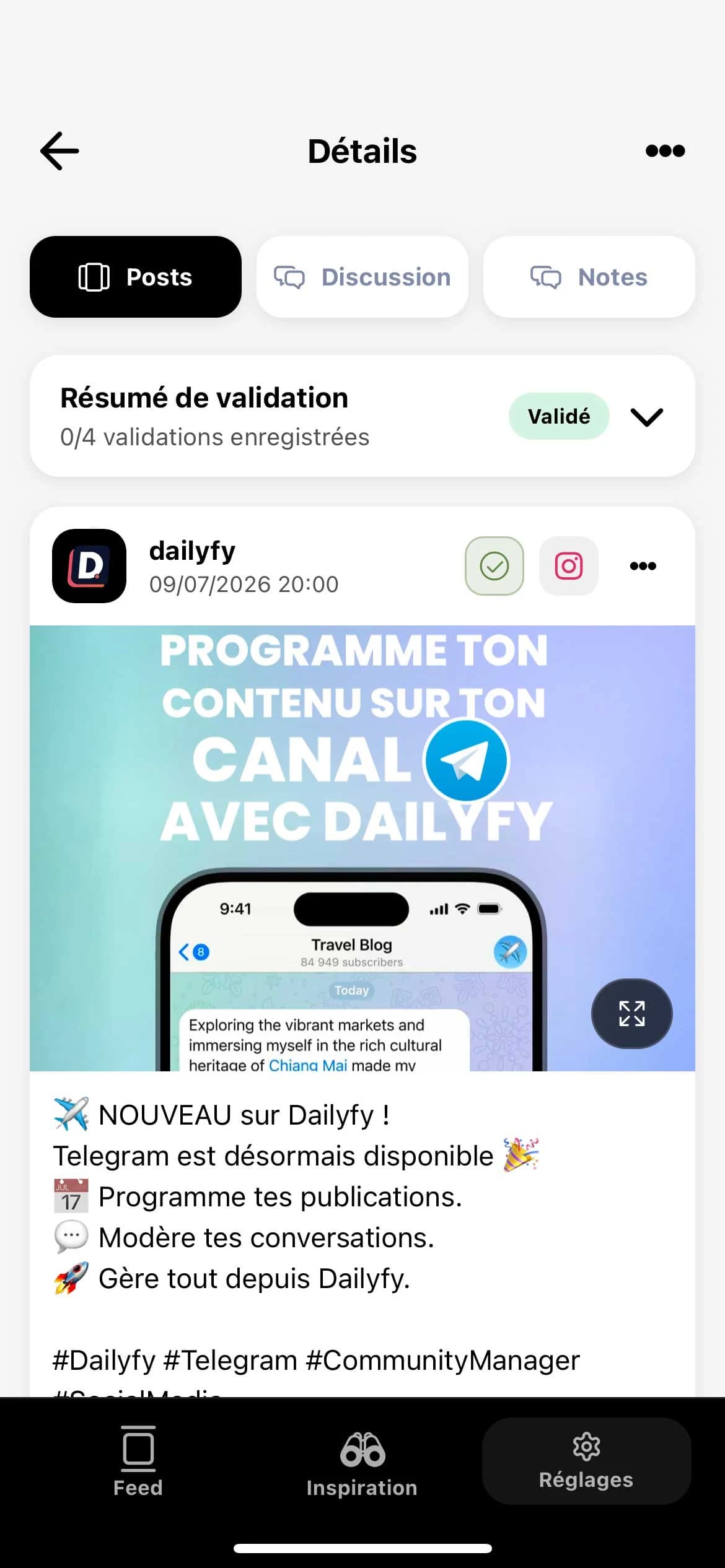
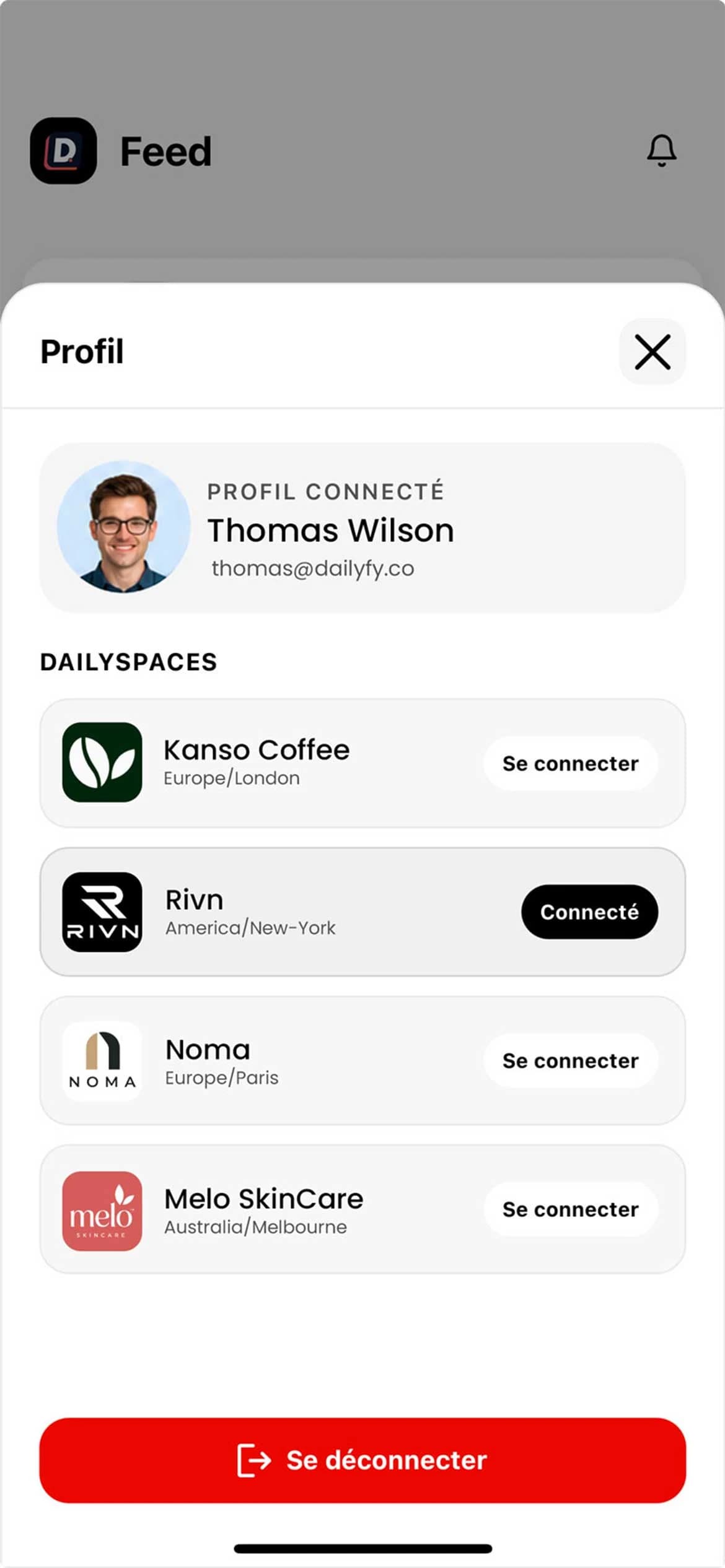
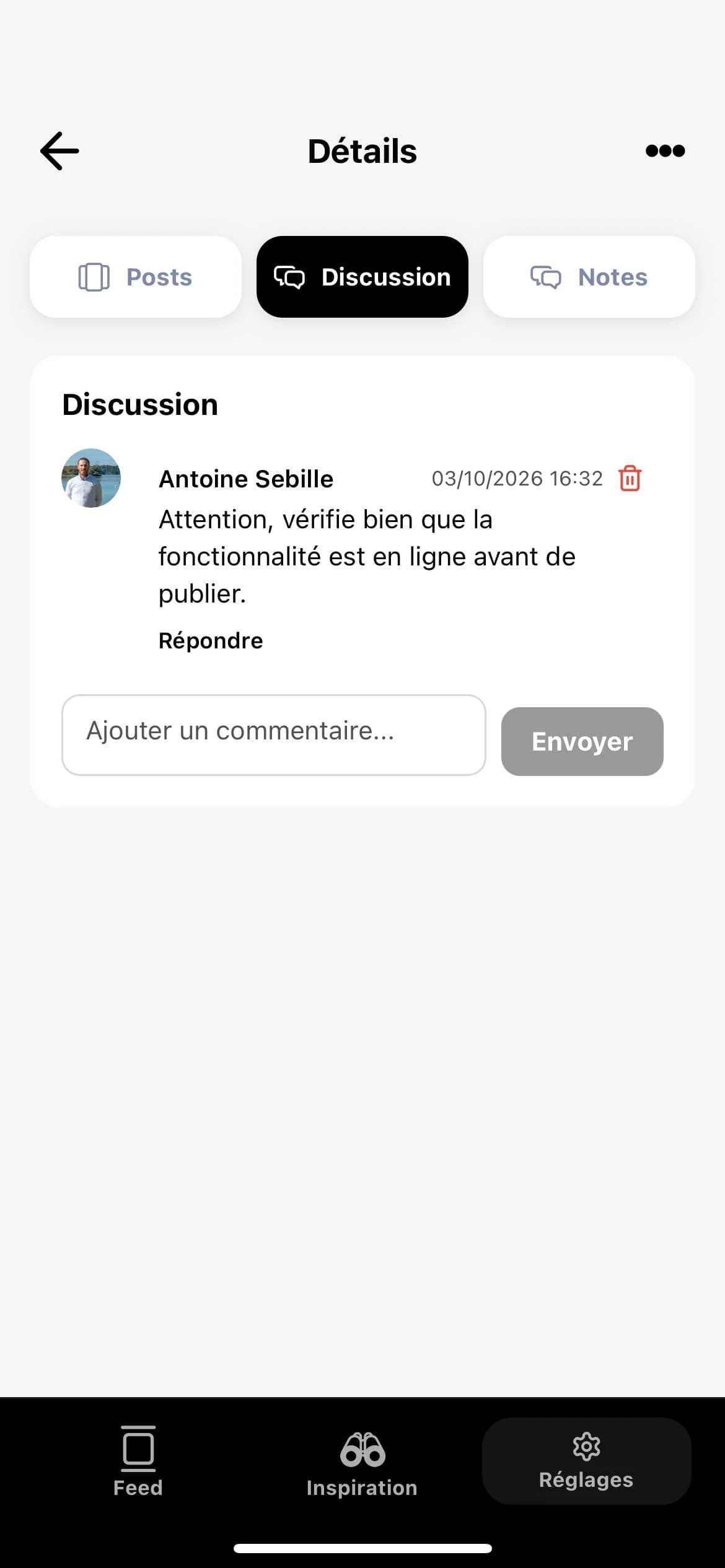
Open the preview, review the context and approve or request changes from your phone.
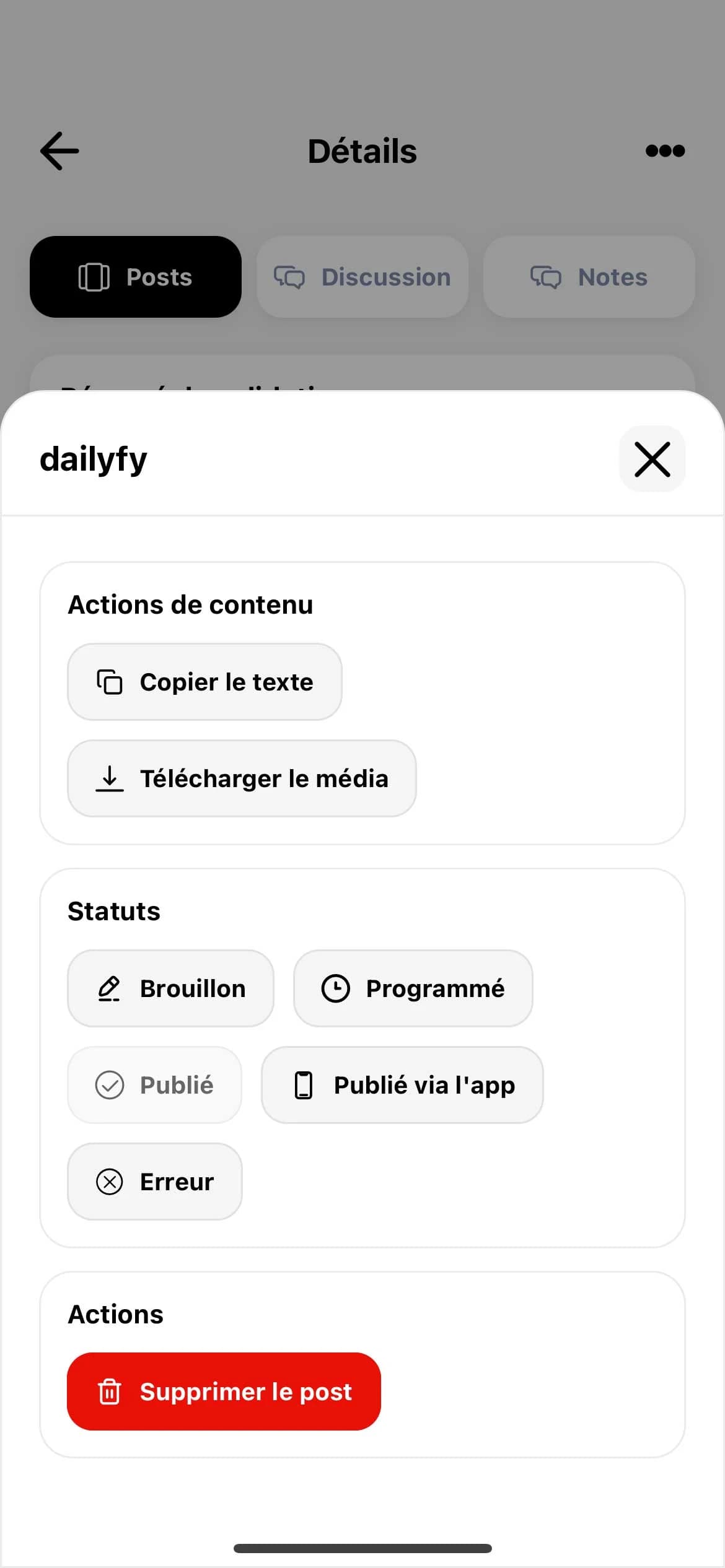
Retrieve the ready-to-use content in Dailyfy, then open TikTok or Instagram to add a sound, sticker or native option.
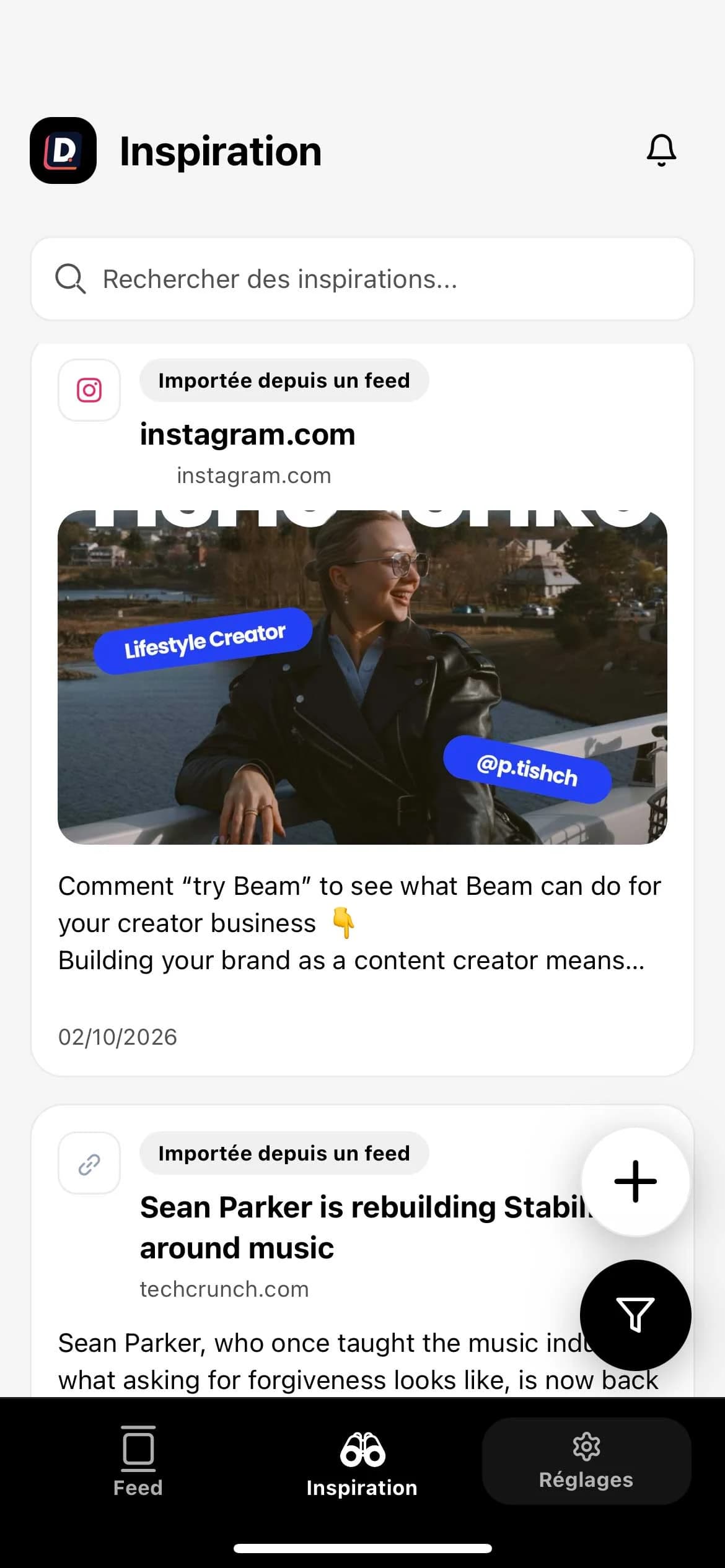
Share a post from your phone and turn it into inspiration before it disappears in the scroll.
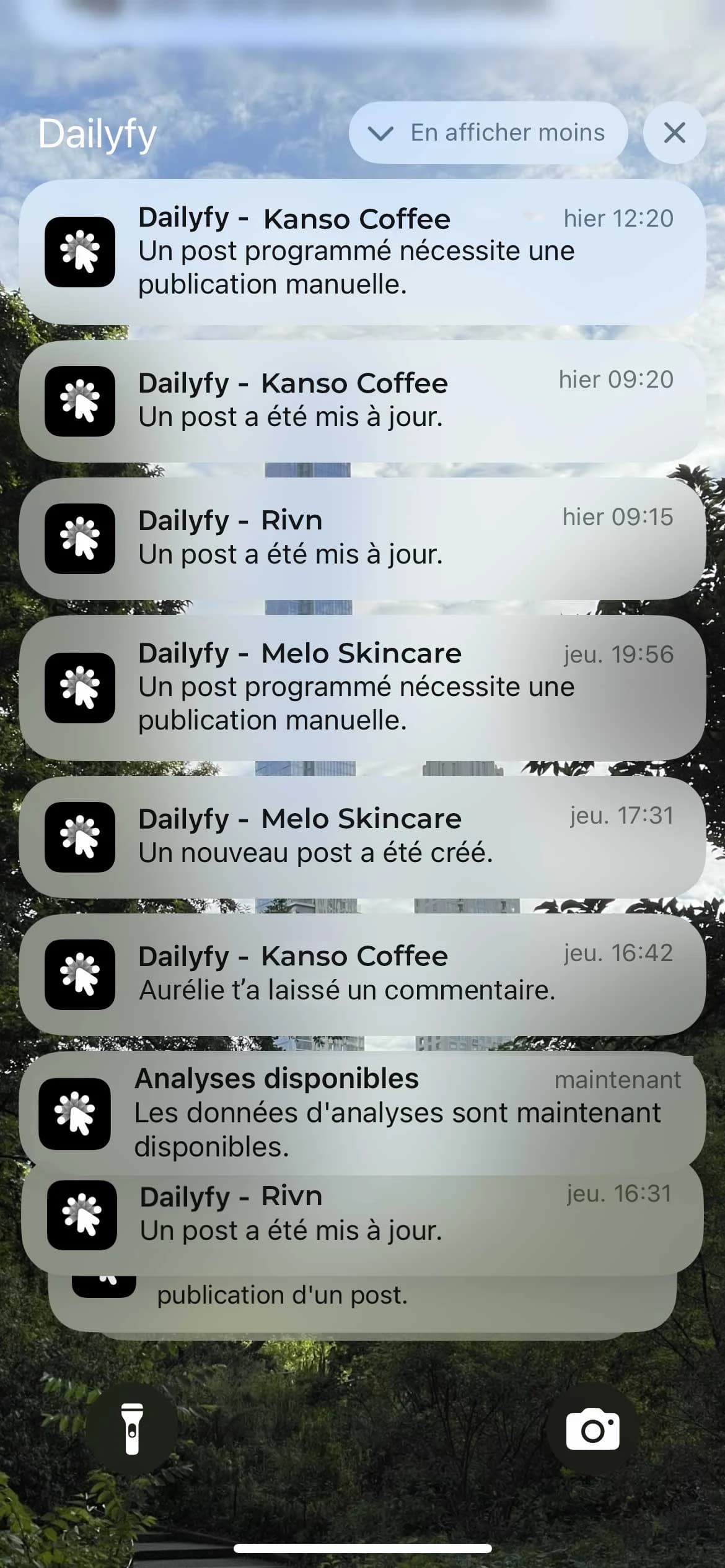
Approvals, publishing errors, scheduling through the app or team comments: stay informed at every moment without missing a beat.
Switch brands or clients without logging out.
Know when content or an approval needs your attention.
Keep statuses and decisions in sync with the web app.
Sign in with your credentials or QR code authentication.
The Dailyfy app is available on iPhone and iPad through the App Store, and on Android devices through Google Play.
Yes. Find draft posts, posts awaiting approval, scheduled posts and published posts, then use filters to quickly reach the content you need.
Yes. Review content, track its status and take part in its approval workflow directly from your phone.
For elements that must be added in the native app, Dailyfy lets you retrieve the media and post details. Finish the post in TikTok or Instagram to choose a trending sound, sticker or native option.
When you spot useful content, use your phone’s share function to send it to Dailyfy. It joins your inspiration library, where you can organize it with a channel, tags and notes.
Yes. Switch between Dailyspaces to find each brand’s or client’s content, approvals and inspiration.

Download Dailyfy and access your content, approvals and inspiration from your phone.