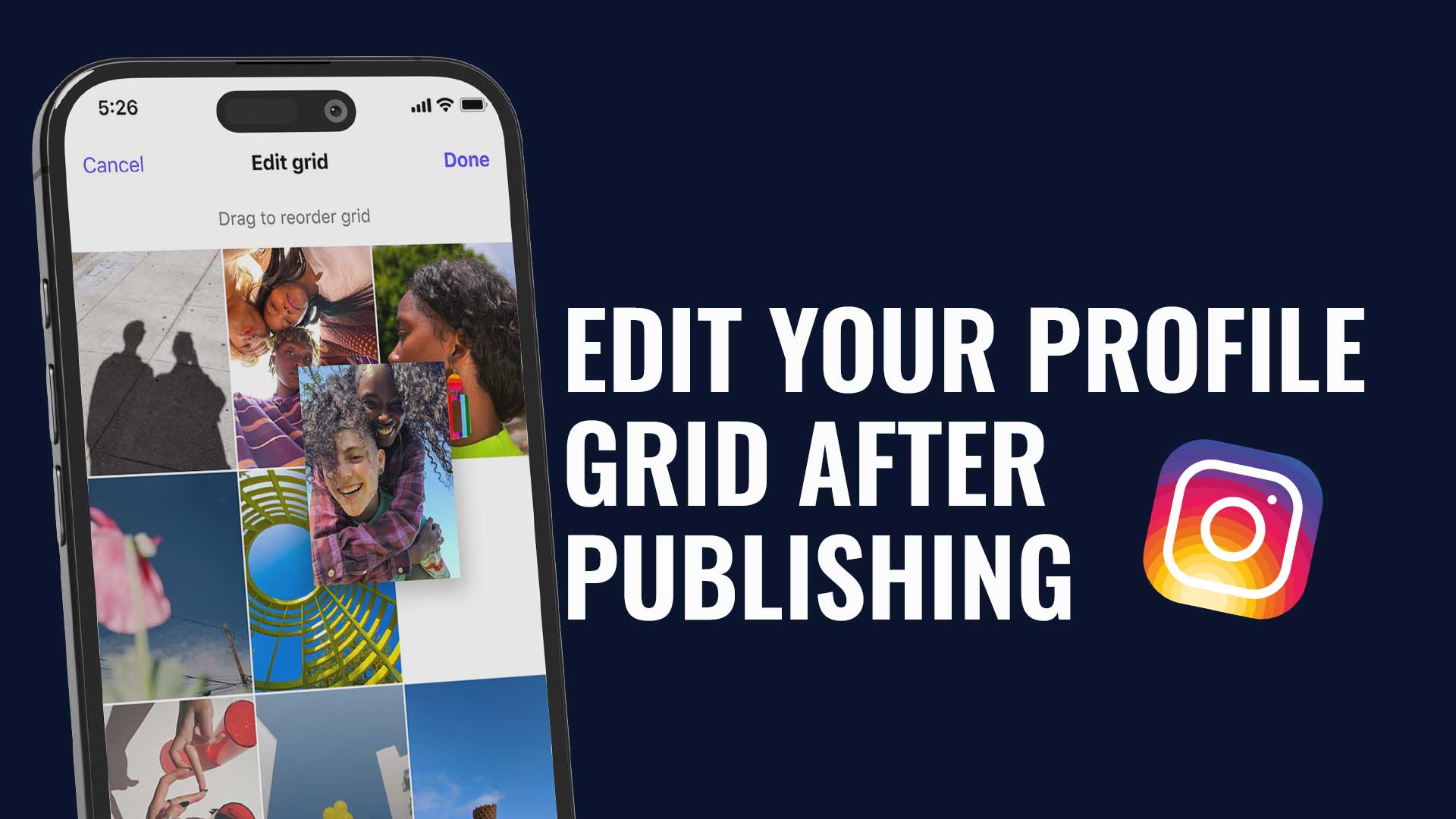

Instagram began as a mobile-first service, but preparing content on a computer can fit a professional workflow. Your images, video files and brand documents may already be there, alongside the people reviewing the publication.
There are two approaches to consider: use Instagram's website for the options it offers, or work through a connected management tool such as Dailyfy for supported accounts and formats. They serve different organisational needs.
Why prepare Instagram content on a computer?
A larger workspace
A bigger screen makes it easier to compare files, review a caption and keep reference material open. A keyboard can also help with longer text and corrections. This is a working preference, not a requirement for good content.
Editing and file management
If you edit images or video in desktop software, you can export the finished file and use it in the publishing workflow without an unnecessary transfer to a phone. Check the format and quality of the exported media before uploading it.
Organisation and planning
Preparing several posts in advance can help you see what remains to create, review and publish. Scheduling depends on the account, format and tool used; simply using a computer does not make every publishing option available.
Approach one: Instagram.com
Sign in to the appropriate Instagram account in your browser and open the available creation option. Select the photo or video file from your computer, then review the editing and publishing controls offered.
- Check the selected media and any crop before continuing.
- Write a caption that fits the content and the intended audience.
- Add relevant details or account tags where the interface supports them.
- Review the complete post before choosing to share it.
If you select several images for a compatible publication, review their order as well as the individual frames. A carousel should make sense from the first slide to the last, not only as a collection of separate pictures.
The website and mobile app do not necessarily provide identical controls. Check the current interface for the format you want rather than assuming every native feature is available on desktop.
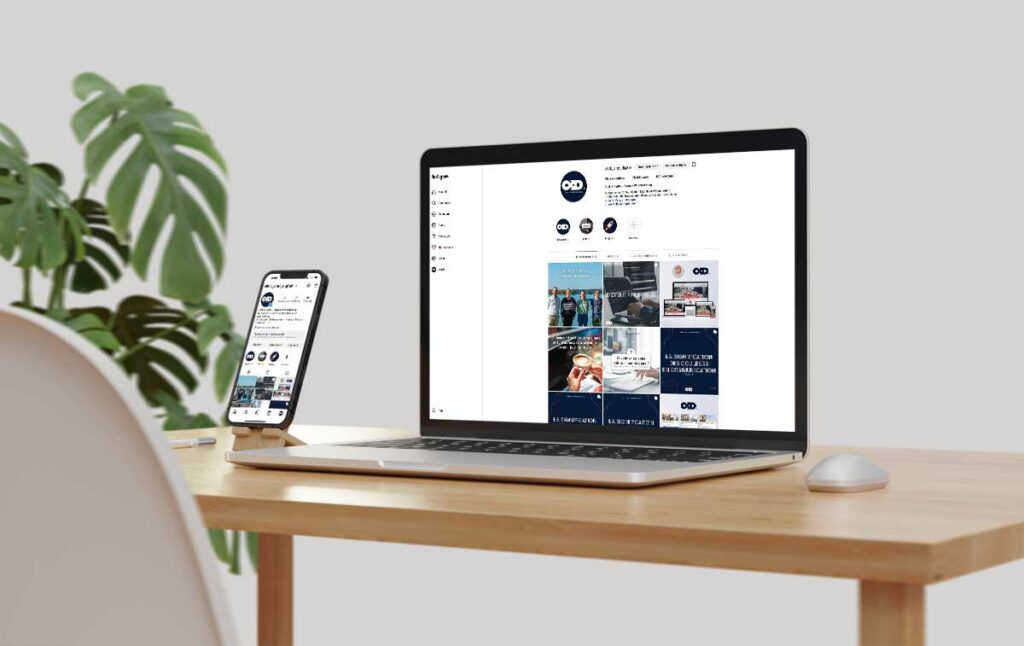
Approach two: a connected tool such as Dailyfy
Dailyfy brings publishing preparation into a shared social media workspace. Connect an eligible Instagram professional account, either creator or business, with the required authorisations. Compatibility depends on the account and the format.
- Create a publication and select the Instagram profile concerned.
- Add your finished photo, video or compatible media collection.
- Prepare the caption and supported details.
- Check the preview and any required approval.
- Publish now or choose a date and time using the available options.
A connected workflow can help when you manage several profiles or prepare related versions for other networks. Adapt the wording and format instead of assuming one version is suitable everywhere.
What a shared workflow adds
A management tool can support collaboration, reuse of content and a clearer view of the calendar. In Dailyfy, MagicDaily provides writing assistance, while inspiration and connected media resources can support preparation.
Those tools do not remove the need to check rights, accuracy and network compatibility. Some native finishing features may still require the social app. Keep responsibility for the final content clear, especially when several people contribute.
Choose the workflow for the task
For a straightforward publication, the website may meet your needs. For planning, review and several profiles, a connected workspace can provide a more organised process. In both cases, check the correct account, media and caption before publication. A larger screen is useful when it improves the work, not simply because it is larger.