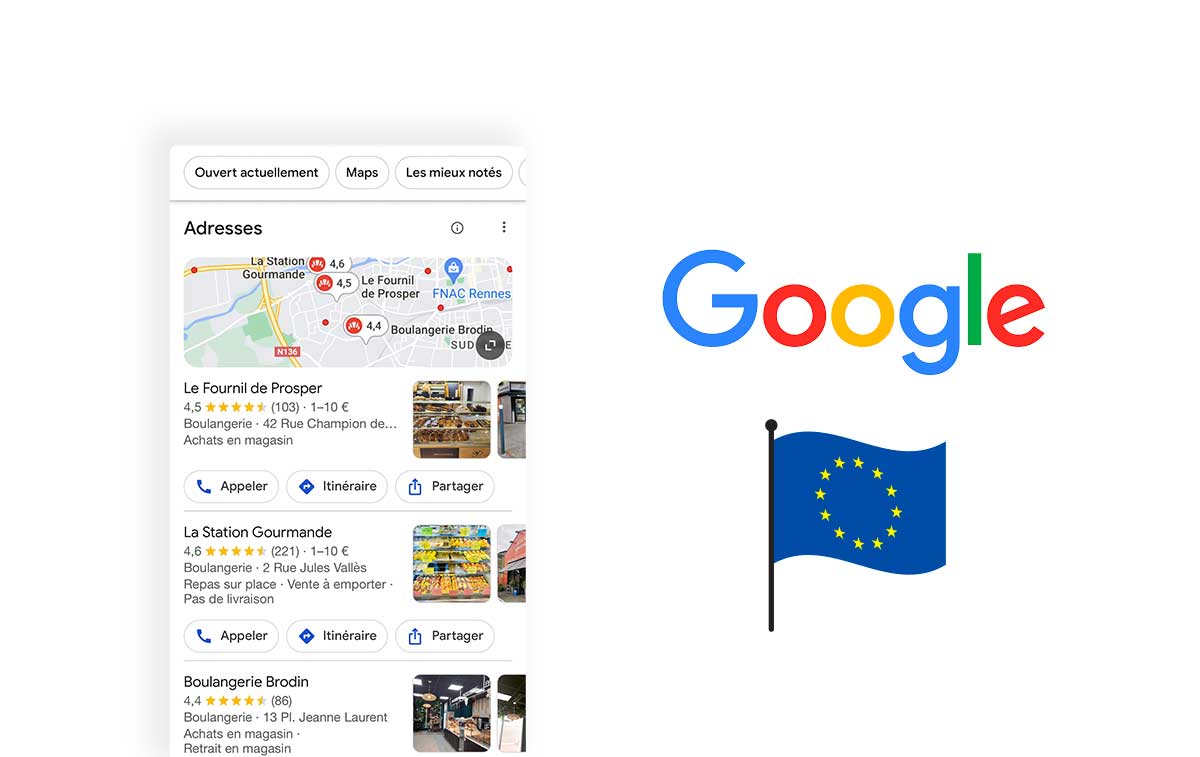

A Google Business Profile helps eligible businesses present useful information in Google Search and Maps. Previously called Google My Business, it can support local discovery and help people decide whether to contact you. Its value depends on reliable information, not a promise to appear first.
Why maintain the profile?
A visitor may need an address, opening time, telephone number or an idea of the service before choosing. Photos and genuine reviews provide additional context. Accurate details reduce avoidable confusion and help align the online presentation with the actual customer experience.
Completing the profile does not guarantee additional customers or a particular ranking. Treat it as a resource to maintain alongside your website and other relevant business information.
Create or claim the correct listing
Sign in with an appropriate Google account and check whether the business already has a profile. Claim or request access to the right listing instead of creating an unnecessary duplicate. Follow the options offered for the establishment.
Provide truthful basic details and complete the verification method Google makes available. Do not assume that every business can choose postal mail or telephone verification. Keep access under the organisation's control and review management permissions when staff change.
Make the core information dependable
Use the real business name rather than adding search terms to make it longer. Select categories that accurately describe the activity. Enter address or service-area details according to the applicable requirements and keep contact information consistent with the website.
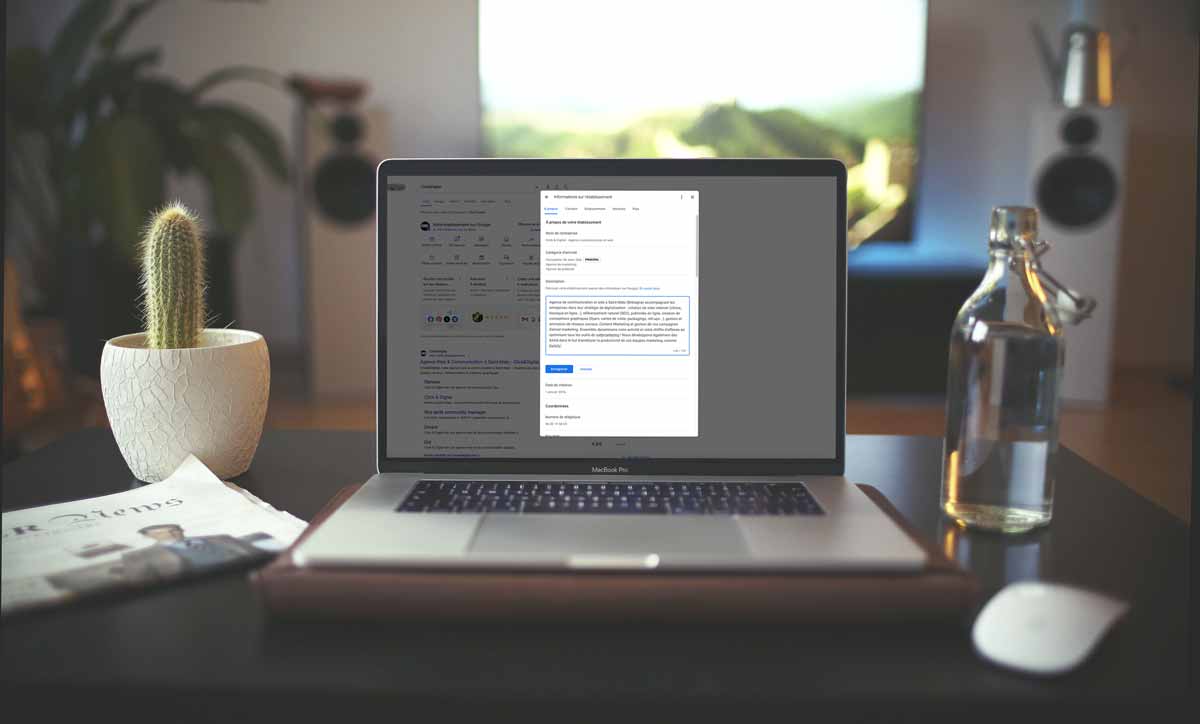
Check normal and exceptional opening hours. Explain services with natural language in the appropriate fields. Do not place website URLs or special offers inside the business description when separate fields or supported post formats should be used.
Use relevant supporting features
Add photographs that show the premises, products or team accurately. Obtain suitable permissions before featuring people. Publish useful updates, offers or events through the formats available for the profile, checking dates and conditions.
Inspect current contact options rather than assuming an old Google chat function is still available. A historical tutorial may describe features that no longer match the present interface or account eligibility.
Manage reviews professionally
Invite genuine feedback without rewards, scripts or selection limited to satisfied customers. Respond politely to both praise and complaints. Address the issue without disclosing private customer information or turning a public exchange into an argument.
Use recurring concerns to improve the service. Report suspected policy violations through the appropriate process instead of assuming every critical review should be removed.
Interpret performance carefully
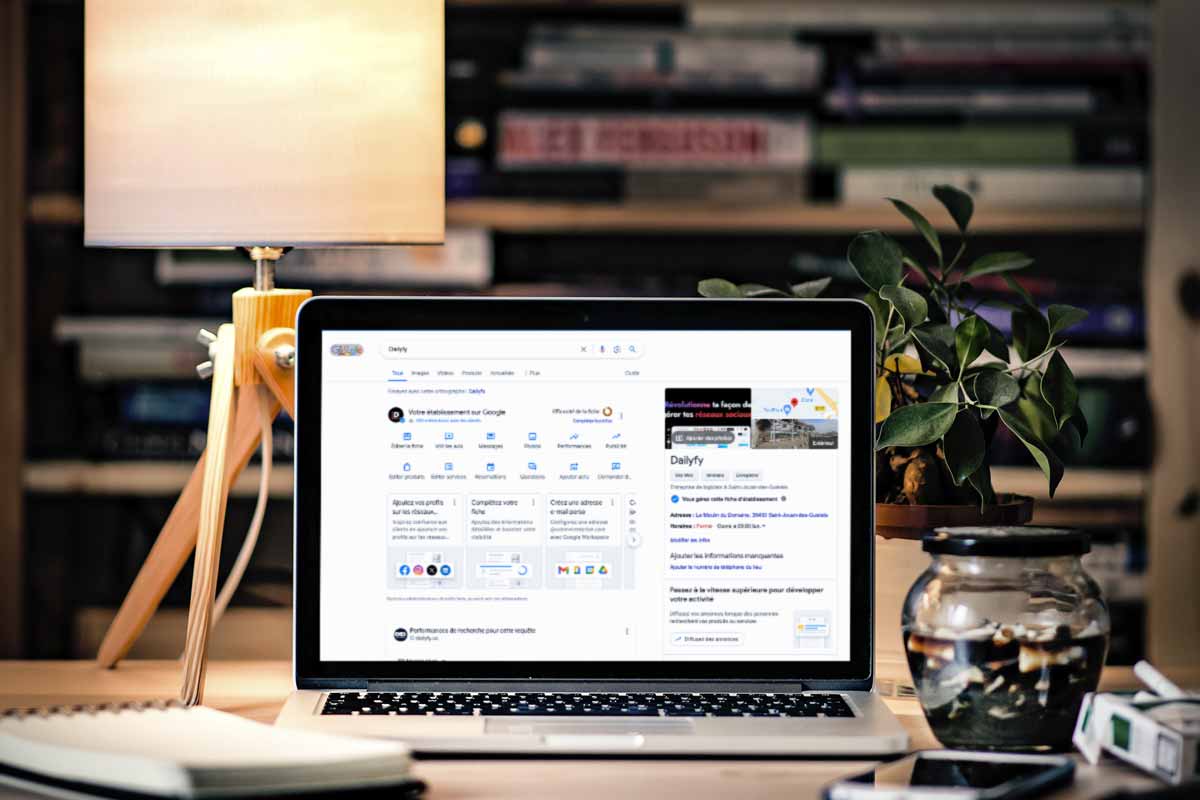
Review the indicators available for the profile, such as views, website clicks or interaction actions. Availability varies. A click on a call control is not necessarily a completed conversation, and profile activity does not automatically prove a sale.
Compare relevant periods and note changes in hours, campaigns or demand. Use these observations to identify questions, not to claim that one isolated update caused every improvement.
Assign an ongoing routine
Set responsibility for checking information, reviews, photographs and current offers. Update meaningful changes promptly and coordinate other directories when appropriate. Consistent maintenance makes the profile more useful without turning every edit into a supposed ranking technique.