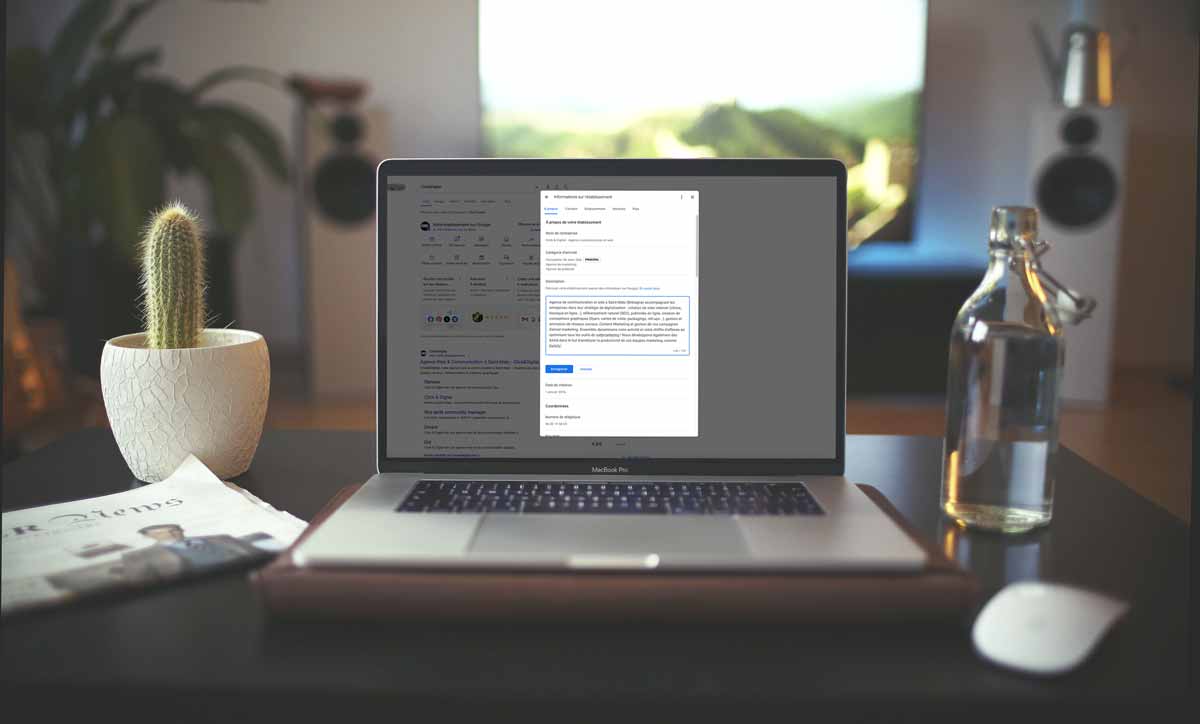
Your Google Business Profile description helps a visitor understand what your business does before making contact. It should explain the activity, the people you serve and relevant differences. A description is not a substitute for accurate opening hours, contact details, photographs or review management.
What the description should achieve
Previously known as Google My Business, Business Profile brings business information together across Google's services. A well-written description helps people decide whether the offer matches their needs. It does not guarantee a higher local ranking, more reviews or an increase in bookings.
Start with the main activity rather than a string of promotional claims. Mention your genuine specialities, relevant experience or approach when they help visitors choose. Avoid declaring yourself the best without evidence or filling the text with information that belongs in dedicated profile fields.
Find the description field
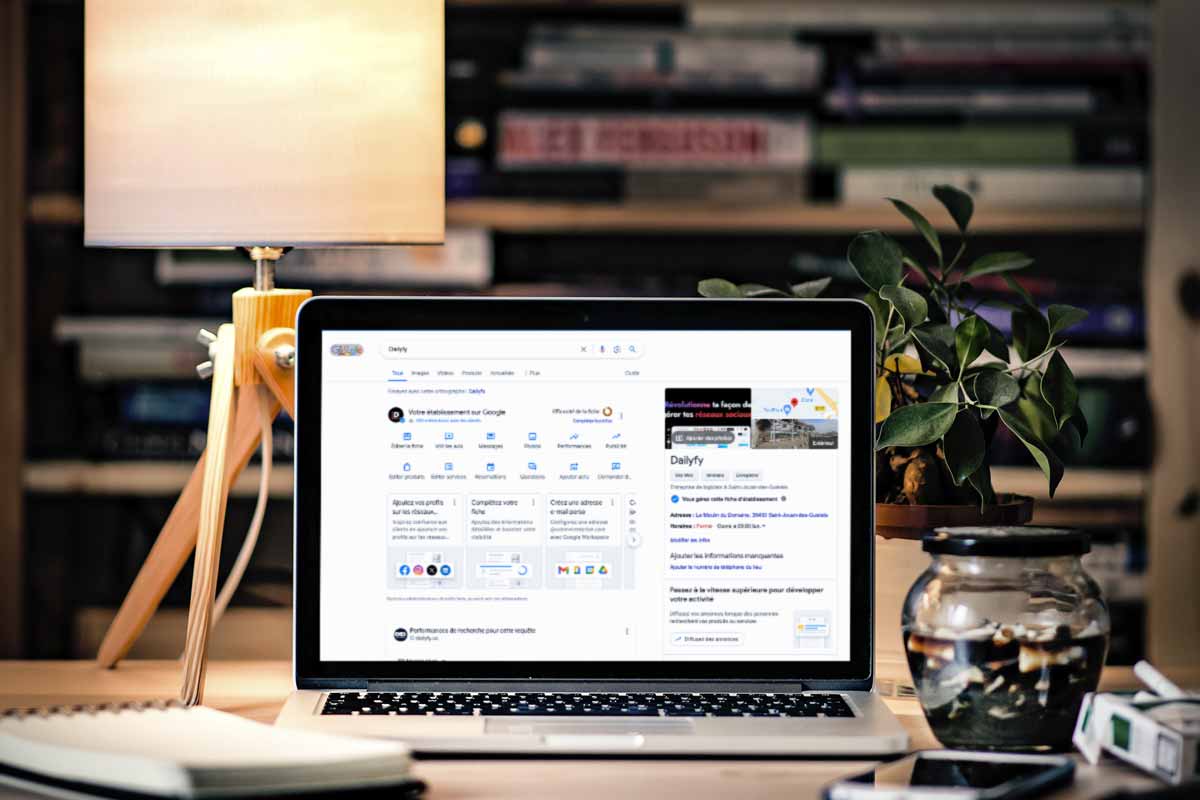
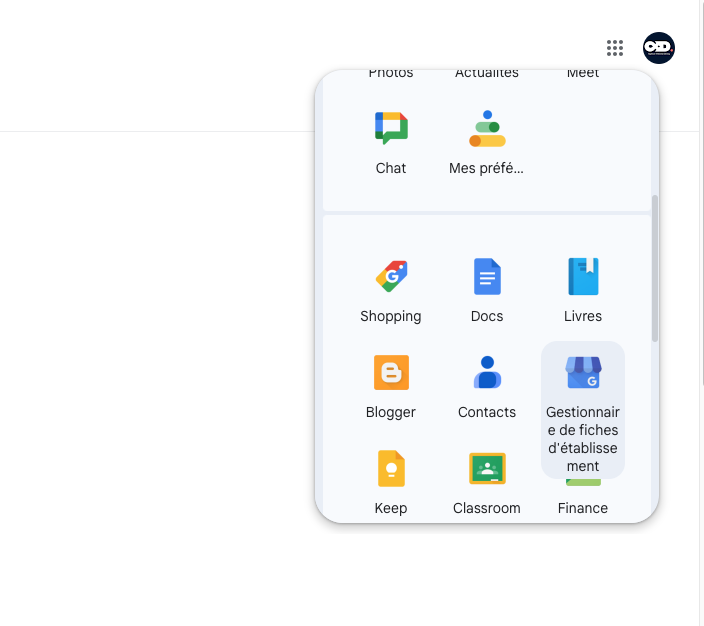
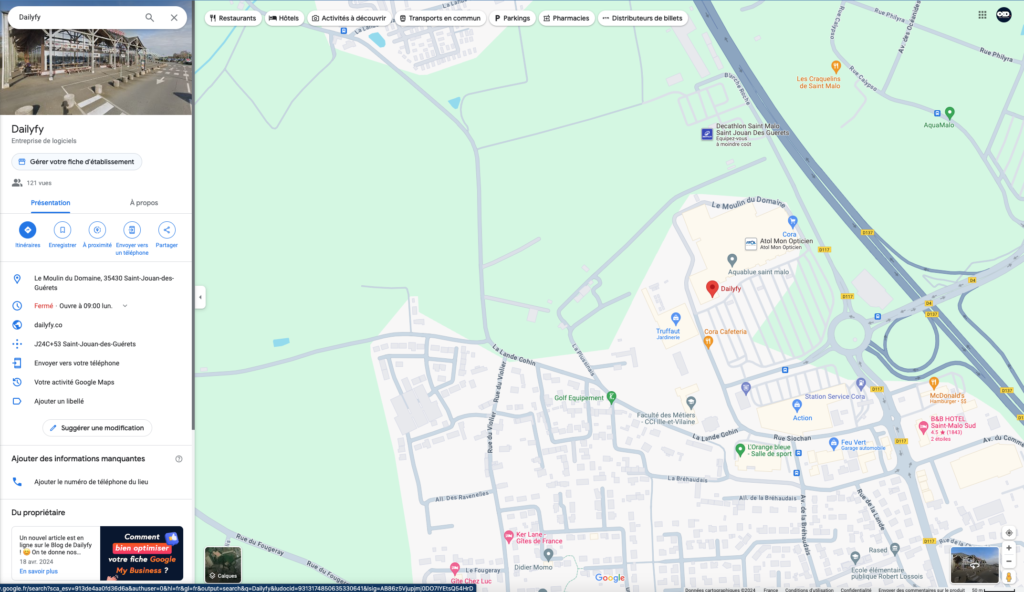
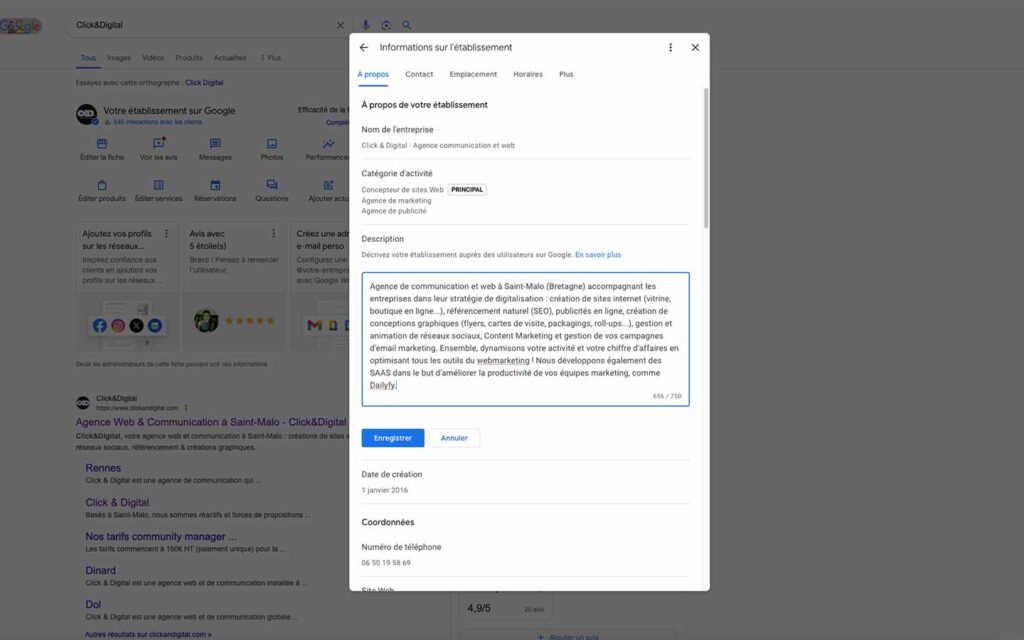
Sign in with an account authorised to manage the business. Open its editing options through Google Search or Maps and locate the description in the business information. Interface labels can change, so follow the options actually available for your profile.
Prepare the text outside the editor, check the current character allowance and review it again after saving. Updating the description does not automatically update your website, other directories or your opening hours.
Choose useful words naturally
List the services you really offer and the vocabulary customers use to describe them. A location can clarify whom you serve when it is relevant. Research tools may suggest wording, but a list of search terms should never replace a readable explanation.
Use those expressions within ordinary sentences. Avoid repeating a city or service in every line. Do not instruct customers to insert supplied keywords into their reviews: the purpose of a review is to express their own experience.
Avoid common mistakes
Keep the description factual and consistent with the business. Do not add URLs, misleading offers or exaggerated claims. Put website links and time-limited promotions in the appropriate supported fields or features instead.
Check spelling and remove vague expressions that could describe any competitor. Make sure any claim about ingredients, qualifications, equipment or service availability can be verified by your team.
Use AI as an assistant
Give the assistant a clear objective, audience and verified facts. Ask for a concise draft without invented benefits. Then check every statement, the length and the applicable profile guidelines. A polished sentence is not evidence that a claim is true.
Restaurant prompt
Describe a restaurant using these confirmed details: name, town, neighbourhood, actual cuisine, verified ingredient information and atmosphere. Address people looking for this type of meal. Do not invent local sourcing, awards or dietary guarantees.
Clothing shop prompt
Present this shop using its actual clothing categories, location and available services. Explain whom the selection is intended for. Avoid unsupported claims about sustainability, exclusivity or being the best shop in the area.
Gym prompt
Describe this gym with its confirmed coaching, classes and facilities. Use a welcoming, informative tone. Do not promise health outcomes or include services that are not available.
Maintain the whole profile
Revisit the description when the activity genuinely changes. Maintain hours, photographs, contact information and reviews separately. A useful profile depends on consistent information, not constant rewriting or keyword accumulation.