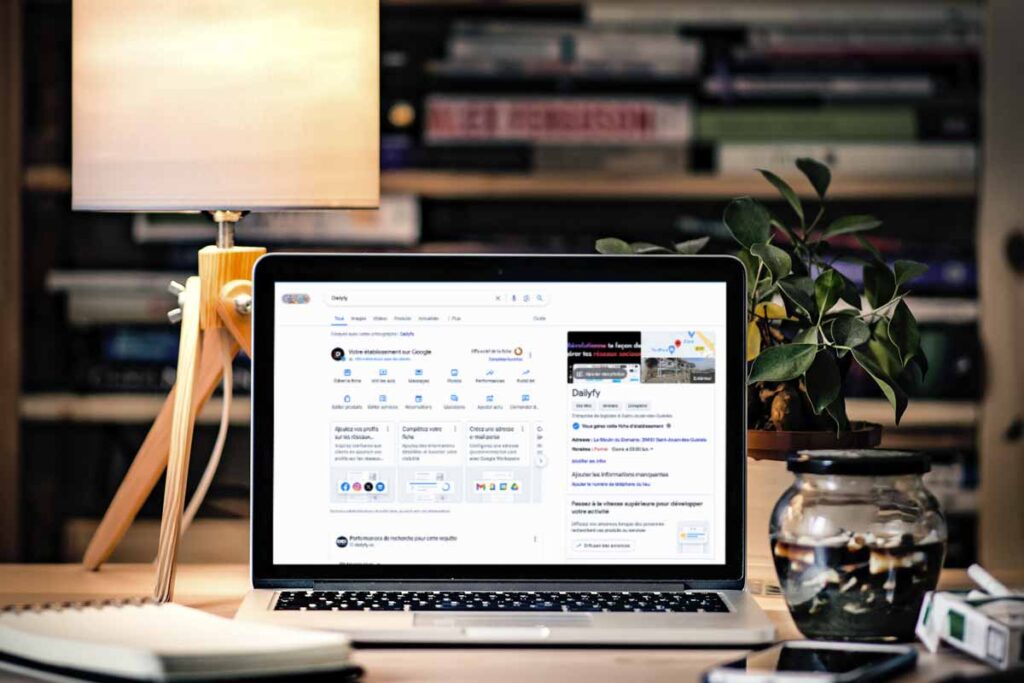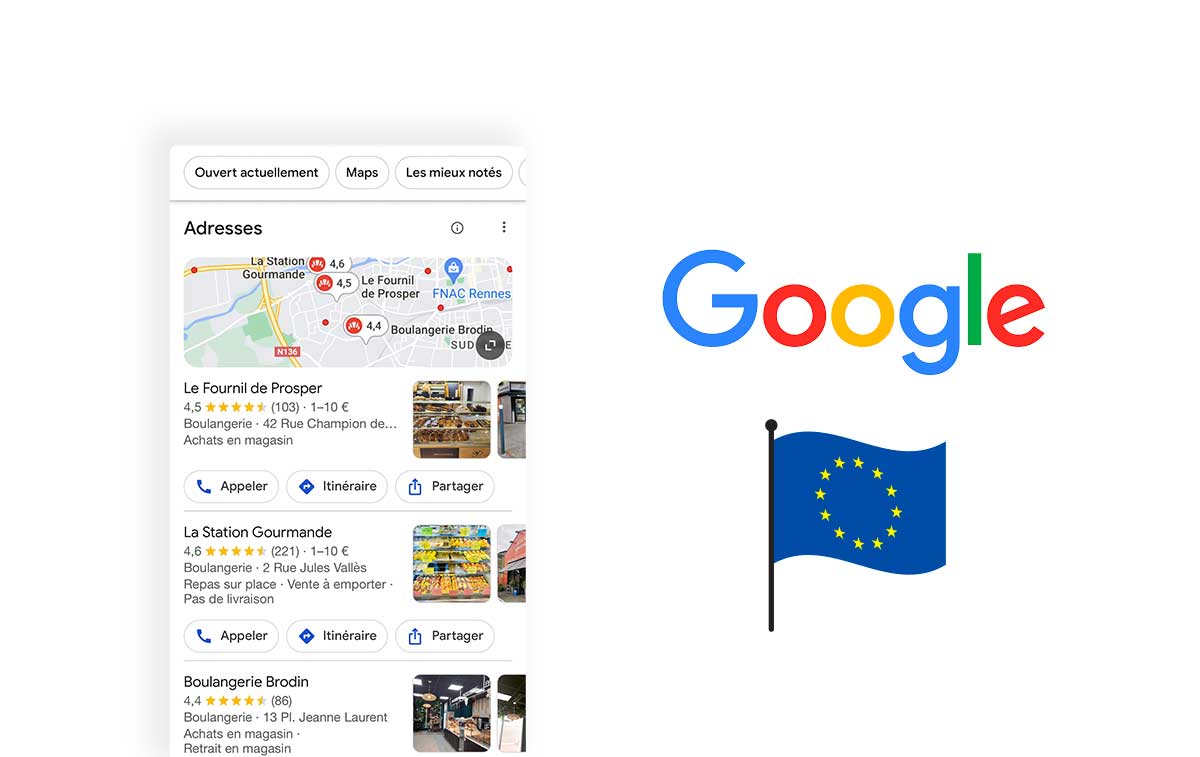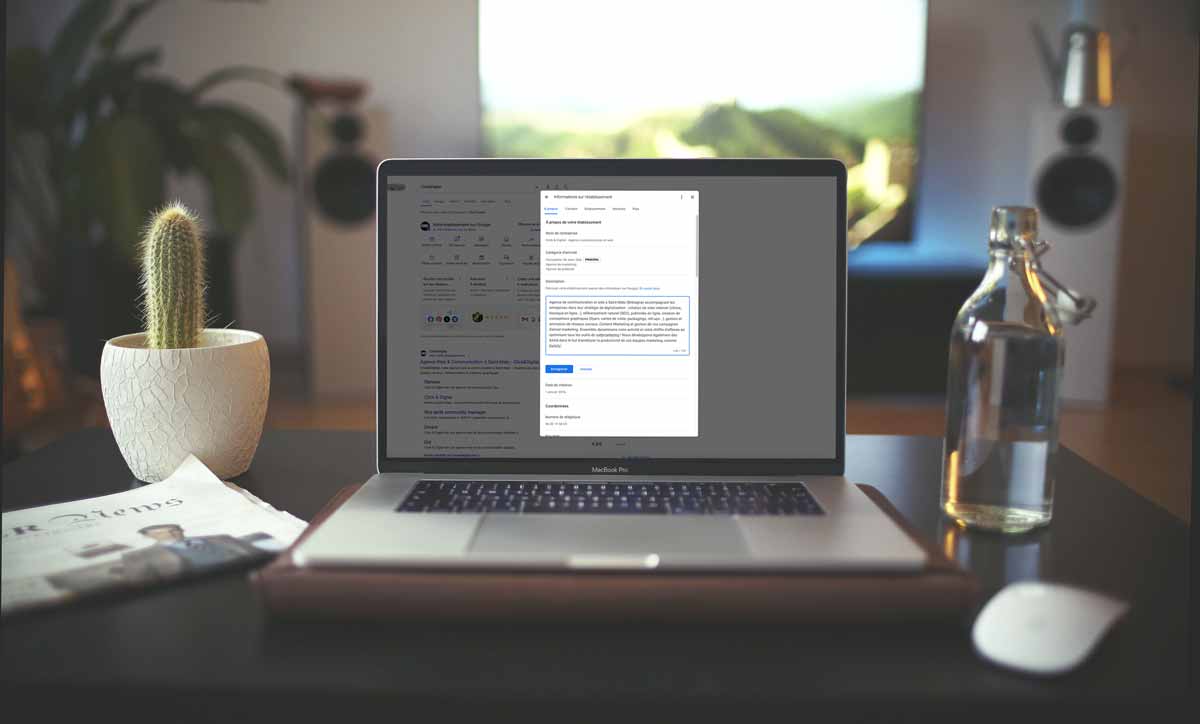
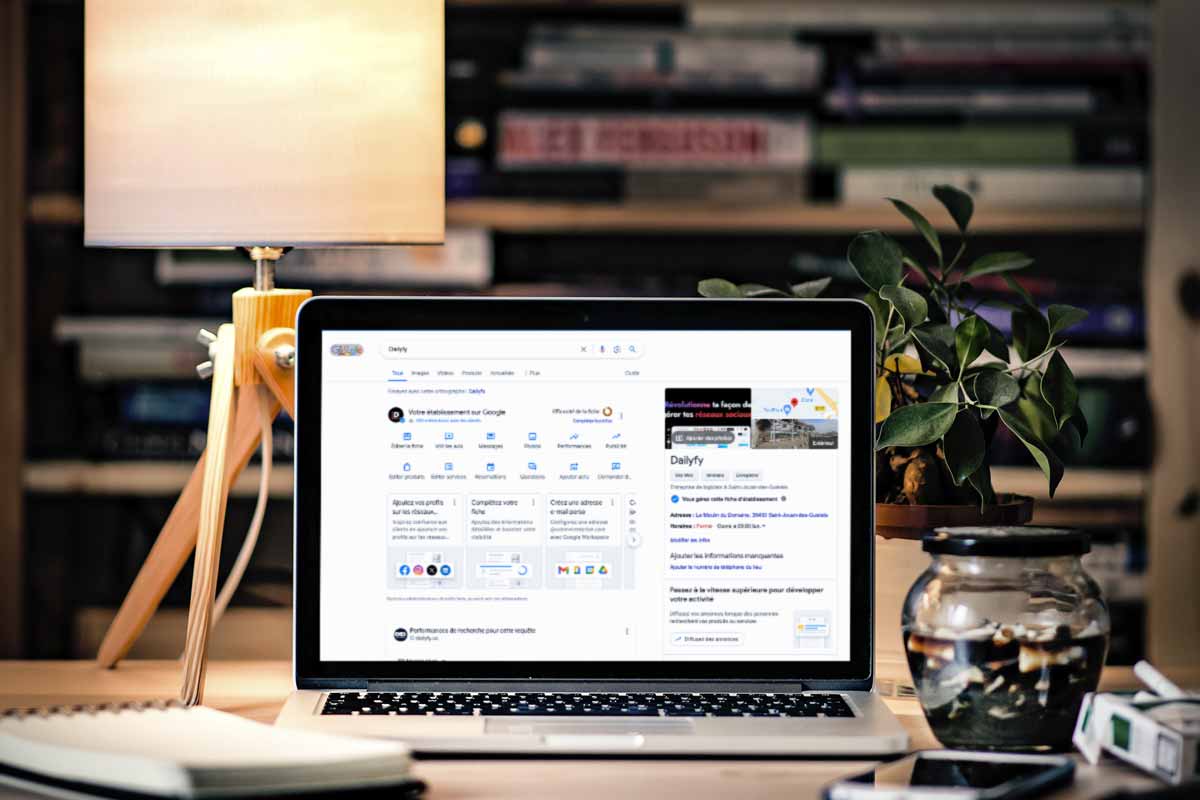
Your Google Business Profile is often an early point of contact with a local customer. Accurate opening hours and an address are essential, but posts can add timely information: an upcoming event, a current offer or news about your activity. Publish because the information helps someone choose, not because a fixed posting rhythm supposedly guarantees rankings.
What a profile post adds
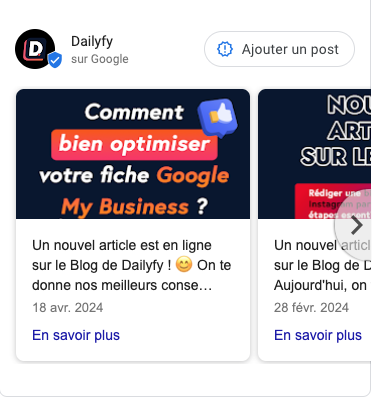
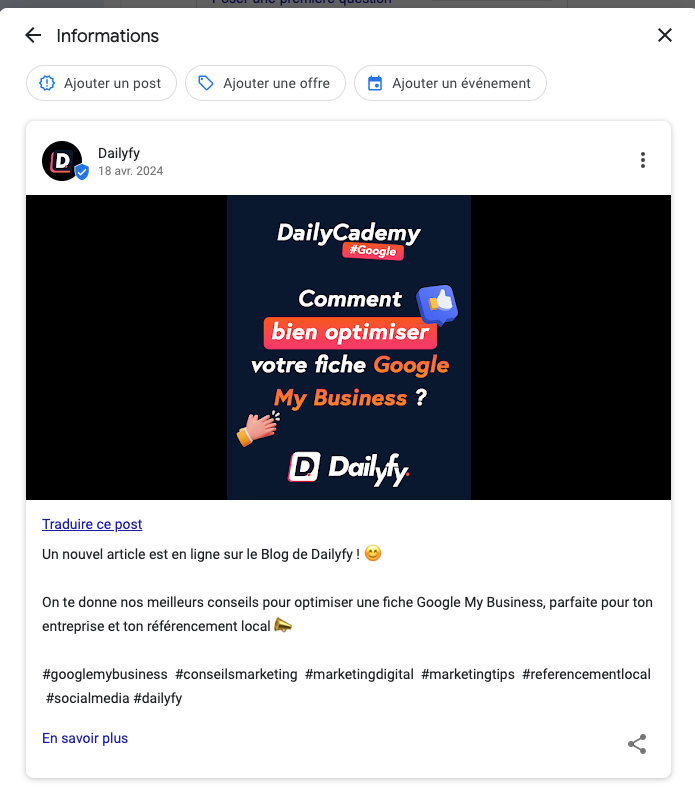
Posts can appear with your business information across supported Google surfaces. Their presentation depends on the context and available features. They complement the profile rather than replacing its permanent information or your website.
Keep the destination useful. Someone interested in an offer should reach the corresponding details, not an unrelated homepage. Check that important information remains available outside a temporary post when customers will need it later.

Choose the appropriate format
Updates
Use an update for relevant business news, a service introduction or a practical announcement. Explain what changes and who it concerns. Add suitable media and an available action where it genuinely helps the reader.
Offers
Present the actual benefit, applicable dates and important conditions. Make restrictions understandable before someone commits. A promotional message should not imply that every visitor qualifies if eligibility is limited.
Events
Describe the event, its location and relevant schedule. Check the date and time fields available in the editor. Explain whether booking is needed and provide an appropriate next step if the format supports it.
Prepare publication with Dailyfy
Dailyfy helps organise supported Google publications alongside other social content. Start from a common idea, then adapt the wording and format for each destination. A Facebook caption is not automatically the right text for a local business update.
Check the chosen establishment, dates, media and destination before publishing. When several profiles are involved, make sure local details remain correct rather than distributing inaccurate opening or offer information everywhere.
Three habits that improve clarity
1. Use useful visuals
Choose photographs or supported videos that show the actual subject. Inspect the preview and possible cropping rather than assuming one old dimension rule applies to every format. Keep essential text readable and use media you have permission to publish.
2. Maintain the conversation
Monitor reviews and relevant customer questions through the features available for your profile. Respond with reliable information. Do not assume that every previous Google messaging feature is still present or connected to your workflow.
3. Keep the message focused
Lead with the useful information. Use a clear action such as learning more or booking when supported and appropriate. Avoid unnecessary repetition, exaggerated claims and announcements whose conditions are missing.
Measure without confusing the indicators
Review the available profile performance data. Searches, views and customer actions describe different aspects of visibility. Aggregate profile actions do not automatically identify which individual post caused a call or visit.
For website destinations, tagged links and a correctly configured analytics tool can help distinguish traffic. They do not reveal every customer journey or prove all sales resulted from a post. Compare similar periods, consider other changes and use the evidence to improve useful information rather than chase a guaranteed ranking effect.