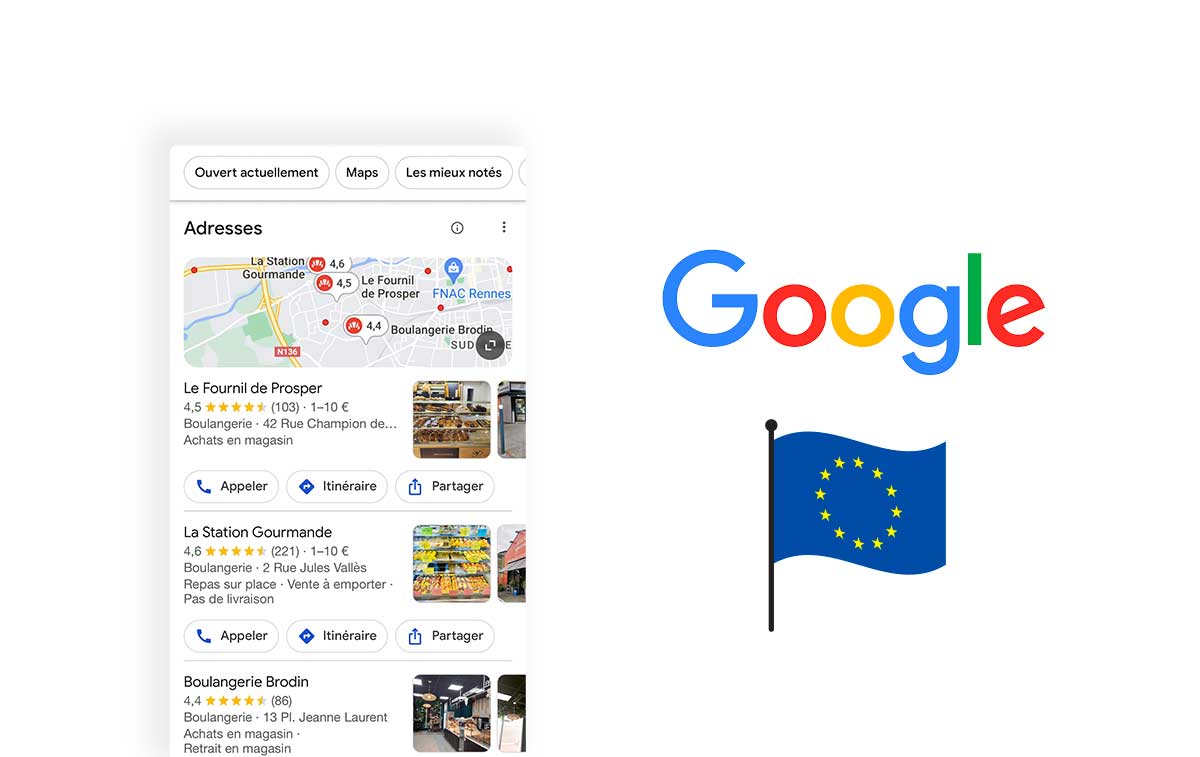

Google Business Profile, previously called Google My Business, lets eligible businesses manage information that can appear in Google Search and Maps. It helps people identify a local offer and find practical details before contacting the business. It is not a replacement for a website or a guarantee of search rankings.
What does the profile contain?
A profile can present a business name, address or relevant service area, hours, telephone number, website and photographs. Customers can also encounter reviews and supported updates. Available fields depend on the business and the features offered.
The objective is to make the business understandable and reachable. A person should be able to check where to go, when you are open and whether your offer matches the need, without comparing contradictory information across several sources.
Why use it?
The profile supports local discovery by making relevant information available in Google's services. Genuine photographs and reviews can help visitors evaluate what to expect. You can respond to feedback and share useful updates through the functions currently available.
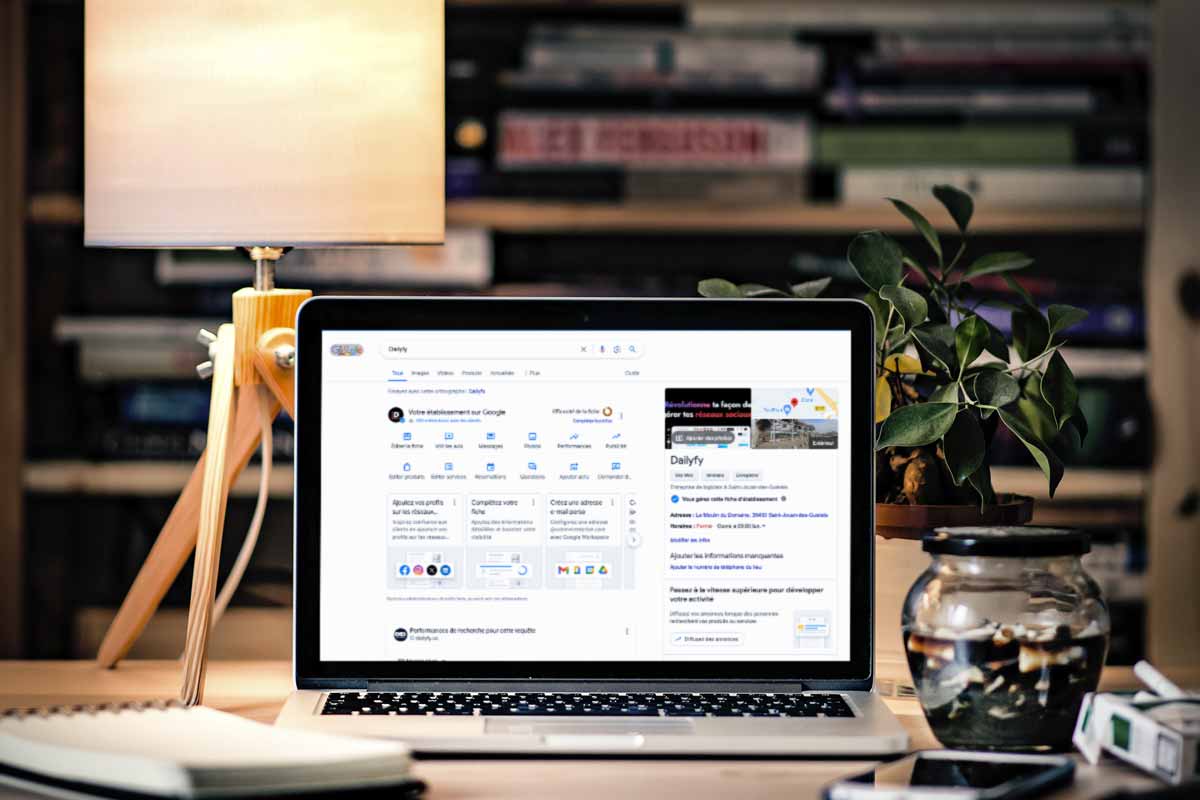
Performance information can also help you understand some interactions with the listing. None of these benefits means every business will appear above competitors or obtain more customers simply by opening an account. Results depend on more than a completed form.
Four steps to get started
1. Prepare the right account
Use a Google account that the organisation can manage securely. Check eligibility before starting. Not every online-only business or unstaffed location necessarily qualifies for the same type of local profile.
2. Find or add the business
Search for an existing listing before creating another. If one exists, follow the appropriate claim or access process. Do not assume that seeing a profile gives you permission to control it. Supply accurate details when adding an eligible business.
3. Complete verification
Follow the method Google offers for your case. Available options can vary and may require evidence of the business. Do not rely on an old promise that you can always choose a postcard, phone call or email.
4. Complete useful information
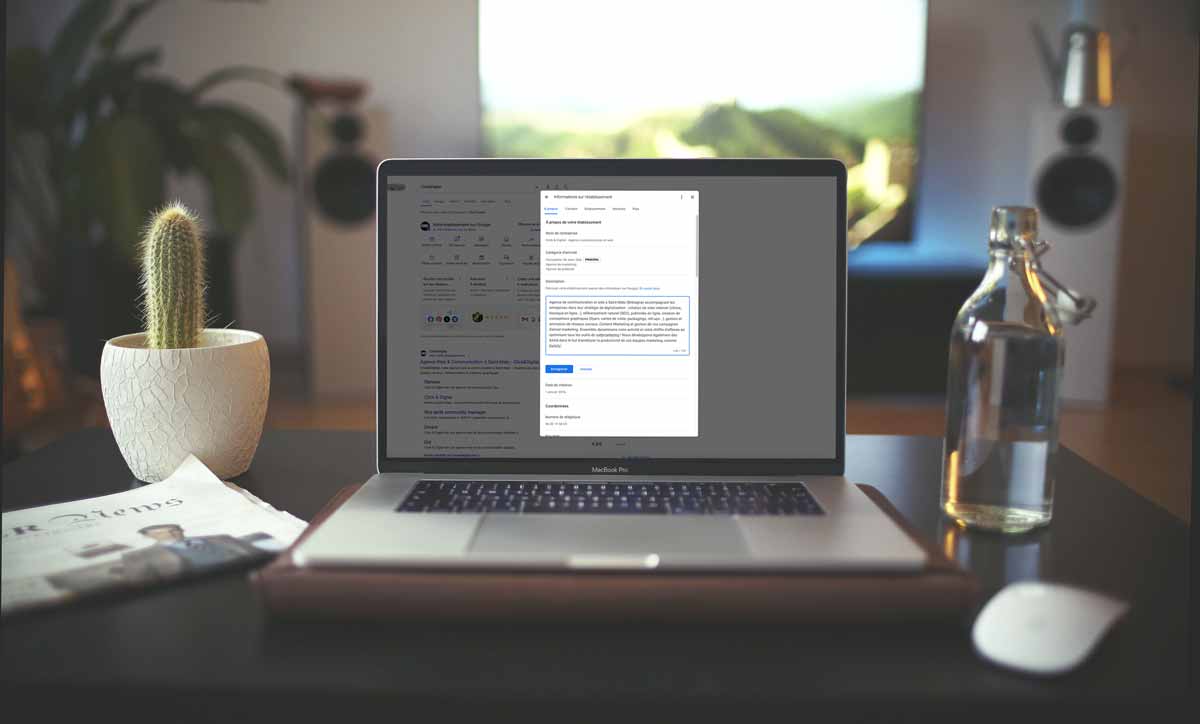
Review hours, contact details, categories and description. Add representative photographs and relevant services. More information is helpful when it is accurate and appropriate, not when every field is filled with repeated keywords.

Maintain a reliable local presence
Update changes to hours, address and telephone details. Use the actual business name and natural descriptions. Make the website destination useful and consistent with the profile, especially when the organisation operates several locations.
Invite authentic reviews without rewards or selective requests only to satisfied customers. Respond politely, address practical issues and keep private information out of public replies. A negative review is not automatically an illegitimate one.
Use posts and data thoughtfully
Publish updates, offers or events when useful, checking applicable dates and conditions. Review the indicators available for your profile without treating every action as a completed visit or sale. A regular posting schedule does not establish a direct ranking guarantee.
Assign responsibility for checking the profile and coordinating changes with other business information. The strongest starting point is a clear, maintained resource for customers, not a collection of shortcuts aimed at manipulating local search.