Prepare your post
Choose profiles and write your post as usual.

Inside your post, Dailyfy suggests each profile’s best slots using your own statistics. One click sets the date.
14 days free, no credit card required
When scheduling, Dailyfy shows each profile’s best times around your chosen date, with a reliability score. Click a slot to fill the date. Prefer your own time? You remain free to choose.
Explore publishing calendar.
Choose profiles and write your post as usual.
Dailyfy shows each profile’s best times around your date, with reliability scores.
Click a slot to set the date. You schedule, Dailyfy publishes.
Slots come from your own results, profile by profile, not a general study.
Each suggestion indicates reliability based on available data. The score does not guarantee post performance.
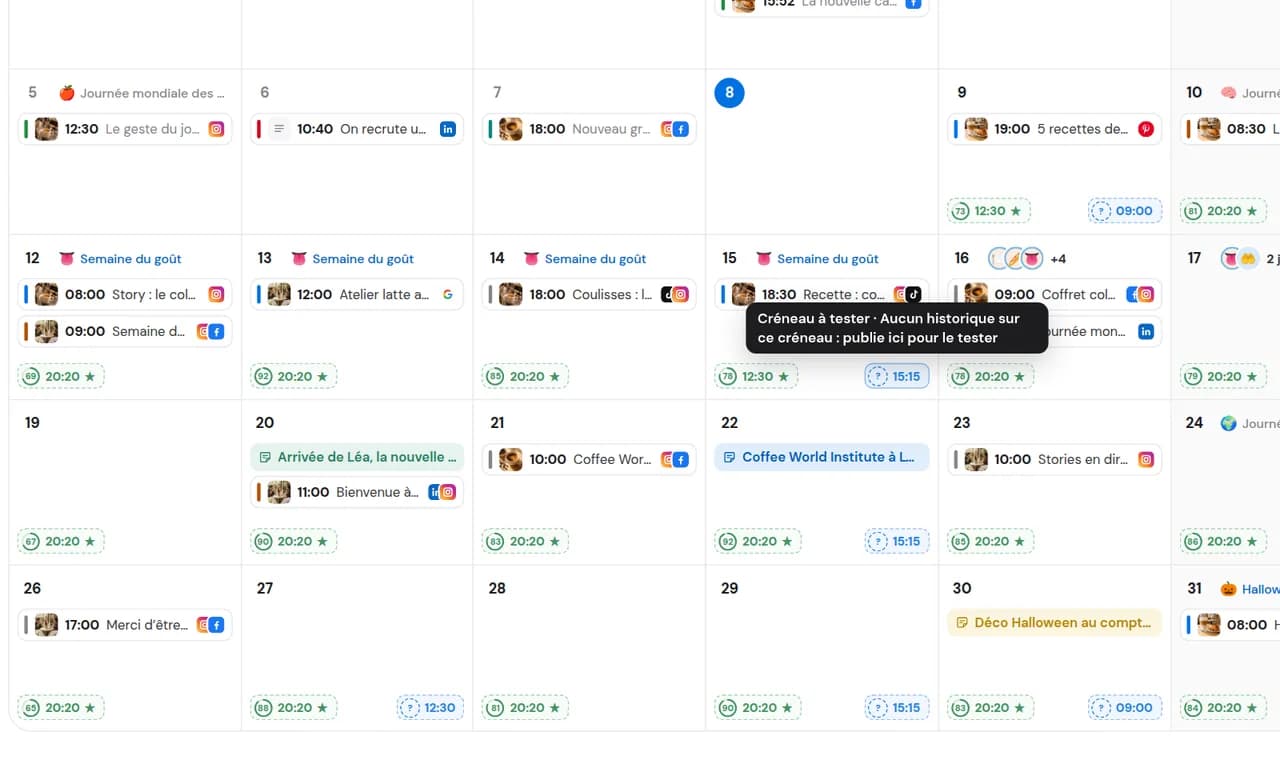
Follow the suggestion or keep your own slot: you decide.
Knowing when your community is online helps, but does not tell you when posts perform. Dailyfy analyses all past statistics: reach, engagement, each post’s lifespan and other signals. A 6 pm post may reach more people immediately, while a 9 am post keeps circulating all day. Dailyfy accounts for those differences.
Recommendations use your published content, network by network, according to available statistics.
Your Facebook page and TikTok account have different audiences and different time slots.
Every new post feeds the recommendations.
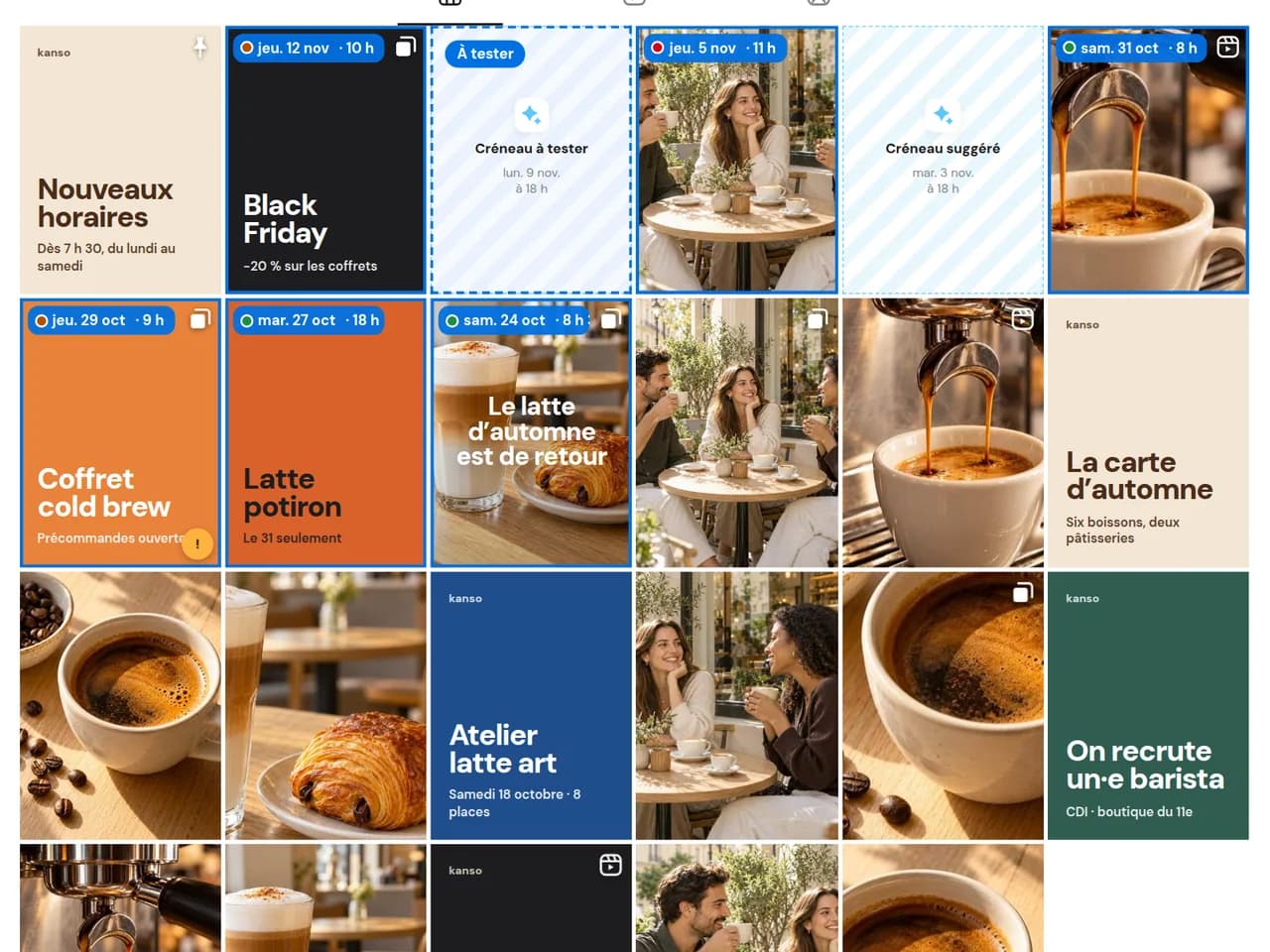
If you always post Tuesday at 6 pm, you will never know whether Saturday morning works better. Dailyfy identifies promising unused slots and marks them “To test”. You publish; Dailyfy measures the result and incorporates it into future recommendations.
Unused slots are flagged in the editor.
Dailyfy tracks the performance of the post published in that slot.
Test results enrich the next suggested slots.
Benchmarking from Start, subject to included tracking
From Start, Dailyfy supplements your data with a benchmark built from a reference dataset. This extra perspective refines recommendations, even when your history is short.
Studies offer starting points, not one time for every account. Their averages include industries and audiences very different from yours. Compare these reference points with your own results.
Sprout Social 2026 highlights favourable periods Monday to Thursday, around midday and in the afternoon depending on the day, in local time. A neighbourhood café and a national brand may see different results.
The 2026 study highlights Tuesday to Thursday, 2–6 pm local time. Use it as a starting point for testing, not a rule for every video.
On LinkedIn, test slots suited to your professional audience’s routine. On Facebook, compare your communities’ habits. Avoid universal averages on both: measure your own profiles.
Your statistics show when posts actually reached and engaged their audience, and for how long. Dailyfy analyses this to suggest your slots.
Place regular content in your best slots, network by network, without spending hours.
Curious about a “To test” slot? Try your next post there and see how it performs.
Share the same news on Instagram, TikTok and LinkedIn: disable “Same post everywhere” and choose each profile’s best time.
Prepare a cross-postPlace regular content in your best slots, network by network, without spending hours.
Curious about a “To test” slot? Try your next post there and see how it performs.
Share the same news on Instagram, TikTok and LinkedIn: disable “Same post everywhere” and choose each profile’s best time.
Prepare a cross-postSprout Social’s 2026 study highlights good weekday results from midday into the afternoon, depending on the day. But the right slot depends on your audience: Dailyfy calculates it from your own statistics.
Sprout Social’s 2026 study highlights Tuesday to Thursday, 2–6 pm local time. Your account’s best slot may differ: Dailyfy suggests it based on your past videos.
There is no universal time for all professional audiences. Dailyfy analyses past results to find when your LinkedIn posts really perform.
It analyses all past statistics: reach, engagement, post lifespan and other signals. Slots are calculated profile by profile.
It indicates recommendation reliability based on available data for the profile and slot. It does not guarantee reach or success.
It is a promising slot you have never used. When you post there, Dailyfy measures the result and adjusts future recommendations.
No. Each profile has its own recommendations based on its own results.
On every network for which Dailyfy analyses statistics.
No. It is a recommendation based on your data. Network algorithms and community behaviour may vary.
It supplements your data with a reference dataset to refine recommendations. It can also help when your history is short, without guaranteeing results.
No. Recommended slots appear in the web editor.
No. It is part of paid plans. Try it free for 14 days without a payment card. Benchmarking is available from Start.
Test your best slots with your own social accounts.
Start for free14 days free, no credit card required