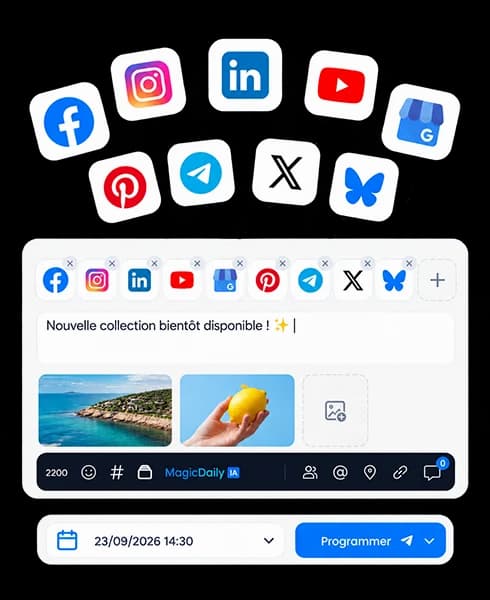
Publish everywhere, in one go.
Prepare a post, select profiles and adapt every version without starting over.

 Facebook
 Instagram
 TikTok
Social media scheduling
Prepare content, adapt each version and choose your time. Dailyfy publishes automatically on supported networks and formats.
14 days free, no payment card
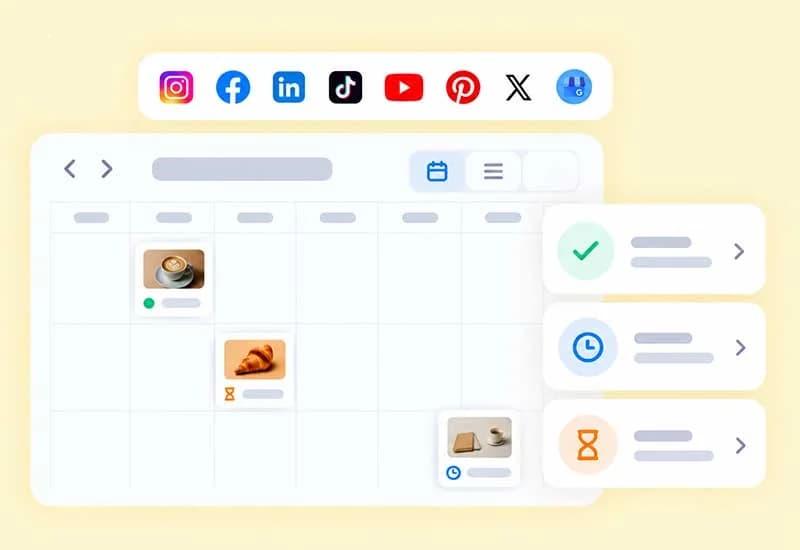
One calendar. All your content.
Go from idea to publication without multiplying tools or copy-pasting. Dailyfy helps you create better and publish more consistently.
FacebookInstagram LinkedInTikTok
 YouTube
 Pinterest
 Google Business Profile𝕏X@ThreadsBluesky
Prepare a post, select profiles and adapt every version without starting over.

Write, rephrase, correct or translate content with AI that respects your brand voice.
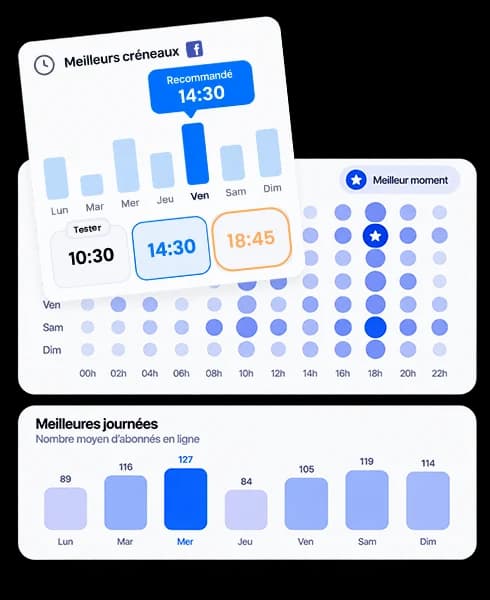
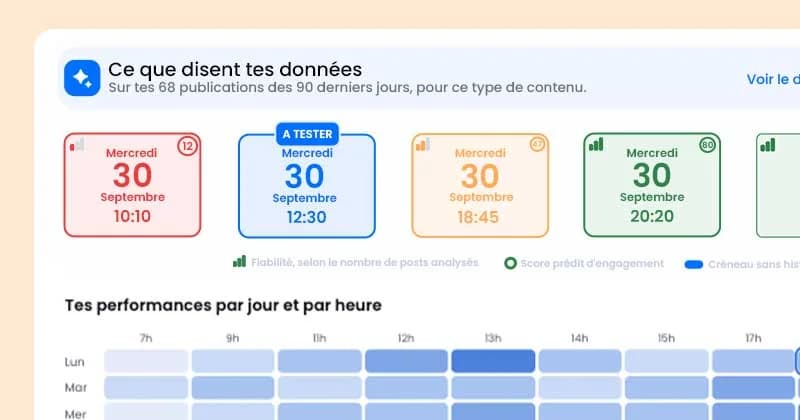
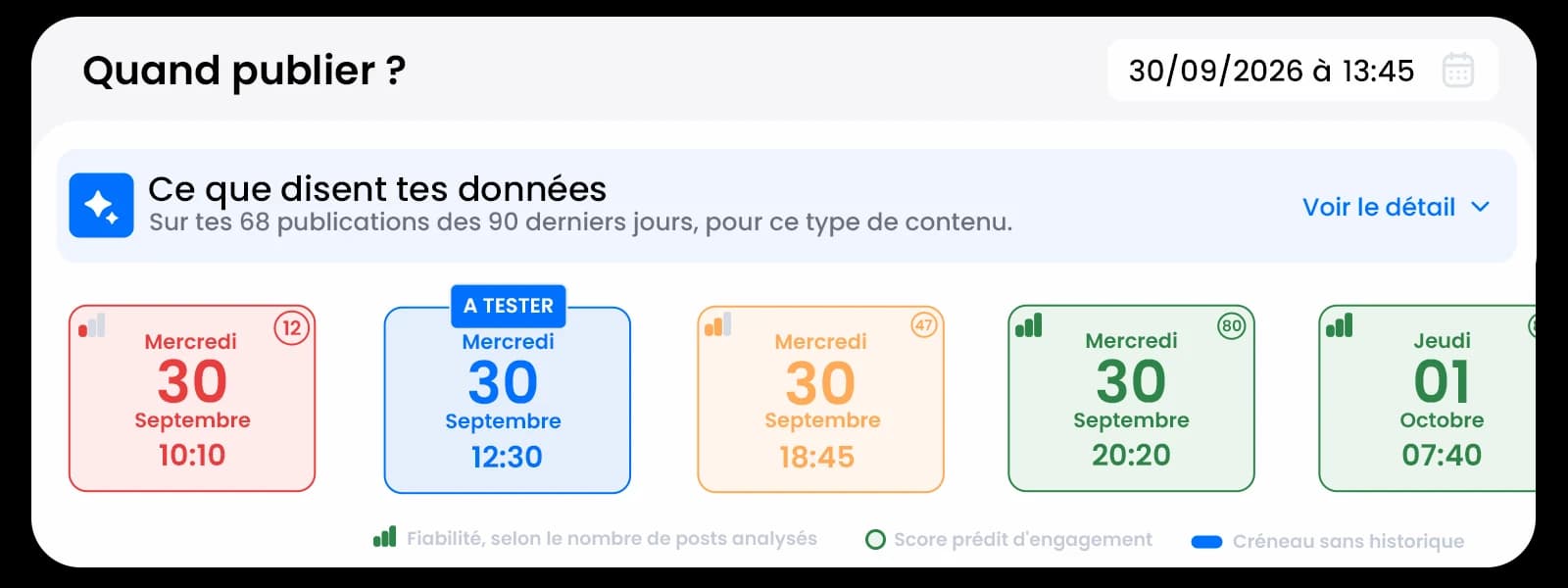
Use your performance to choose a relevant time and reach more of your community.
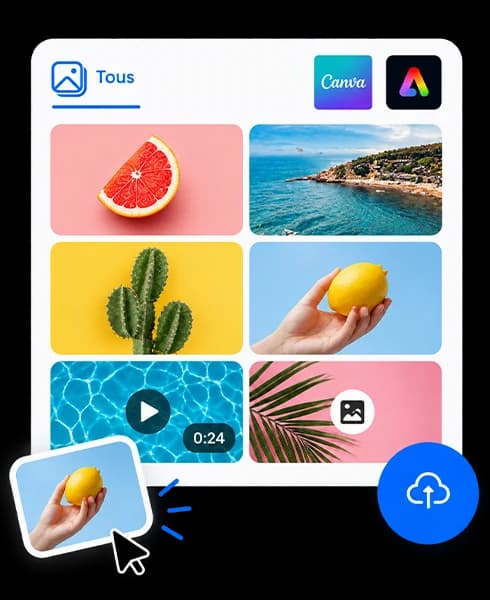
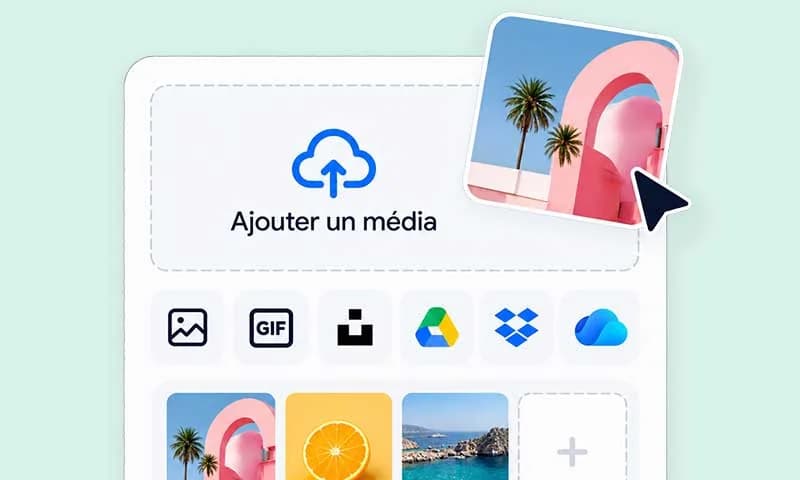
Centralise images and videos and find them without leaving your editorial calendar.
Move from inspiration to final content more easily. MagicDaily helps find an angle, write, rephrase and adapt each version to its network.
Assisted writing
Multi-network adaptation
Rewriting and translation
Less back and forth, copying and open tools. Focus your energy on content that matters.
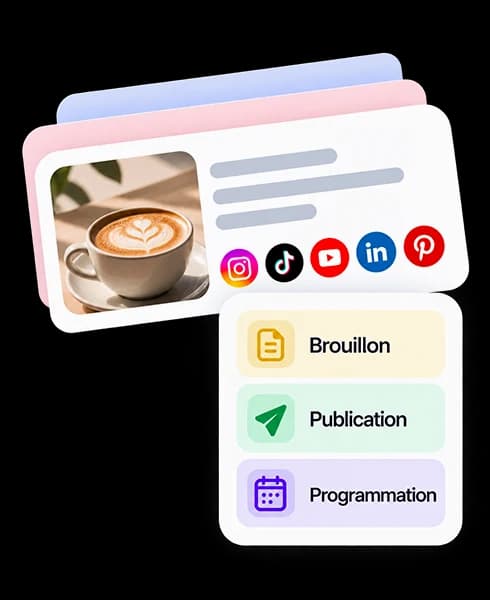
Prepare, preview and schedule content in a clear workflow.
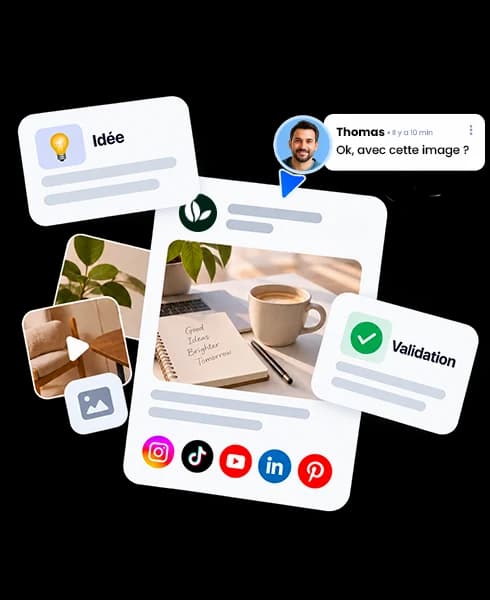
Bring together ideas, media, approvals and all social profiles.
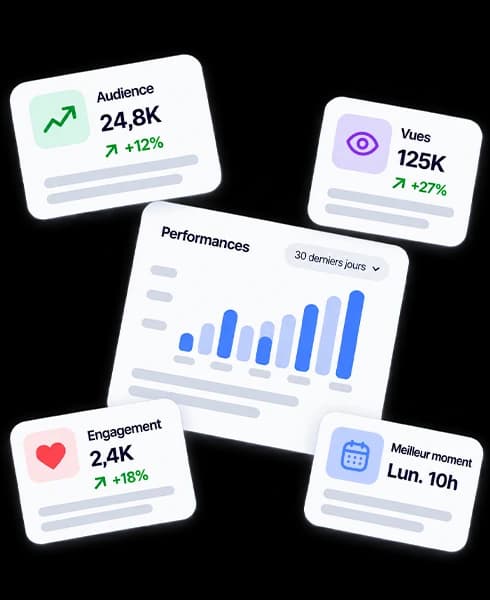
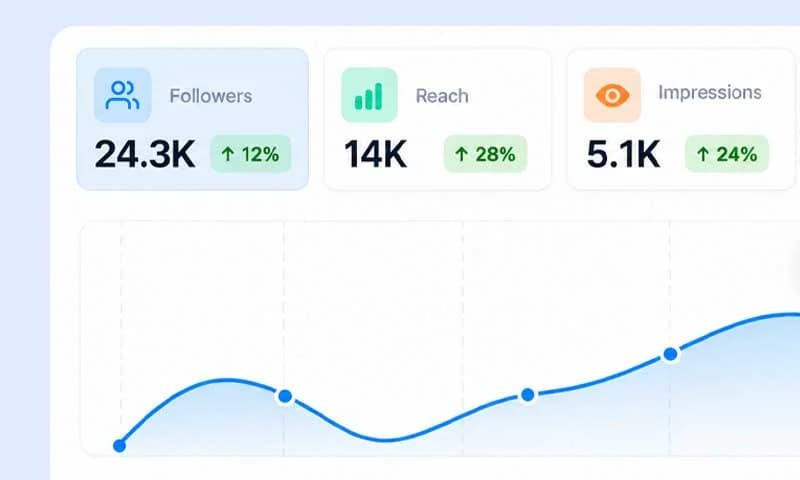
Use results to refine content and choose the right time.
« Dailyfy me fait gagner un temps précieux sur la programmation. Je prépare mes publications à l’avance et je garde une vue claire sur mon calendrier. »
Julie M.
Freelance community manager
« La collaboration avec nos clients est beaucoup plus simple. Ils consultent les contenus et les valident avant publication, ce qui réduit les allers-retours par mail. »
Thomas B.
Digital agency project manager
They move content forward with Dailyfy








Import an image or video from your computer, media library or cloud.
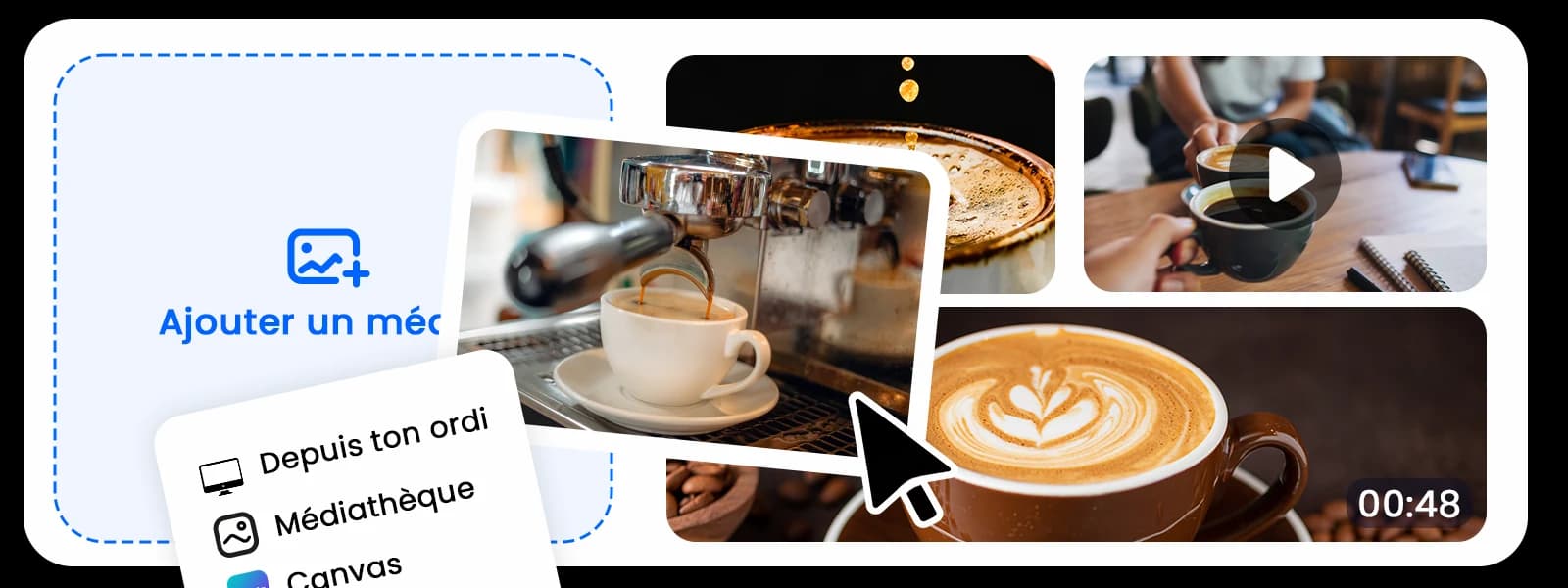
Write your message or ask MagicDaily for a first version.
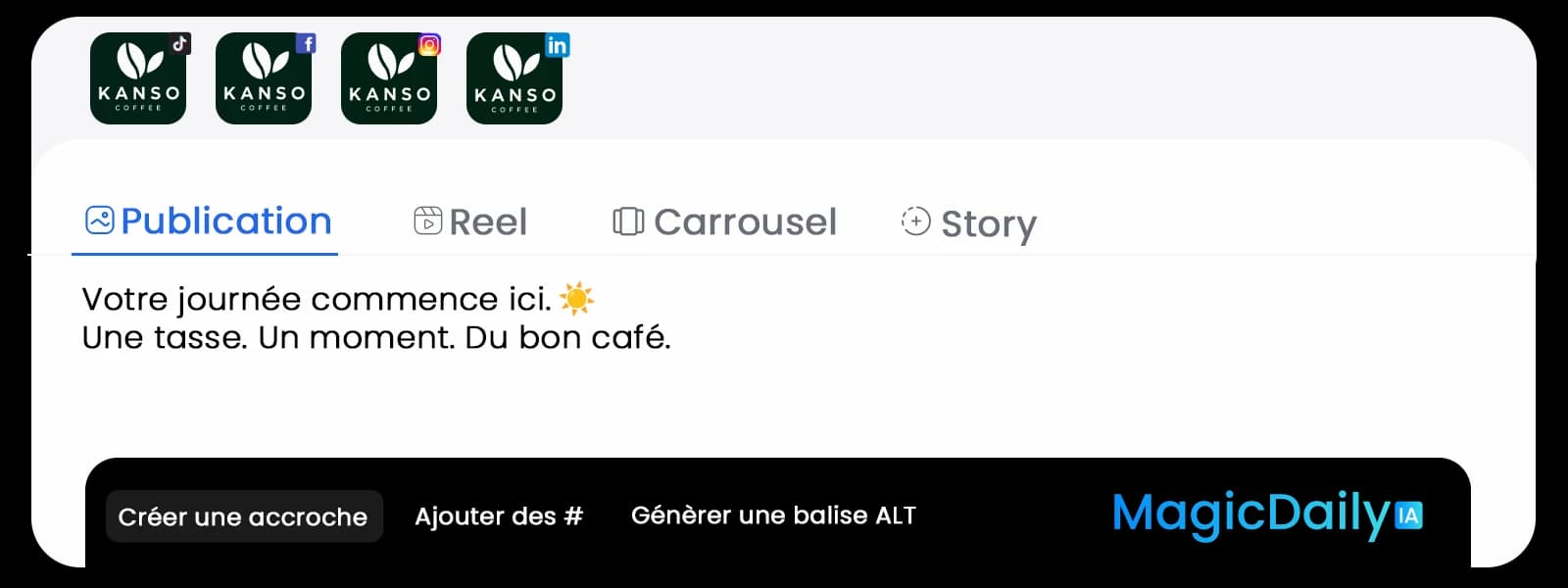
Adjust tone, mentions, alt text and each network version.
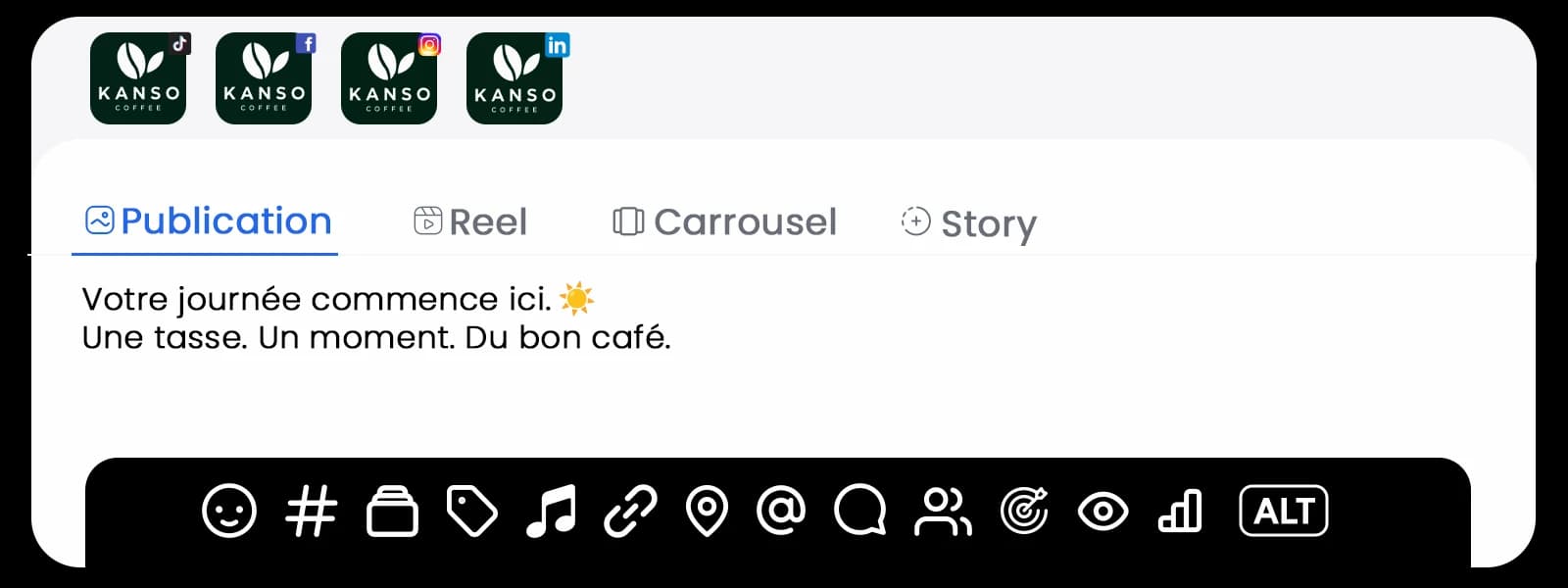
Preview the result, choose the right time and schedule.
Switch views depending on what you need to prepare: a post in detail, your editorial schedule or the harmony of your Instagram feed.
Formats, settings and schedule organisation stay together in one Composer.
Creator, sponsor or local partner: also schedule your Instagram collaboration or collaborative Facebook Reel, with acceptance tracked in Dailyfy.
Give a colour to your content pillars to balance topics in your editorial calendar.
All your formats

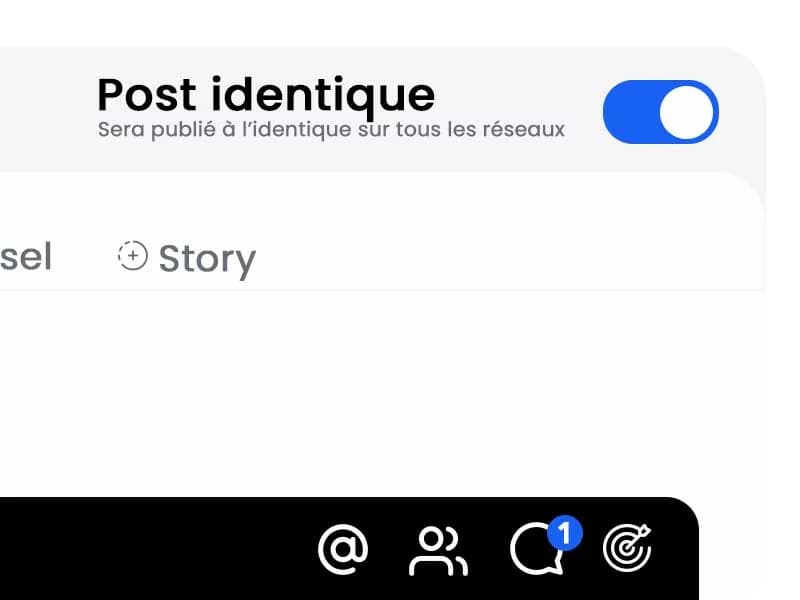
Settings per network
A well-organised schedule
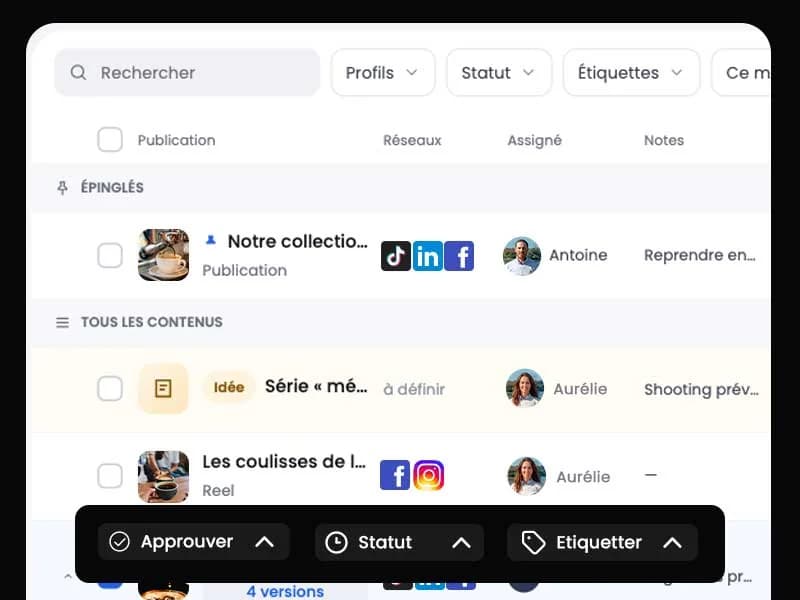
From inspiration to publication, every idea keeps its context. Your team comments, edits and approves in one place.

Antoine added inspiration
Freshly brewed coffee

Aurélie created the post
Kanso Coffee · “The day starts here ☕”

Jean added a comment
“Shall we mention we open at 8?”
Aurélie edited the post
“Your first coffee awaits from 8 am.”

Juliette approved the post
Approved, then scheduled for tomorrow at 8 am

Kanso Coffee

The day starts here ☕
Your first coffee awaits from 8 am.

Jean
Shall we mention we open at 8?
 Juliette approvedFacebookInstagraminLinkedInTikTokYouTubePinterest𝕏X@Threads
Workflow complete
10×
faster content scheduling
1 h
saved every day on social media
5 min
to prepare and schedule your first post
Dailyfy centralises Facebook, Instagram, LinkedIn, TikTok, YouTube, Google Business, Pinterest, X, Threads, Bluesky and Telegram. Available formats depend on each platform’s capabilities.
Yes. Find actual posts, statuses and approvals in a table with columns, filters, sorting and CSV export. List view replaces your file.
Yes. Prepare and schedule formats supported by network APIs, including Instagram and Facebook Stories and Reels and several carousel formats.
Yes. Start with one shared post, then customise text, mentions, hashtags, media or publishing time for each profile.
Yes. Your team can comment, add internal notes, request edits and organise an approval workflow before publishing.
Yes. Preview text and media for each platform before confirming scheduling.
Yes. Create a Dailyfy account and try the platform free for 14 days without a payment card.
Connect networks, prepare content and let Dailyfy publish at the right time.
Start for free14 days free, no payment card, cancel anytime.