Find the post
Draft, scheduled or published: open the post from the calendar or list.

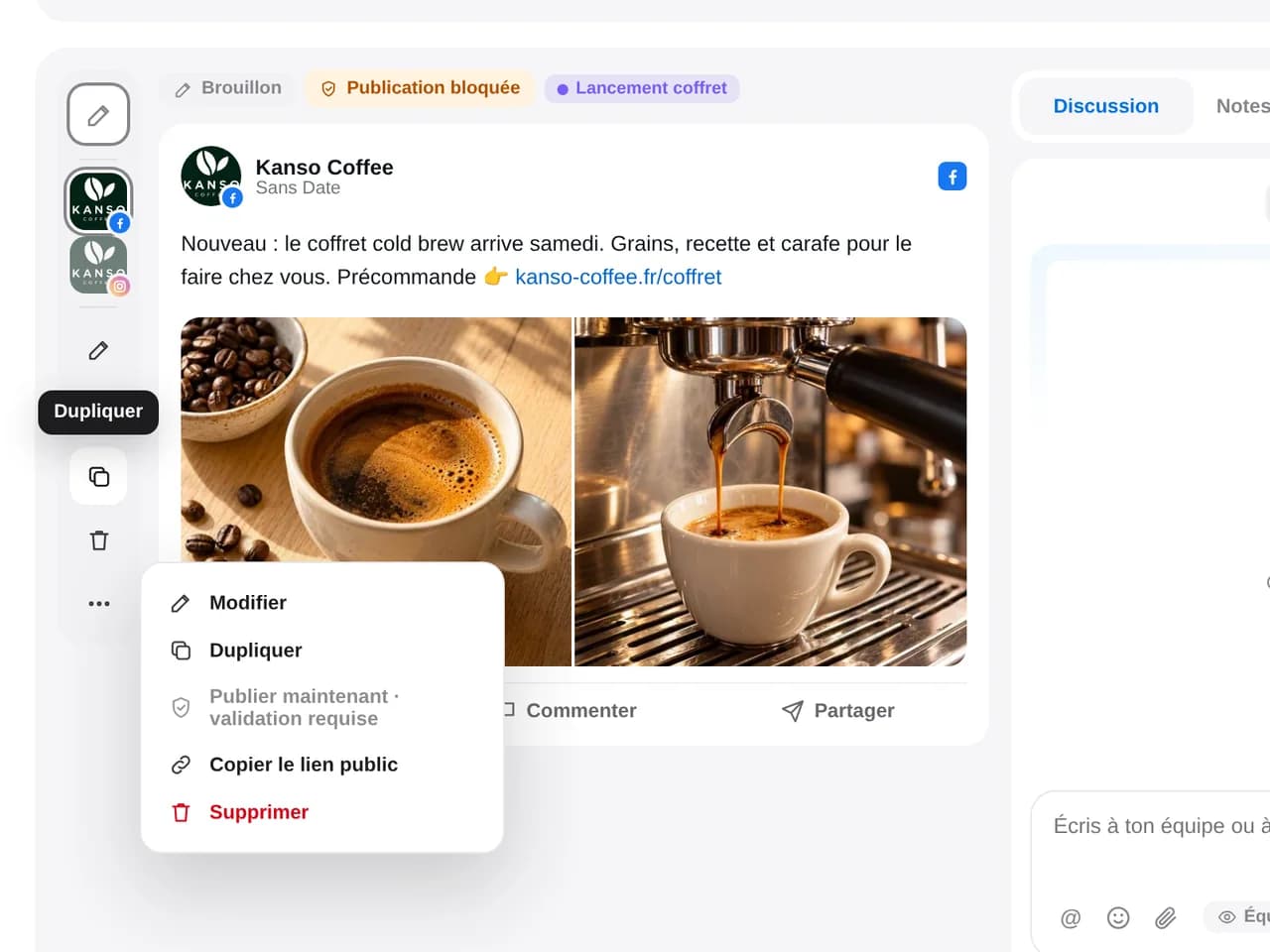
Duplicate a draft, a scheduled post or an already published post. Keep the text, media and settings in a copy ready to adapt and reschedule.
14 days free, no credit card required
The copy keeps what worked and becomes independent. Edit the text, replace the visual, choose other profiles or another date: the original post remains intact.
Draft, scheduled or published: open the post from the calendar or list.
One click creates a draft copy with the original text, media and settings.
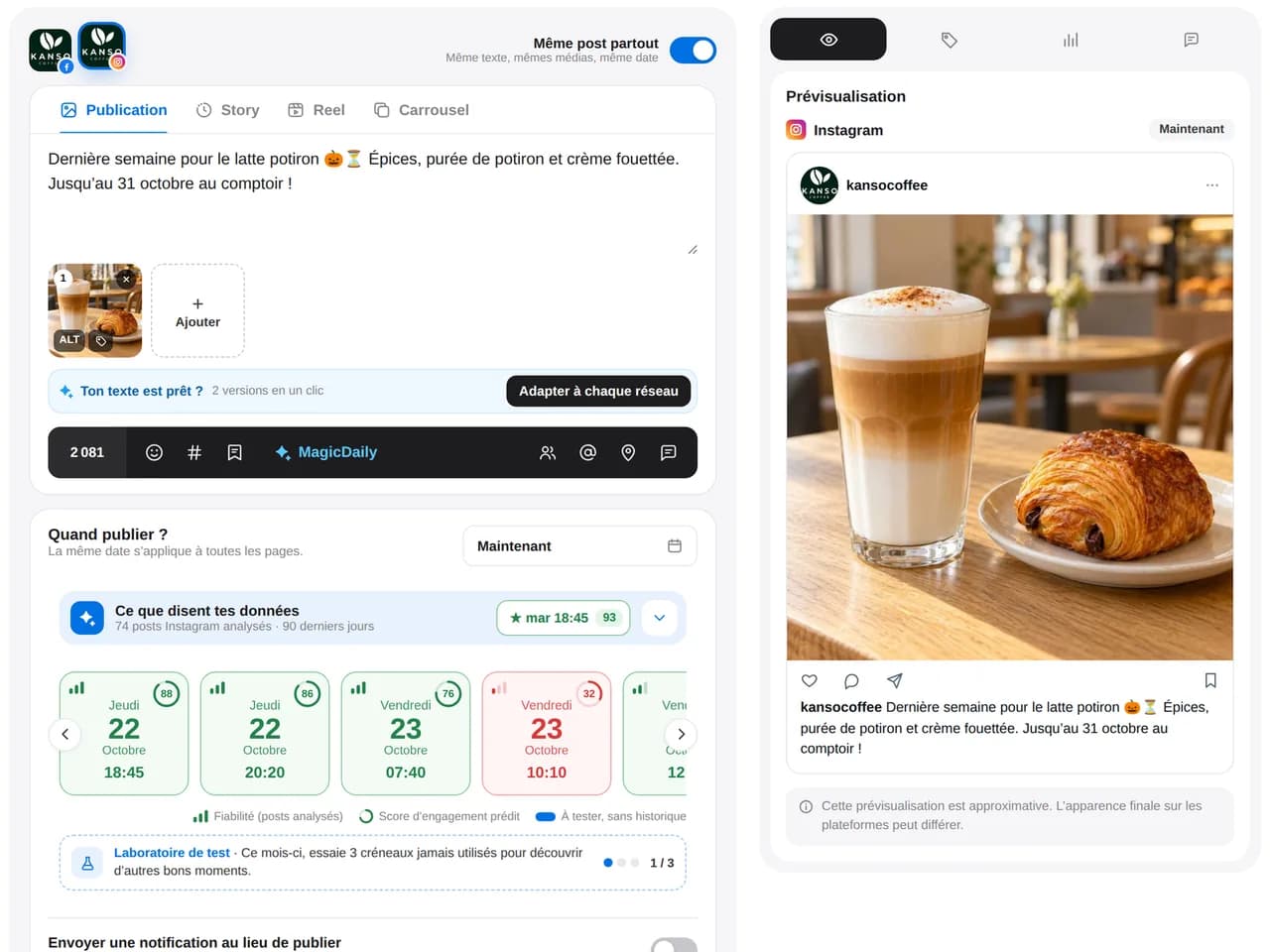
Update the message, visual, profiles and date, then schedule or send for approval.
The copy is independent: none of your changes affect the source post.
A tip, FAQ or successful offer: republish it at the right time without rewriting.
Add more profiles to the copy to publish everywhere in one go.
Explore cross-posting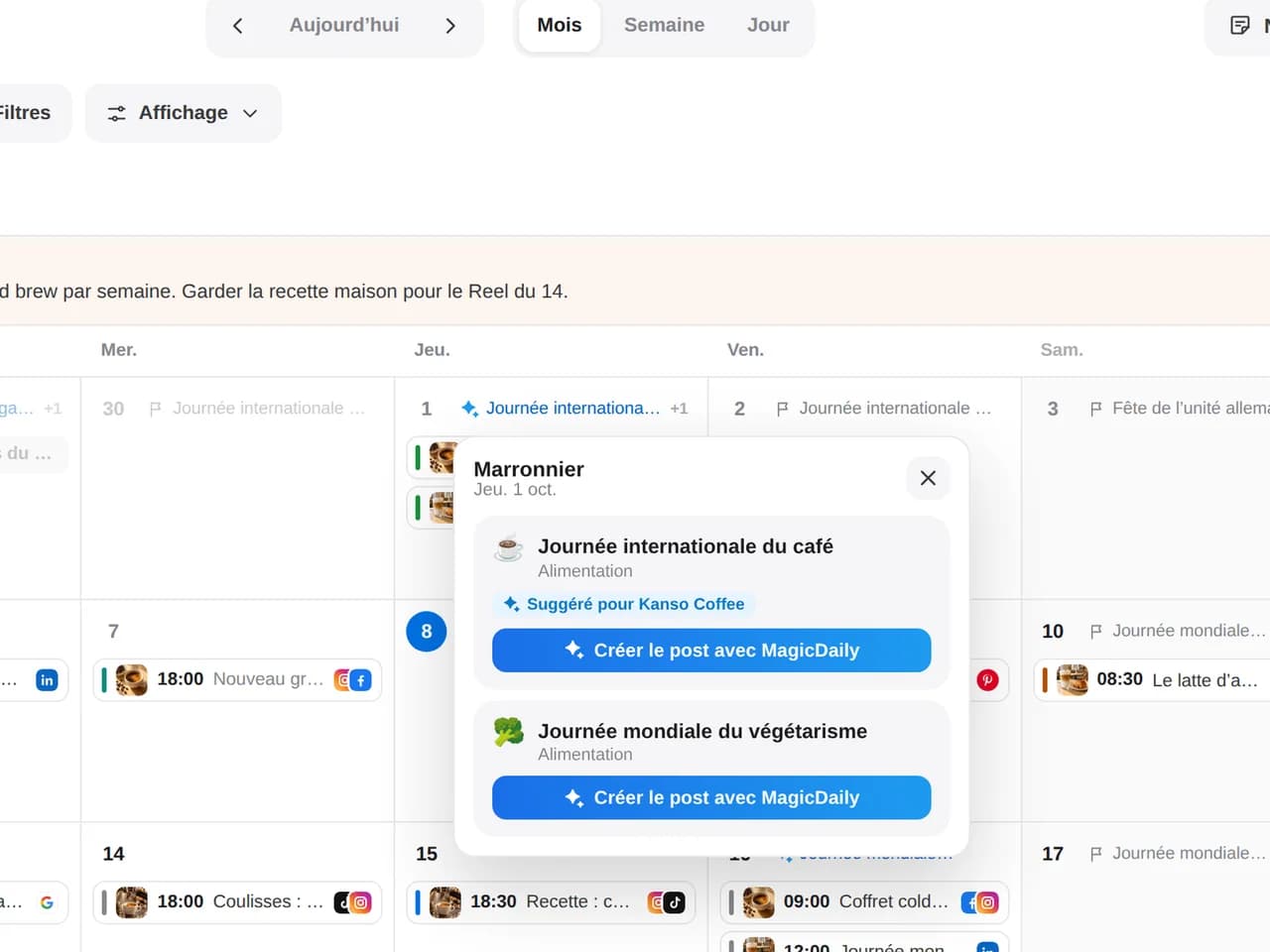
Sales, back-to-school, Mother’s Day: start with last year’s post and update the dates.
Today’s menu, Monday’s tip, the monthly recap: the structure is already ready.
Duplicate a national post and adapt it for each location or store.
Explore multi-location brandsSales, back-to-school, Mother’s Day: start with last year’s post and update the dates.
Today’s menu, Monday’s tip, the monthly recap: the structure is already ready.
Duplicate a national post and adapt it for each location or store.
Explore multi-location brandsOpen the post in Dailyfy and duplicate it: the copy keeps the text and media. Make changes, choose a date and schedule. This feature republishes your own content, not another account’s.
A draft, scheduled post or published content, on any network.
No. Dailyfy creates a separate copy. The original post’s status, date, content and approval remain unchanged.
Yes, if your workspace uses approval. The copy starts as a draft without the original’s approval and follows its own approval workflow.
Content that stays useful over time: a tip, tutorial or answer to a frequent question. Ideal for duplication: republish it months later with a new image or opening.
Yes. Remove the original profile, select another or add several to publish everywhere in one go.
Yes. Duplicating a post into another DailySpace is only available with a custom plan.
Duplicate one of your best posts and reschedule it in seconds.
Start for free14 days free, no credit card required