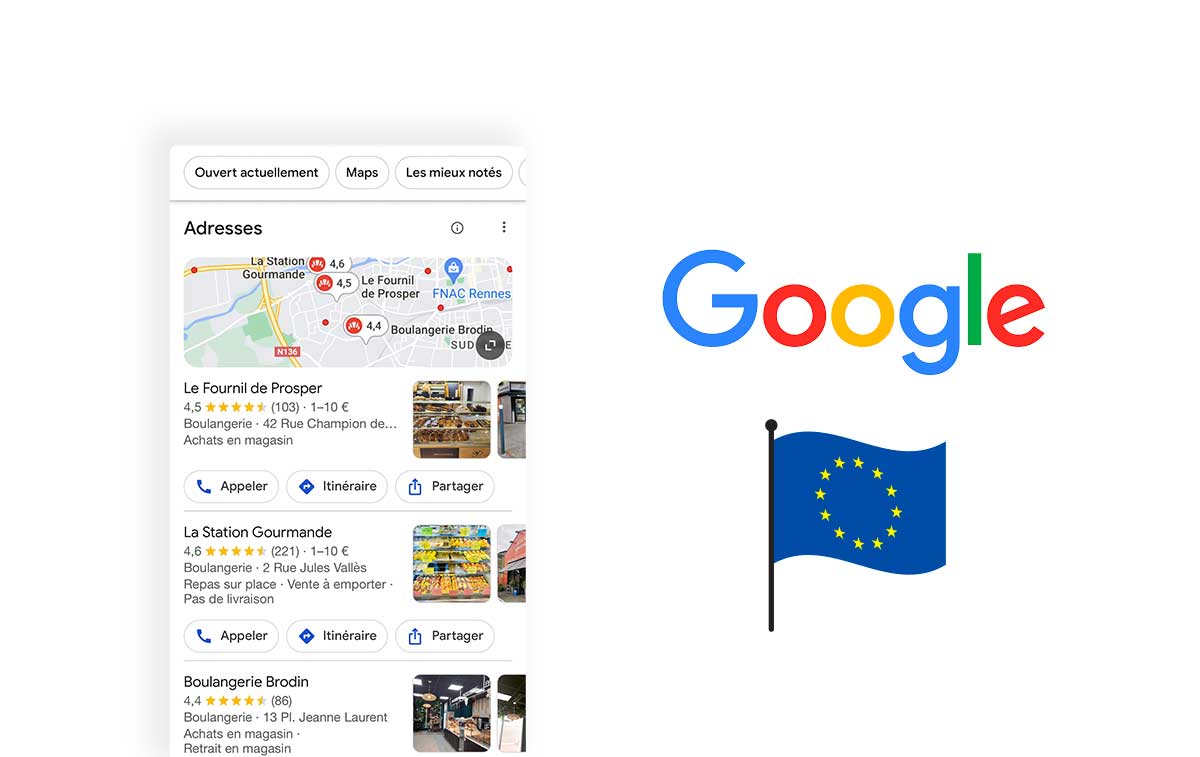

Improving a Google Business Profile starts with information customers can trust. Formerly Google My Business, the service supports eligible local businesses in Search and Maps. Use the following checks to organise maintenance, not as a promise that a fixed checklist guarantees top positions.
1. Check basic information
Review name, address or eligible service area, telephone number, website and hours. For multiple locations, maintain accurate local details on the appropriate profiles. Do not create additional listings merely to target different search terms or repeat an existing establishment.
2. Choose accurate categories
Select the main category that actually describes the business and relevant additional categories where appropriate. Competitor research can prompt questions, but copying a neighbour's category is not a substitute for describing your own activity honestly.
3. Write a clear description and use the real name
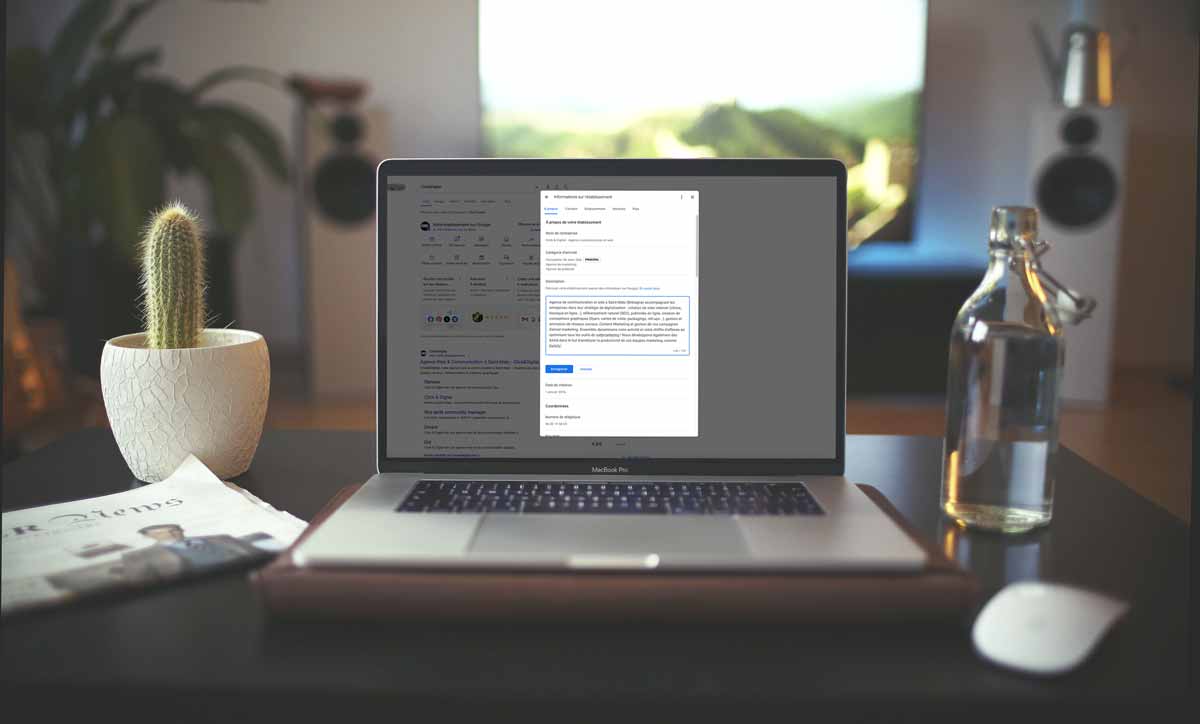
Explain genuine services in natural language. Respect the current description requirements and place links elsewhere. Do not add location and service keywords to the business name unless they are genuinely part of its real-world identity.
4. Add an appropriate website destination
Use the designated website field and check that the link works. A location-specific page may be more helpful for a branch than a generic homepage. Make sure the destination provides matching contact details and a clear next step.
5. Choose useful photographs and videos
Show actual premises, products and work through supported media. Check image quality and permissions. Do not treat embedded GPS metadata as a proven ranking trick. Visitors need an accurate impression, not a gallery assembled only for search engines.
6. Invite and answer genuine reviews
Ask for honest experiences without rewards or selection restricted to satisfied customers. Do not prescribe keywords or wording. Reply professionally to praise and criticism, protect private information and use recurring feedback to improve the actual service.
7. Publish relevant updates
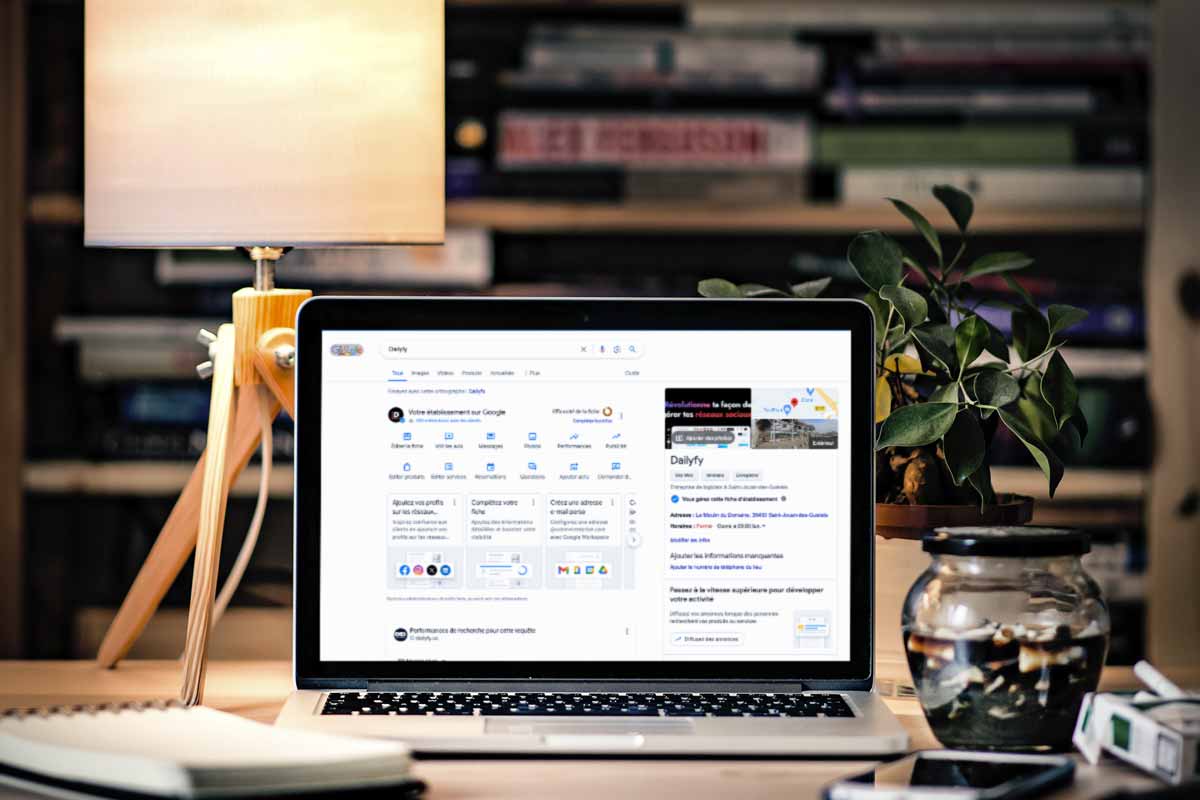
Use available update, offer and event formats when there is something useful to announce. Check dates, conditions and the destination. Dailyfy can help organise supported publications. Posting frequency alone should not be presented as a guaranteed ranking factor.
8. Examine available performance
Review the metrics actually provided for the profile. Searches, views and customer actions mean different things. A call-button click does not establish a completed conversation, and aggregate activity does not automatically attribute revenue to an individual post.
9. Complete the offered verification
Follow Google's current instructions for your business. Available methods vary; do not assume a universal choice of postal code or phone call. Keep management access secure and give colleagues permissions appropriate to their responsibilities.
10. Maintain changes consistently
Update relocations, holiday hours and contact changes promptly. Review other relevant directories and the website for inconsistencies. Check current contact features instead of relying on an old instruction to activate a messaging option that may no longer exist.
11. Use understandable language
Explain what customers need without unnecessary jargon. Check that services, attributes and conditions match reality. Read the profile as someone unfamiliar with the company would read it, and remove ambiguous claims.
Make the checklist a routine
Assign an owner, record important changes and revisit the profile when the business evolves. Useful optimisation is ongoing accuracy and clear communication. It does not require manipulating names, manufacturing reviews or promising results that the available evidence cannot establish.