
The right Instagram format respects the subject, destination and publishing route. A product photo, carousel tutorial and video demonstration have different needs. This 2027 edition helps you prepare and check files before delivery. Sources were checked on 20 November 2026; the dimensions are production starting points, not announcements of future capabilities or promises of reach.
Choose the content before the template
Start with the question the content must answer. A photograph shows a material, several slides explain a process and video makes a gesture visible. Automatically choosing the tallest frame does not necessarily improve understanding. Preserve a wide scene when its relationships matter instead of removing useful details to fill a screen. Format is a storytelling choice before it is a pixel count.
Write a production brief with four fields: destination, essential message, intended action and publishing route. Add rights and approval requirements. For example: “feed photo, finish detail, consult product sheet, scheduling through a verified connection”. This prevents a late discovery that the designer prepared a Story while the team expected a persistent profile post.
Understand width, height and ratio
Dimensions in this guide always mean width × height. A 1080 × 1920 file is vertical; 1920 × 1080 is horizontal. Ratio describes proportions, not file weight, sharpness or compression. Two images can share a ratio with very different resolutions. Enlarging a small blurred image does not recover lost detail; obtain a better source where possible.
The table suggests common working canvases to adapt to the real publishing route. It is not an exhaustive technical limit list. For photos in the app, consult Instagram's resolution help. Access was restricted during our review, so we do not claim to have reread it directly. In particular, a creative template is not proof that 3:4 is universally supported.
| Use | Production canvas, width × height | Ratio |
|---|---|---|
| Square photo | 1080 × 1080 px | 1:1 |
| Portrait photo | 1080 × 1350 px | 4:5 |
| Portrait: check publishing route | 1080 × 1440 px | 3:4 |
| Landscape photo | 1080 × 566 px | ≈ 1,91:1 |
| Vertical Story / Reel | 1080 × 1920 px | 9:16 |
Photos: square, portrait or landscape?
Square remains useful for a centred composition, simple illustration or reusable variations. Profile changes did not make it forbidden. A 4:5 portrait offers more room for a vertical subject and short title. Landscape may better preserve a location, long object or group scene. Choose the frame that makes the subject understandable on an actual phone.
Illustrative examples from a lighting shop lead to different decisions: a texture detail works in square, a floor lamp in portrait and a room arrangement in landscape. Do not crop the room vertically when relationships between objects are the point. Nor should a tiny horizontal photograph sit in a large vertical canvas merely to follow a convention. The content should justify the space.
Treat 3:4 as a variant to validate
A 1080 × 1440 canvas is 3:4, whereas 1080 × 1350 is 4:5. The extra height does not establish a universal standard. Check acceptance in the app and chosen connection. Successful import also does not establish the profile crop or how every carousel item will be handled.
The Meta media reference specifies an API photo range of 4:5 to 1.91:1. This differs from the native workflow. If your production chain uses the API, export to that chain's requirements. A tool may impose additional checks. Validate the file in the software actually used instead of promising compatibility based on a test elsewhere.
Carousels: build a coherent sequence
Set a shared proportion before designing slides. Let the opening state a specific benefit, then develop one main idea per slide. Finish with a summary or appropriate next step. A useful sequence need not be long: remove repetition rather than filling a theoretical maximum. Check item counts and mixed-media capabilities in your actual publishing route.
Illustrative repair-service example: slide one says “Three checks before requesting a repair”; the next slides cover power, connections and information to prepare; the final slide explains limits and contact details. Do not imply an unqualified reader can perform dangerous work. Read every slide independently and check numbering and transitions. After replacing an image, inspect the whole order, not just the cover.
Stories and Reels: prepare vertical full-screen work
A 1080 × 1920 canvas, or 9:16, is a vertical production starting point for Stories and Reels. It does not guarantee visibility beneath interface controls. Keep essential information away from occupied areas and inspect it on a phone. Template safety guides are design aids, not permanent official margins valid across all screens.
Separate video duration, Story visibility period and publishing-route limits. Do not apply an old two-minute rule or fixed segmentation to every upload. The Meta publishing guide distinguishes media types; your software may not expose all native capabilities. First decide what serves the demonstration, then check current constraints before the final export.
Video: consider sound, captions and covers
Where appropriate, a demonstration should remain understandable without sound. Add reviewed captions without covering hands or products. Check names, units and numbers: automated transcription can turn a correct instruction into misleading information. Music cannot replace a clear explanation, and rights must suit the intended use, including any later paid promotion.
Prepare the cover as a separate composition. It should announce the topic without repeating the script. Check the Reel opening, cover and profile thumbnail separately. For an assembly demonstration, a clear gesture with “Fit the handle” works better than a fifteen-word title. Check that the closing frame does not contain an outdated address or price before publication.
Export a clean source and identifiable variants
Keep editable files, original media and approved exports. Use names showing subject, language, destination, ratio and version. “lamp-en-feed-4x5-v03” is more useful than “final-again”. Export from the source rather than a socially compressed download. Assess sharpness at reading size, not only at magnification that does not represent the audience's experience.
For the API route, Meta's official guide specifies JPEG photos. Do not generalise every API condition to app imports or advertisements. If a check rejects publication, identify whether the cause is the file, permissions, connection or processing status. Randomly reducing dimensions can damage the image without solving the actual issue.
Profile and advertising need separate checks
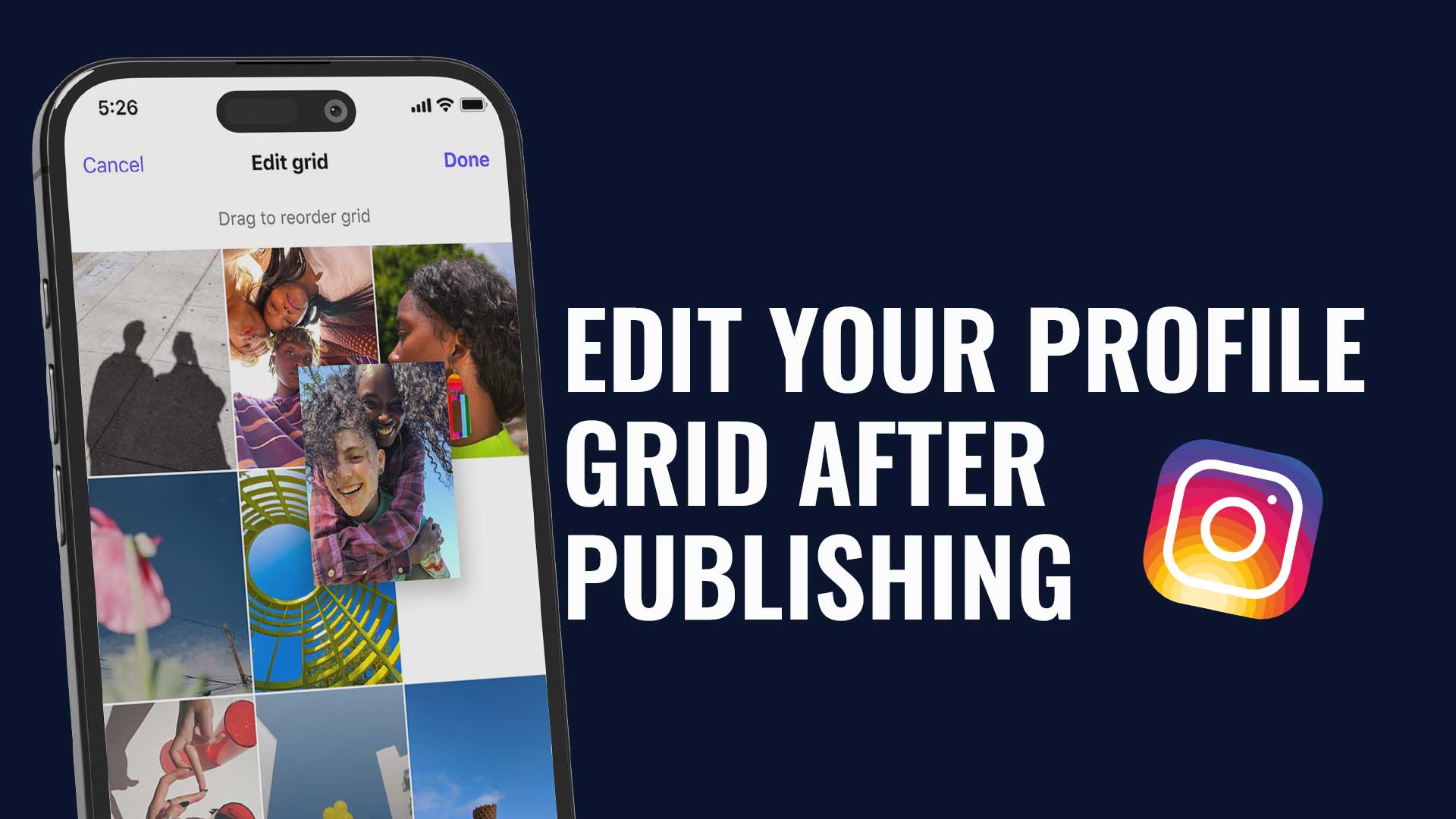
An avatar must remain recognisable when small and circularly cropped. A square source with a centred subject helps; avoid illegible signatures and tiny details. This differs from selecting the ratio of feed photos. Our grid article addresses profile consistency and thumbnail framing rather than production specifications for every media type.
Review advertising in its own workflow for the selected placements. Do not copy organic limits into an ad brief or assume a feed-approved creative covers all paid placements. Inspect preview, accompanying copy, rights and landing page. Archive an advertising variant separately so a promotional asset is not reused outside its intended context.
Delivery checklist and learning loop
Check dimension order, ratio, sharpness, spelling, rights, captions, slide sequence and cover before delivery. Confirm the publishing account and route. Preview every destination after the final modification and record approval. Post previews support preparation but do not replace every in-app rendering check. A checking tool is not a guarantee of perfect distribution.
Continue with Instagram grid consistency, a community manager production workflow and appropriate performance indicators. Measure understanding and useful actions through suitable comparisons. Correct dimensions reduce presentation problems; they do not guarantee engagement, reach or revenue.