
A coherent Instagram grid helps visitors understand your work before opening a post. The move towards taller previews, which began in January 2025, also exposed the weakness of mosaics built from perfectly connected squares. This 2027 edition offers a preparation method, not an announcement of another launch. Sources were checked on 20 November 2026; no future interface change is assumed.
Separate the file, the post and the preview
The file is the image you export. The post is the content opened in Instagram, possibly containing several items. The preview is the thumbnail representing that post on your profile. A file can therefore be accepted, remain readable when opened and still lose its title in the grid. The issue may be thumbnail framing rather than resolution. Identify where the problem appears before changing your media library.
This distinction avoids unnecessary work. If only a decorative border disappears, updating the template for future posts may suffice. If a product name is cut off, correction becomes a priority. If the full-size image is unreadable too, change the composition instead of looking for a grid setting. A thumbnail is an entrance to the content, not a miniature page required to carry every detail.

Keep the 2025 history in 2025
The January 2025 presentation change remains a historical event. It did not ban square images or require every file to become a portrait. Avoid inventing a sequence in which 4:5 replaced every format and was then universally replaced by 3:4. These are different proportions, while profile presentation is another issue again.
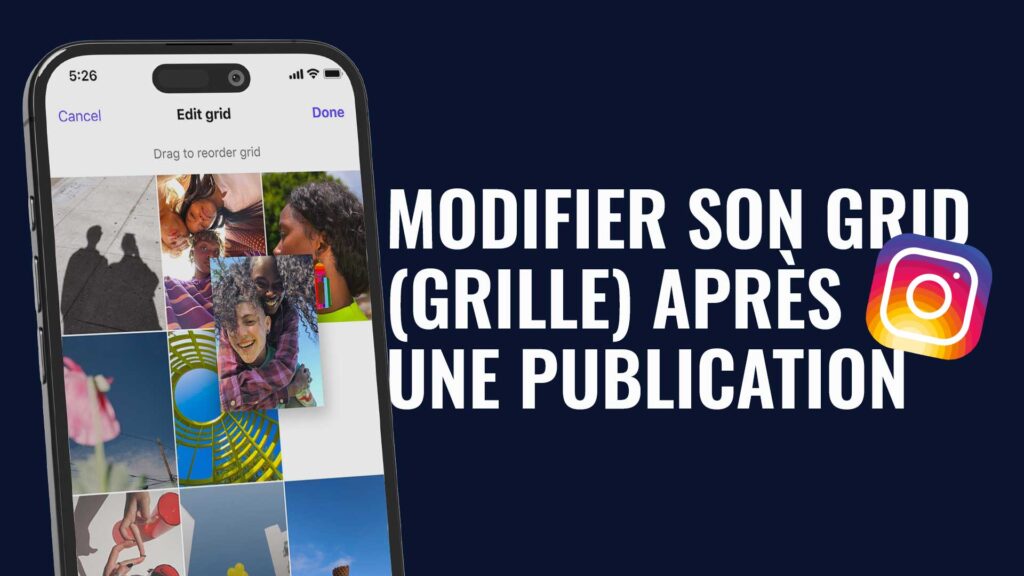
In June 2025, Meta also announced plans to allow grid posts to be reordered. Read the official creativity and profile announcement alongside the options actually available on your account. A rollout announcement does not prove that every account has the same button on every device. An old screenshot is not sufficient evidence of current behaviour.
Use dimensions for testing, not as a universal grid specification
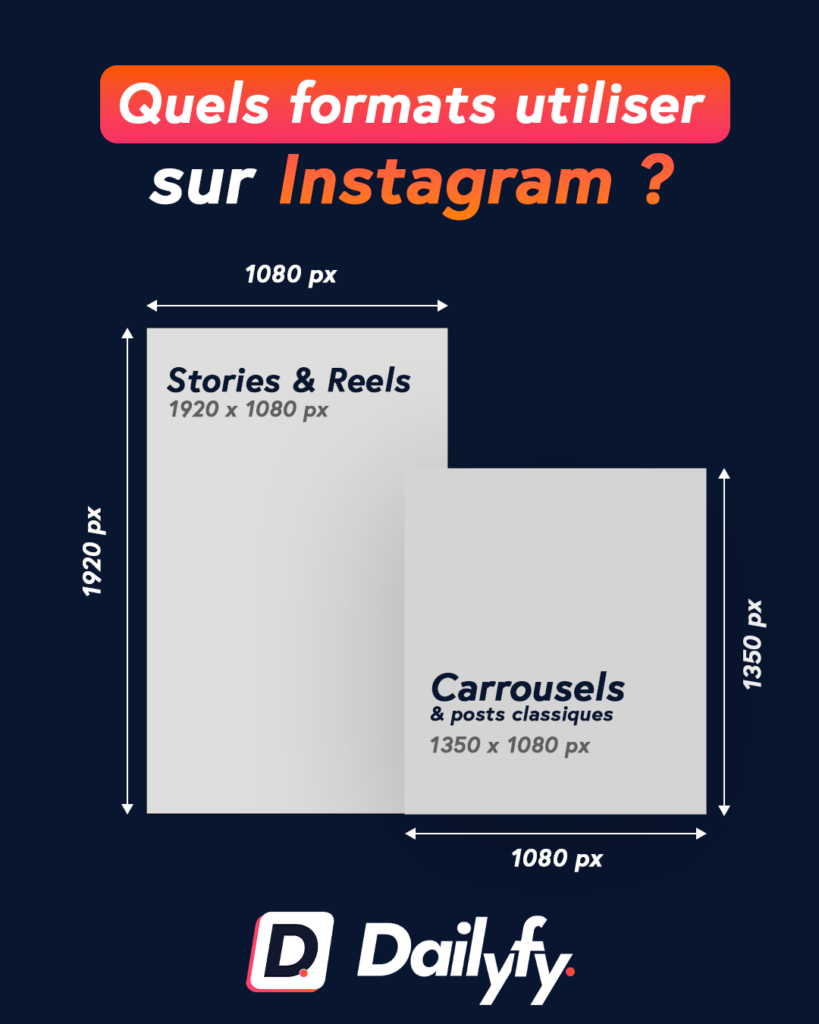
The table below compares working compositions. Dimensions always mean width × height. They do not specify the physical size of an on-screen thumbnail or promise that your software supports a particular file. Use the file-format guide linked below to choose production exports. Here, the task is to check what stays recognisable after a preview crop.
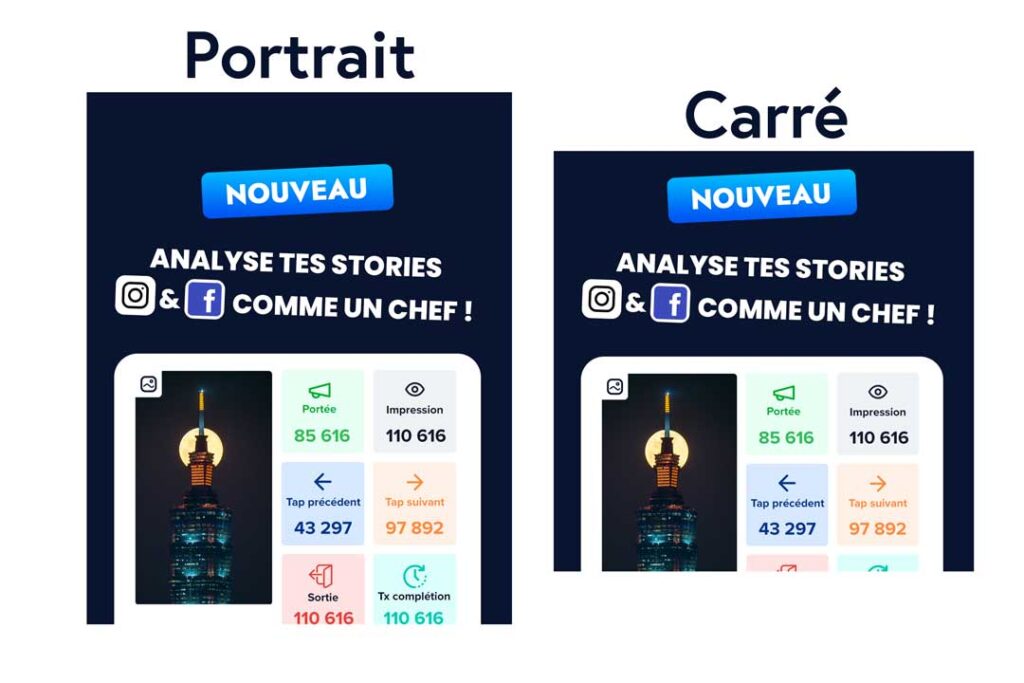
A 1080 × 1350 portrait and a 1080 × 1440 portrait have different ratios. At equal width, the latter adds 90 pixels of height, not evidence of increased reach. A resilient composition keeps its main subject and short title clear when some edges disappear. Do not treat a central area as a permanent safety guarantee: inspect the actual presentation.
| Test composition | Dimensions | Useful check |
|---|---|---|
| Square | 1080 × 1080 px | Title and edges |
| Portrait 4:5 | 1080 × 1350 px | Preview crop |
| Portrait 3:4 | 1080 × 1440 px | Check publishing acceptance |
| Vertical cover | 1080 × 1920 px | Subject in different views |
Audit the first twelve thumbnails
Capture the profile on a phone, then open each post. Record whether the subject is identifiable, the title complete, faces intact and contrast sufficient. Consider neighbouring posts too. Classify problems as missing information, cosmetic inconvenience or no issue. This prevents useful older content from being changed merely because it no longer aligns perfectly.
Illustrative example: a pottery workshop has four square price cards, four product photos and four educational covers. It fixes unreadable prices first, keeps understandable photos and simplifies titles on future covers. It does not need to erase its profile. This is an editorial decision example, not a customer testimonial or a measured performance result.
Adapt an old square without distorting its contents
Return to the editable source if available. Enlarge the canvas and redistribute the photograph, title, signature and secondary information. Do not stretch the whole image to fill a portrait: distorted faces and elongated lettering do not become more professional with additional pixels. A plain margin or matching background can preserve the original without inventing photographic details.
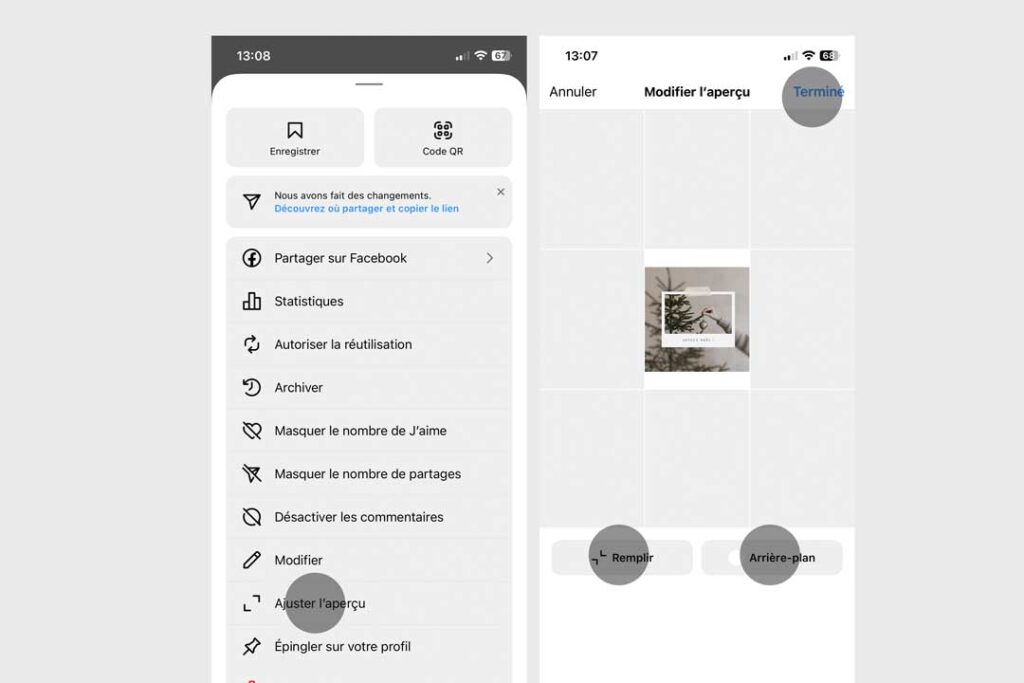
If Instagram offers a preview adjustment for the relevant post, inspect exactly what it changes. Moving the crop does not replace the published file or reorder the entire profile. Labels and capabilities can vary. Return to the profile and then open the post to inspect both views. If no suitable control exists, focus on improving the template for future work.
Replace fragile joins with a recognisable identity
Mosaics extending a sentence or face over several tiles depend heavily on crop and order. A new post, pin or display variation may break the connection. Prefer independent posts linked by palette, typography and cover conventions. Each should remain understandable when discovered alone through a feed or recommendation.
A series does not need to be a puzzle. An architecture practice might use one colour for visits and another for advice, keeping title placement consistent while photographs retain their own composition. The identity survives a change of order. Reserve connected designs for projects that accept this fragility, with an exit plan so the design does not obstruct subsequent posts.
Check the publishing route before exporting
Acceptance in the Instagram app does not prove acceptance in a connected tool. The official API image reference reviewed still specifies a photo ratio range from 4:5 to 1.91:1. Do not claim that every publishing connection supports 3:4. Prepare a compatible variant where required; a portrait preview is not evidence of file compatibility.
The Instagram photo-resolution help page remains the app reference to consult. Access was restricted during this review, so we do not claim to have reread its text directly. Meta's content-publishing guide describes the API route separately. Test the real account and content type before an important delivery: a successful app test does not automatically validate scheduling.
Review Reel covers and first carousel slides separately
A grid cover should offer a clear reason to open the post. Prefer a simple subject and a few informative words to a crowded poster. Check the face, product and title beginning in the preview. The video frame, cover and profile representation are not interchangeable objects whose rendering can be assumed identical.
A carousel's first slide introduces the reading promise, while every slide also needs to work when opened. Do not solve thumbnail problems by squeezing all useful information onto the cover. Show the question instead: “Choosing a clay” is clearer than six accumulated benefits. Check slide order after replacing any file, even if the thumbnail already looks correct.
Make team approval practical
Assign responsibility for the source file and final approval. The first reviewer checks editable elements; the second views the post as a visitor would: small screen, quick reading and neighbouring tiles. Record account, publishing route, template and review date. This helps prevent a Story version from being scheduled as a feed image.
Dailyfy's Instagram grid view can support editorial planning. It should not be described as a native command to reorder previously published posts. A simulation cannot guarantee every detail of app rendering either. Retain a post-publication check for sensitive material and document discrepancies instead of making blind corrections.
Checklist for your next series
Confirm that every thumbnail has an identifiable subject, essential words clear of the edges, enough contrast and undistorted photographs. Inspect the opened file, profile preview and video cover separately. Confirm that the chosen export is accepted by the actual publishing route. Archive editable originals so later revisions do not depend on already compressed downloads.
Success is not only visual harmony. Can a new visitor understand your offer and find the information they need? Continue with our Instagram production-format guide, community manager workflow and social consistency mistakes. A useful grid makes reading easier; it does not guarantee followers or sales.