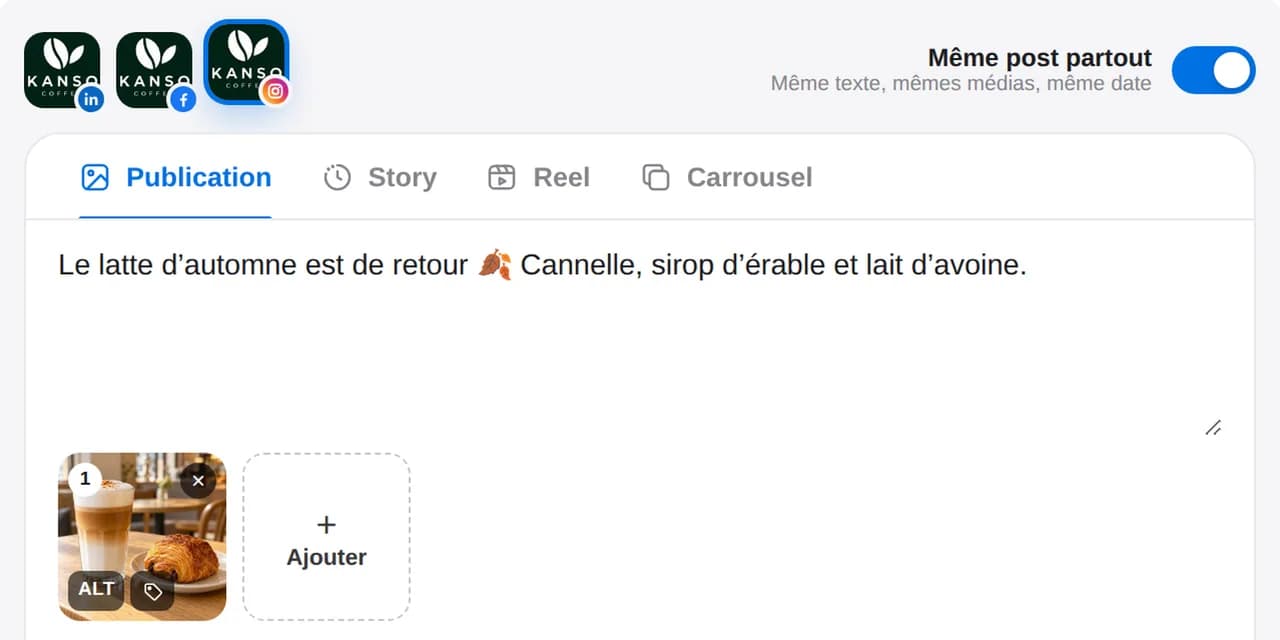
Choose the network
Switch between Instagram, LinkedIn, Facebook and TikTok to see each version in its own format.

Truncated text, badly cropped images, unreadable thumbnails: spot them in each network’s preview before your post goes live.
14 days free, no credit card required
The preview updates as you write, network by network. See where text will be cut off, how images are cropped and what a version is missing, then fix it without leaving the editor.
Switch between Instagram, LinkedIn, Facebook and TikTok to see each version in its own format.
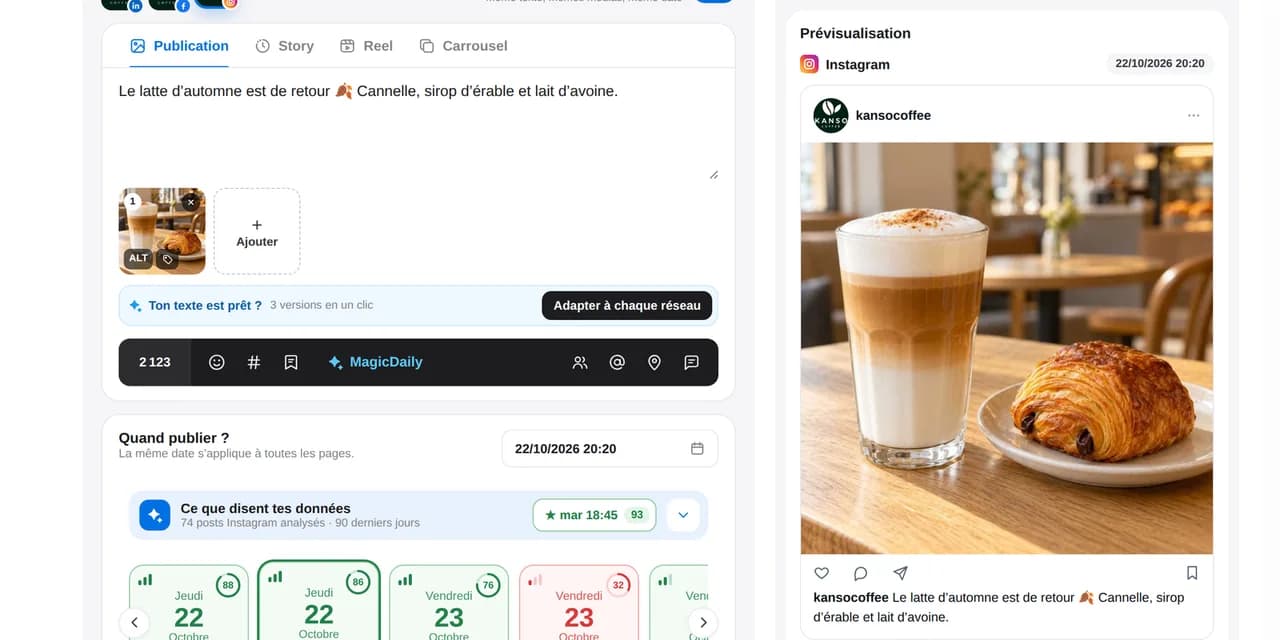
Review the text, cropping, thumbnail and media order.
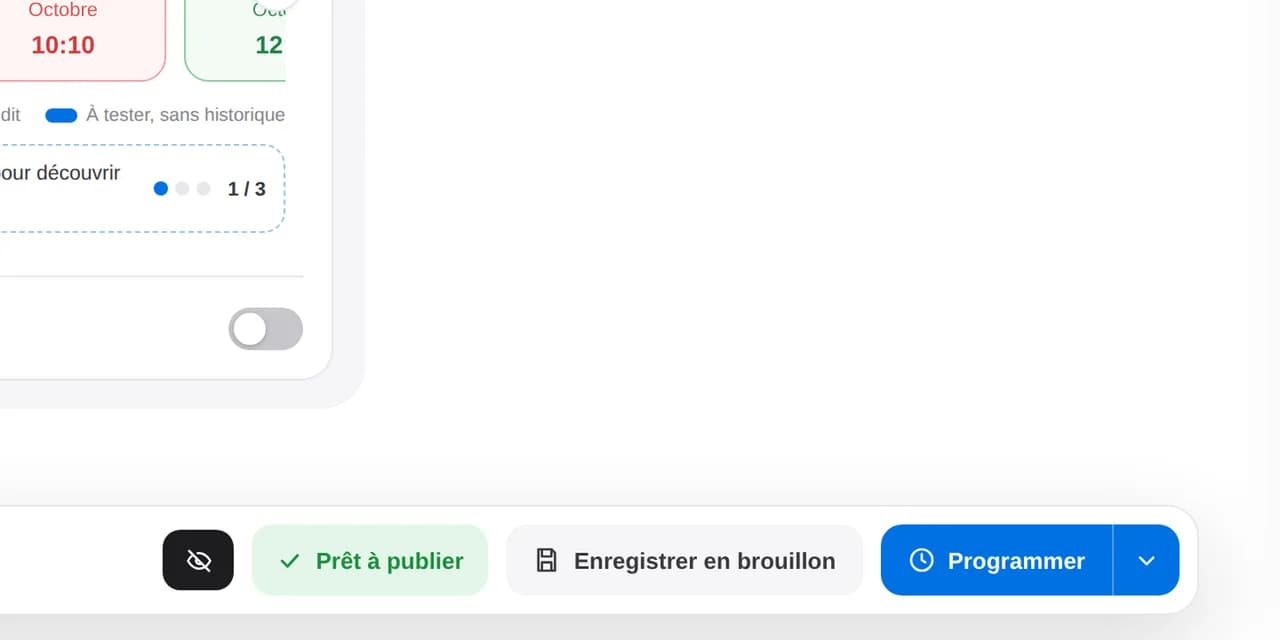
Make changes in the editor: the preview follows every edit in real time.
Spot an awkward “see more” break or a cropped image before your audience does.
Compare Instagram, LinkedIn, Facebook and YouTube versions in one click.
Share a free private link: your client sees the final result and comments without an account.
Explore private linksSee where “see more” appears and put your key message in the opening lines.
Check slide order and the crop of every image before scheduling.
Check that your title and thumbnail are readable in the YouTube preview before scheduling the video.
See where “see more” appears and put your key message in the opening lines.
Check slide order and the crop of every image before scheduling.
Check that your title and thumbnail are readable in the YouTube preview before scheduling the video.
To see how each version will appear on its network before scheduling: text truncation, cropping, media order, thumbnail and link preview.
Select your LinkedIn page or profile in the editor: the preview shows the “see more” break, link card or carousel pages, and the first comment.
It is very close. Each platform updates its interface, so the final appearance may differ slightly.
Yes. The preview covers every network connected to Dailyfy. Switch between them within the same post to check that each adaptation fits its format.
Yes. Send a free private link: your client can see each network’s result and comment without creating an account. This feedback is not formal approval.
Grid view shows scheduled posts above existing posts. Find all the details on the Instagram grid page.
Prepare a post and preview it on each network before scheduling.
Start for free14 days free, no credit card required