Choose a period
Display the week or month you are planning.

Organise topics, campaigns and key dates in a shared editorial calendar. See how posts are distributed across the week or month, with their status and pending approvals.
14 days free, no credit card required
Each post shows its network, profile and status. Add key dates and team notes, filter by campaign, then drag a post to another day without losing track.
Explore automatic scheduling software.
Display the week or month you are planning.
A profile, network, status or campaign: see only what you need.
Organise your content pillars with labelsMove a post to another day, then check the new distribution.
Spot overloaded days, empty slots and posts still waiting for action.
Draft, awaiting approval, scheduled, published: each card shows where the content stands.
Writers, approvers and managers see the same calendar, according to their permissions.
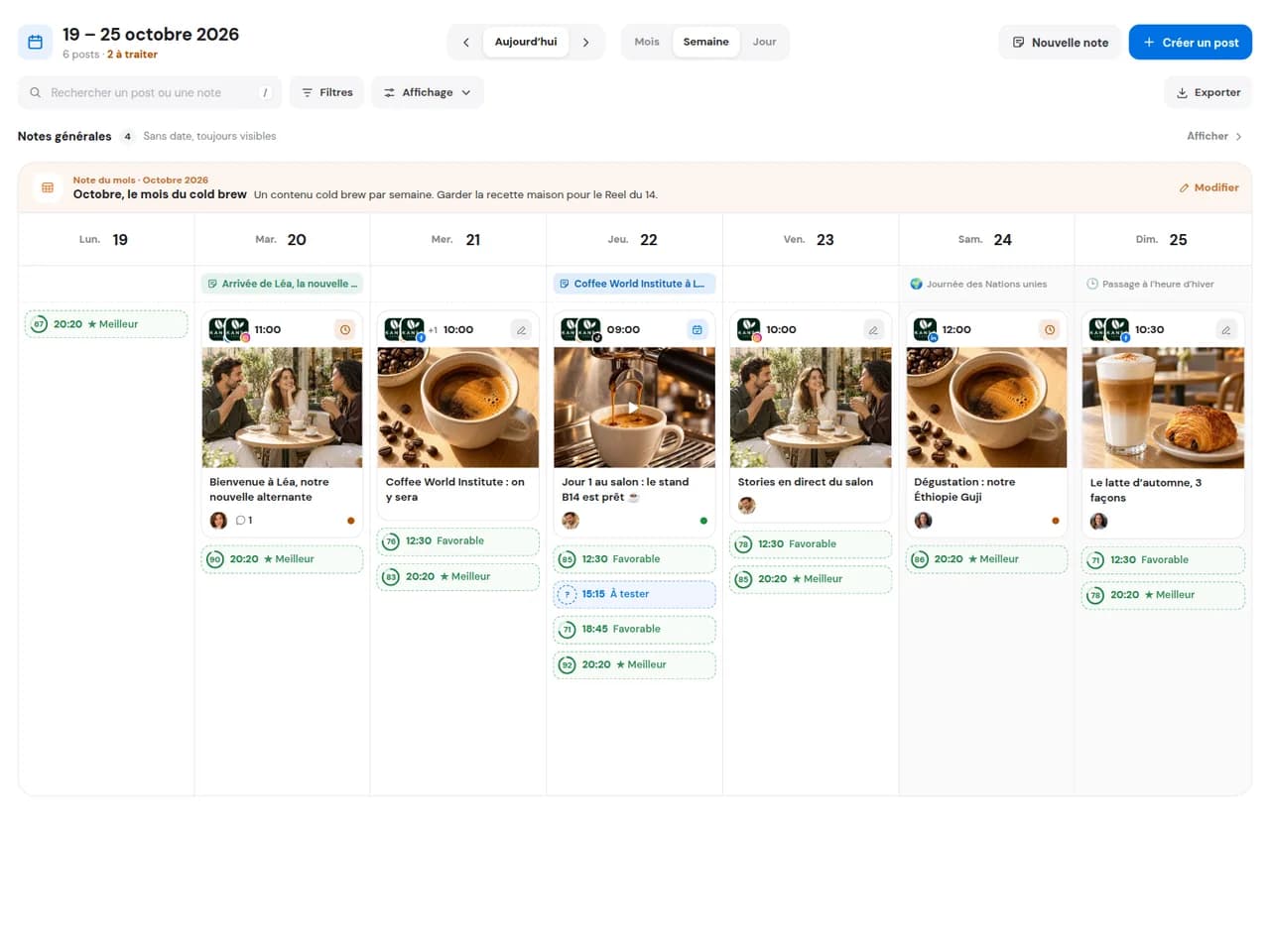
Check the balance of topics and formats before finalising the week.
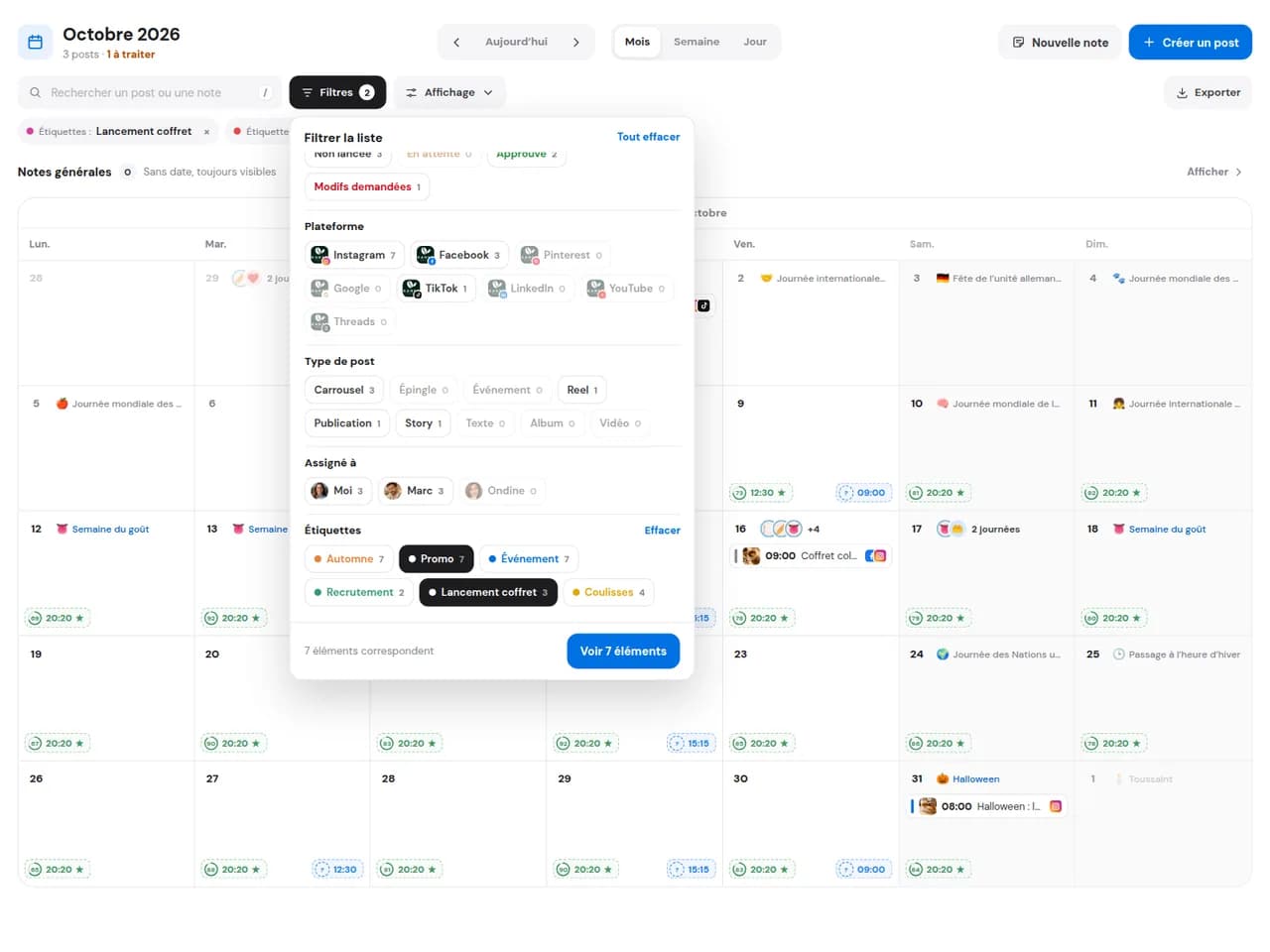
Filter by campaign and see each post on its date, network by network.
Add a launch, trade show or sale to the calendar, even without a planned post, and build your content around it.
Check the balance of topics and formats before finalising the week.
Filter by campaign and see each post on its date, network by network.
Add a launch, trade show or sale to the calendar, even without a planned post, and build your content around it.
Drafts, posts awaiting approval, scheduled posts and published posts, with their network and profile.
Yes, by profile, network, status, campaign or label.
Yes, as long as it has not been approved: drag it to another day. Once approved, the post is locked and its date cannot be changed.
Yes. A launch, event or team instruction appears in the calendar without publishing anything.
Yes. Every DailySpace member sees the same schedule, with actions allowed by their role.
Connect your social accounts and organise your next editorial calendar with your team.
Start for free14 days free, no credit card required