MagicDaily LinkedIn
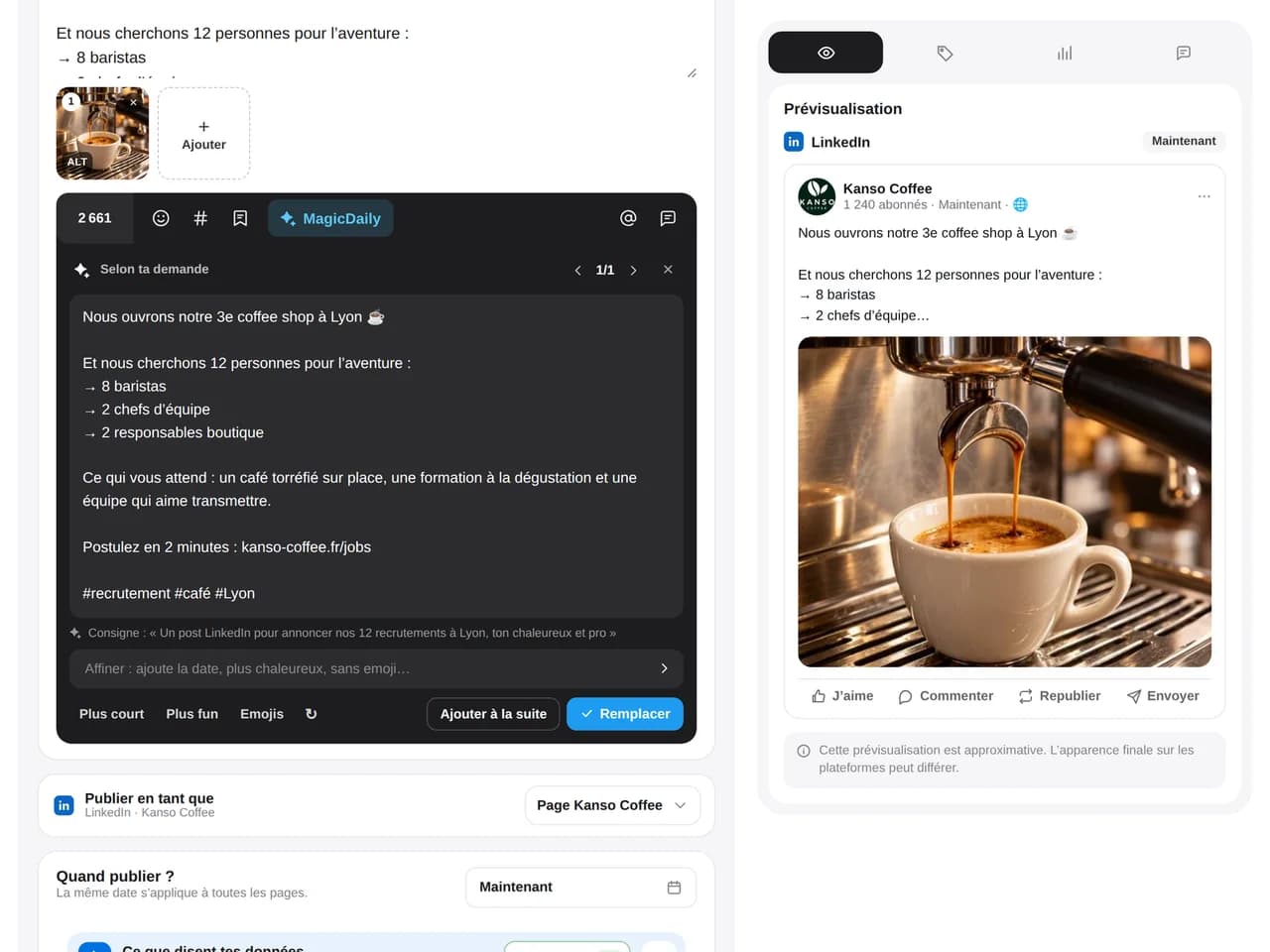
Generate a hook, develop expertise and adapt the tone to your brand.

Schedule posts and PDF carousels, mention the right people, publish the first comment and analyze what truly builds your expertise.
14 days free, no credit card required


LinkedIn scheduling
PDF carousel
Advanced analytics
LinkedIn comments
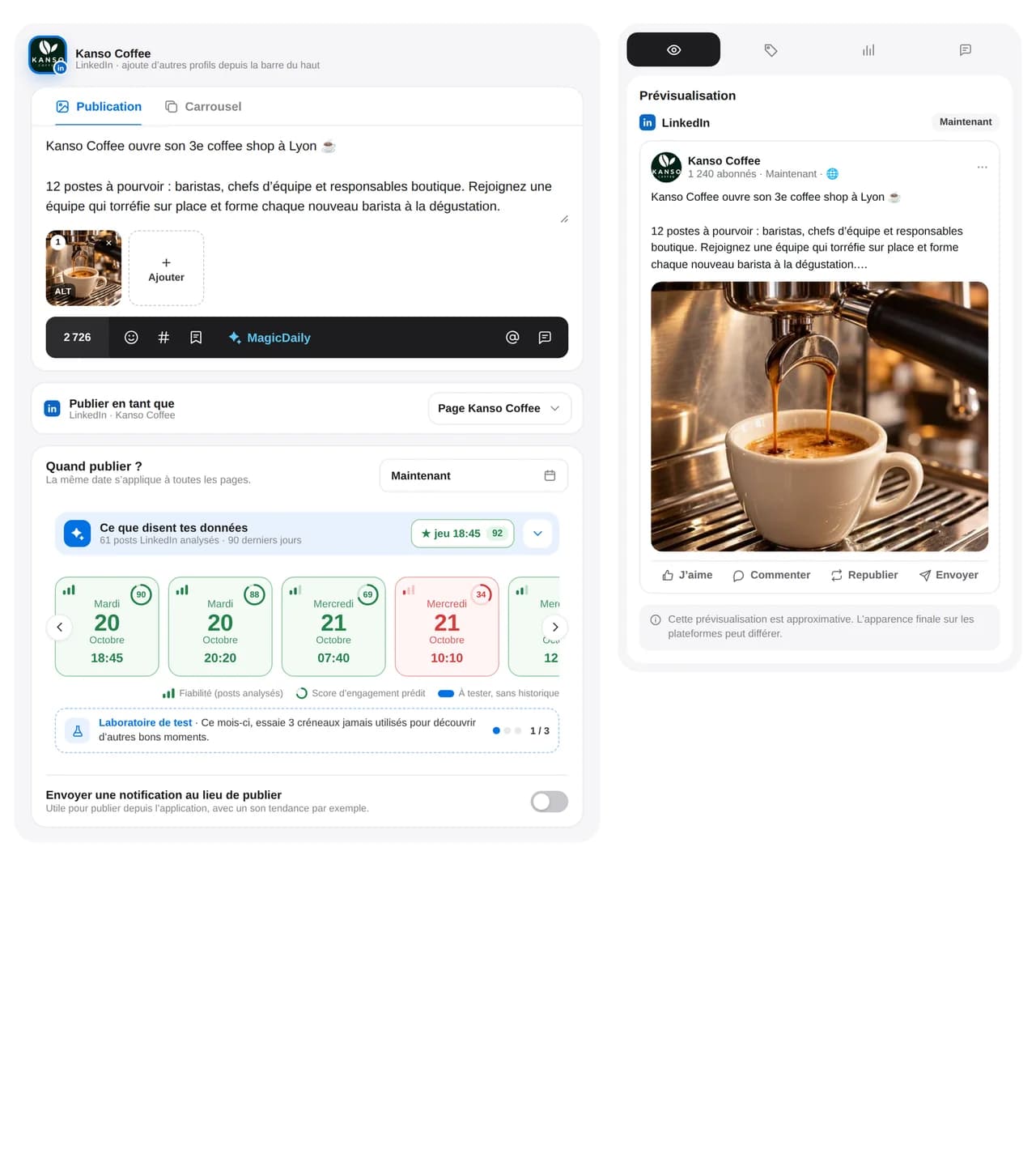
Personal profile or company page: prepare content ahead, check the preview and publish when your network is available.
Polish your hook and check where “see more” cuts off the text. Add relevant mentions and prepare the first comment, then get approval before publishing to your profile or page.
With MagicDaily, choose hashtags that fit your post and network.
Add visuals and a caption suited to your professional network. Check images alongside the text, collect team feedback and schedule on the relevant profile or page.
With MagicDaily, choose hashtags that fit your post and network.
Upload your video and write a hook that makes people want to watch. Check the preview, prepare mentions and the first comment, then choose a date after approval.
With MagicDaily, choose hashtags that fit your post and network.
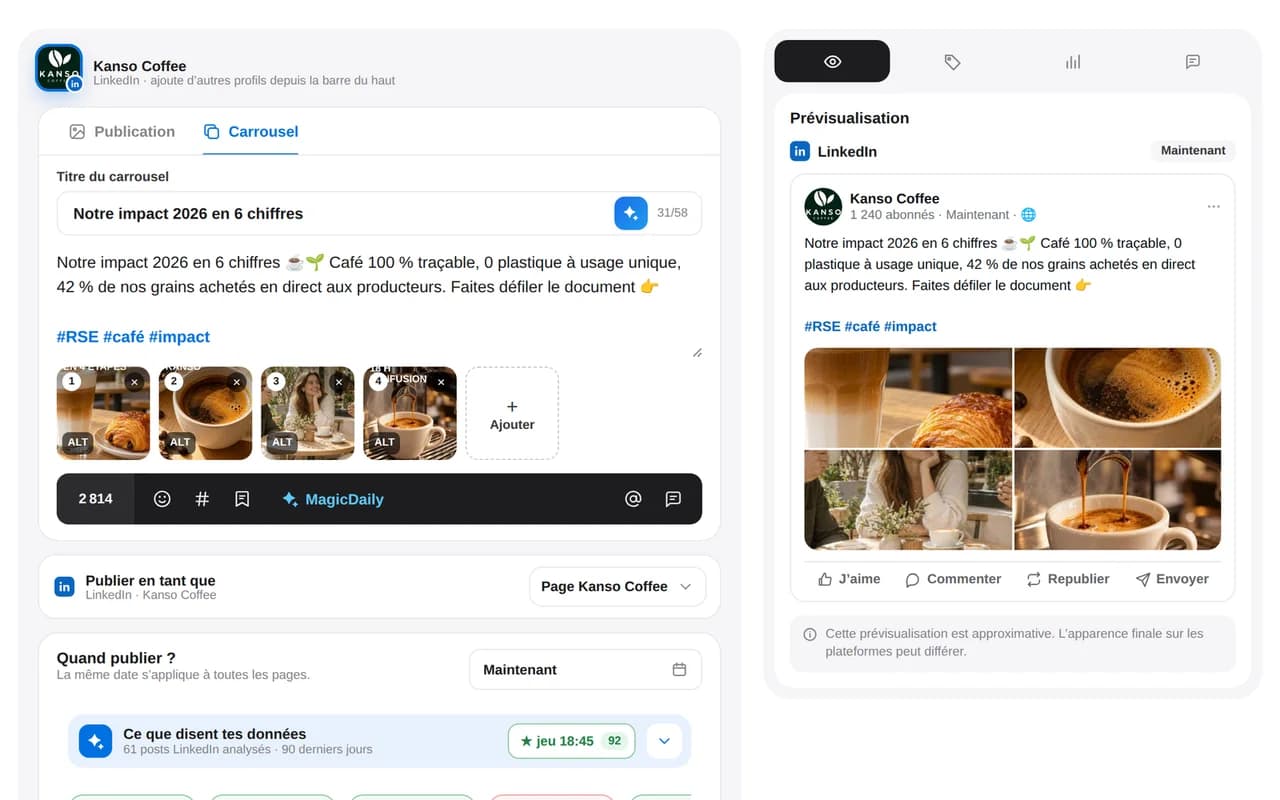
Upload your PDF, add its title and caption, then preview carousel pages. Your team can review each slide before scheduling on your profile or company page.
Learn how to prepare your LinkedIn carousel.
With MagicDaily, choose hashtags that fit your post and network.
Add your article, resource or offer URL and check the link preview. Write the accompanying text, then get it reviewed and schedule publication.
With MagicDaily, choose hashtags that fit your post and network.
With universal mention, save partner accounts once and find the right mention in every supported version of your post.
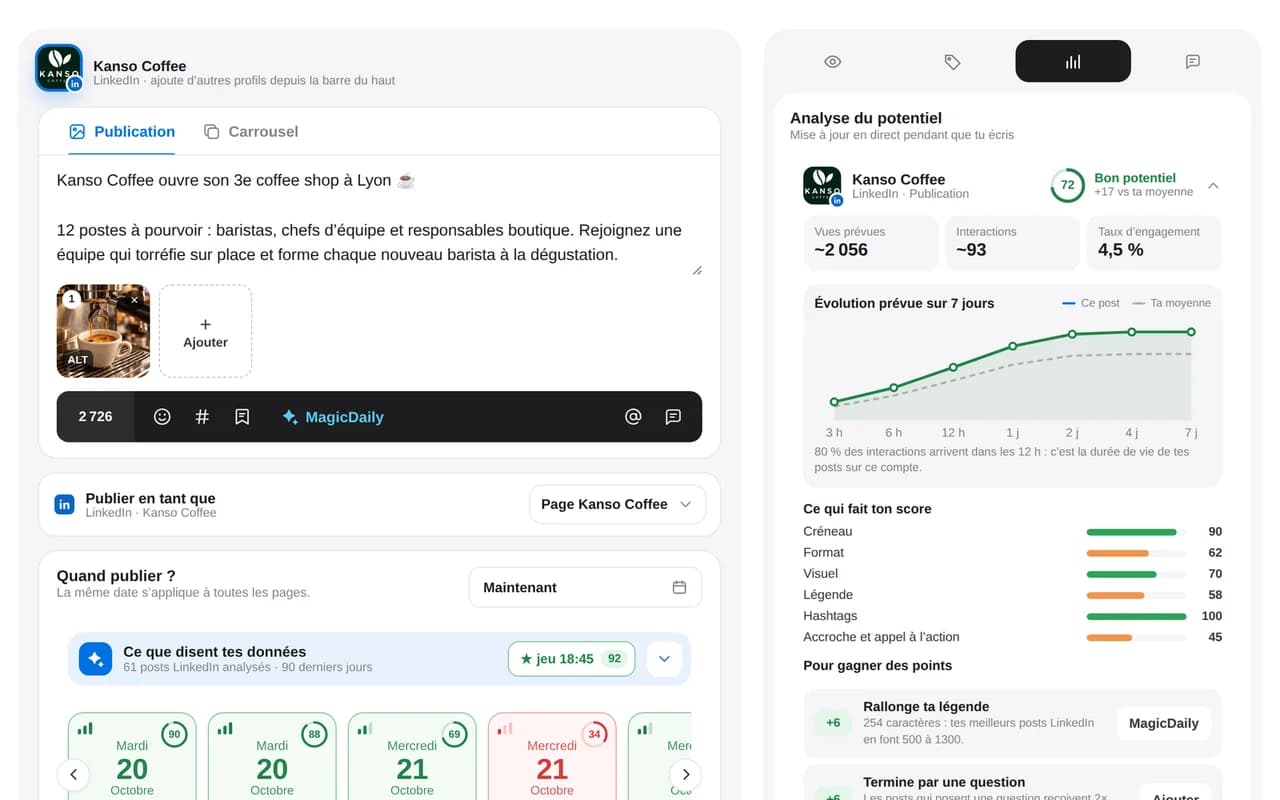
Find the best time to post on LinkedIn based on your profile’s results.
Improve accessibility for image posts: MagicDaily generates their alt text, then you review it before publishing.
Upload your document directly to Dailyfy. Each page becomes a slide you can preview before adding the title, caption and publication date.
Dailyfy keeps angles, media, mentions, approvals and variations in a workflow designed for professional communication.
Generate a hook, develop expertise and adapt the tone to your brand.
Find permitted pages and profiles with autocomplete.
Find your groups and add relevant hashtags in one click.
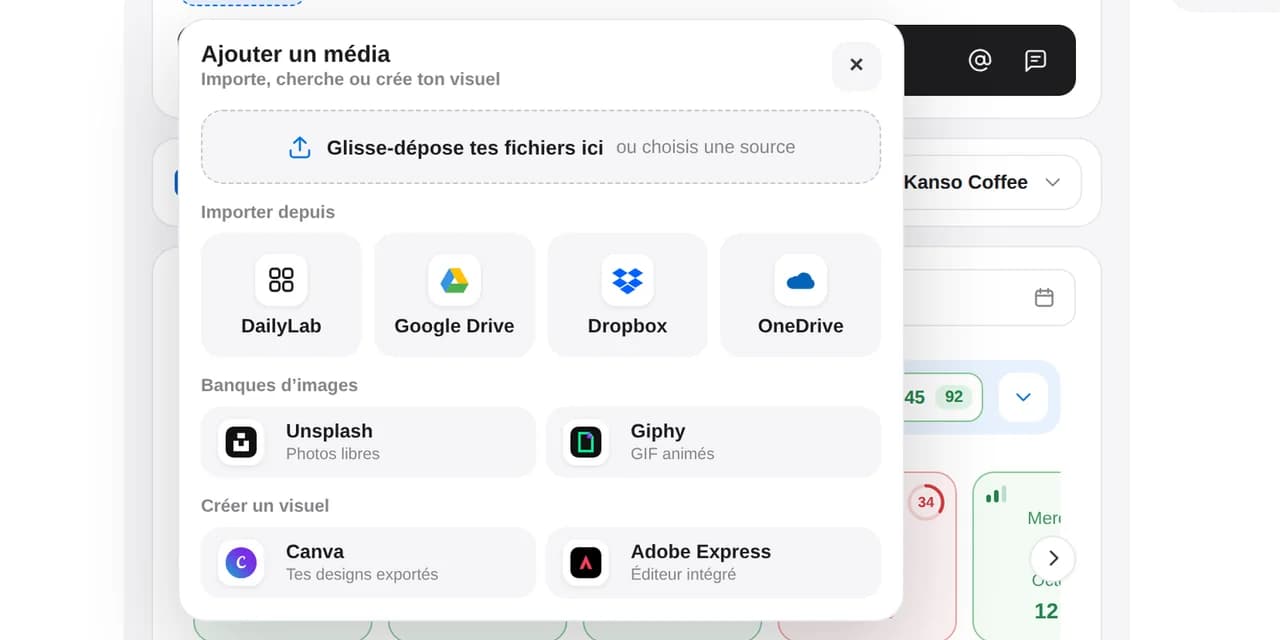
Import visuals and PDFs from DailyLab, Canva or your cloud tools.
Organize posts by expertise, campaign, goal or spokesperson.
Check line breaks, links and the “see more” cutoff.
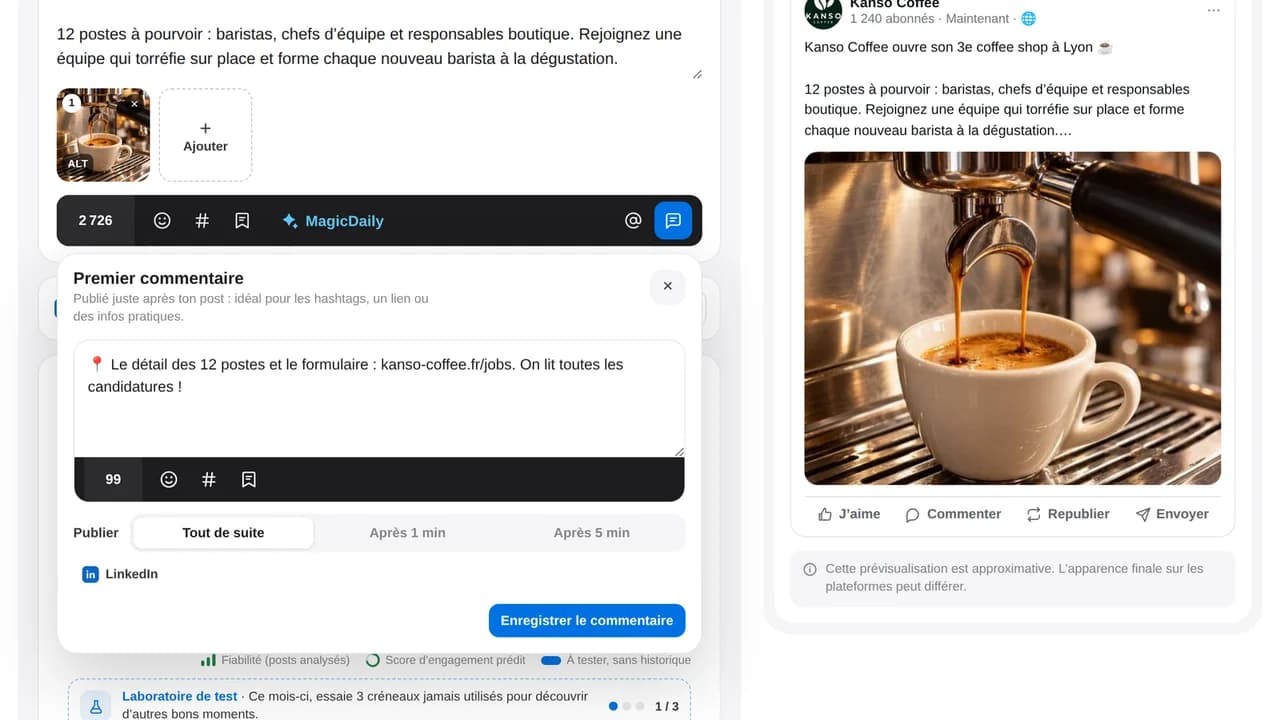
Add a resource, detail, link or hashtags without overloading your hook. Dailyfy publishes the first comment right after your supported post.
Schedule your link in the first comment to have it appear below your LinkedIn post.
Analyze impressions, clicks and interactions, as well as the available roles, seniority levels and locations of your LinkedIn audience.
Centralize supported comments, reply in Dailyfy and keep clear statuses. MagicDaily can prepare a reply, your team adds context and nothing gets forgotten.
Follow LinkedIn pages relevant to your market, save competitor content and organize it with tags and notes. Build an inspiration library, not a pile of forgotten bookmarks.
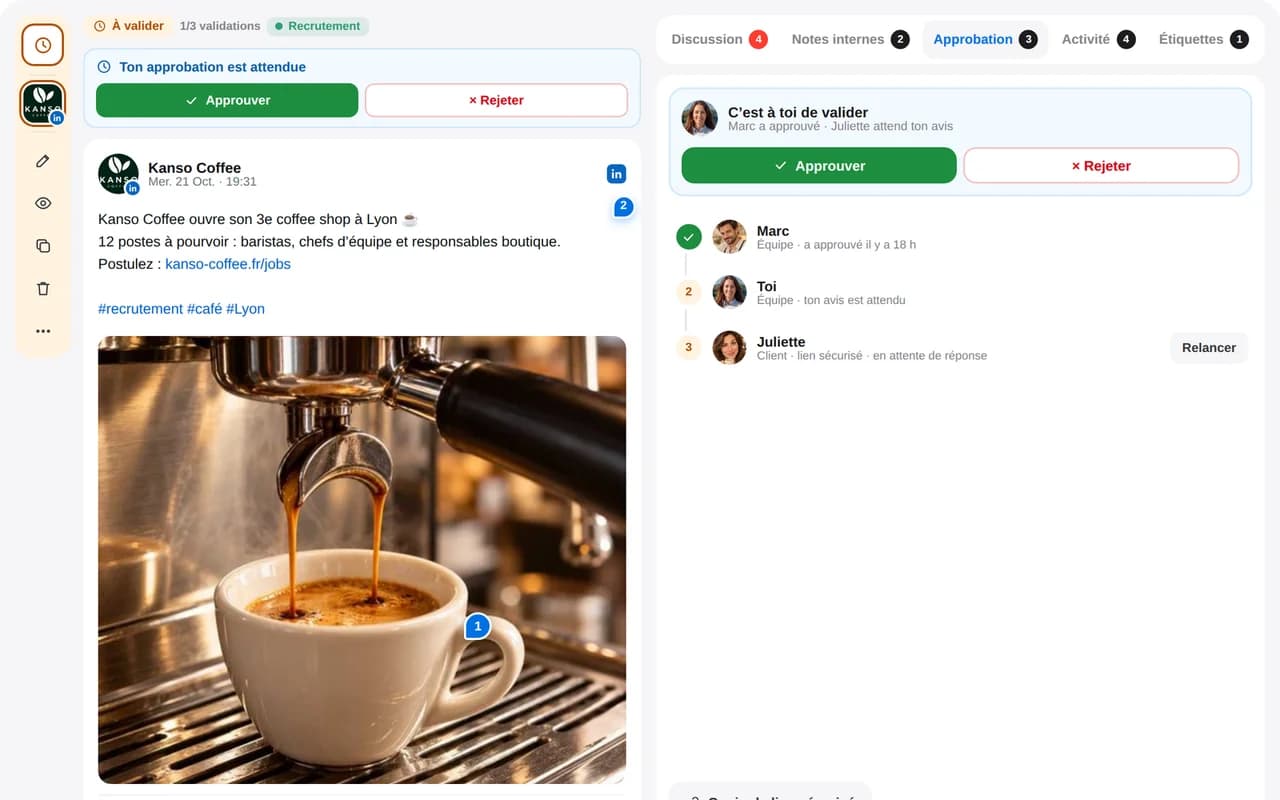
Explore curationInternal notes, comments, text suggestions, mentions, approval hierarchy and account-free approval: adapt the process to every spokesperson, client or LinkedIn page.
Explore collaborationDailyfy connects your ideas, experts, schedule, conversations and results.
Yes. Prepare and schedule text, images, videos, links and PDFs on personal profiles and company pages supported by the LinkedIn API.
Upload your PDF to the Dailyfy editor. It is recognized as a LinkedIn carousel: preview slides, add a title and caption, request approval and choose a publication date.
Yes. Prepare a first comment with your post to add a resource, develop an idea, include hashtags or continue the conversation as soon as it is published.
Yes. Dailyfy provides autocomplete search. Pages can be mentioned under LinkedIn’s rules, while personal profiles remain subject to the platform’s restrictions and permitted relationships.
Track impressions, reach, clicks, reactions, comments, reposts, engagement rate, video views, follower growth and available audience data such as roles, seniority and locations.
Yes. Dailyfy analyzes available activity and performance to identify the days and times when your LinkedIn audience is most receptive.
Yes. Centralize supported comments, read and reply to them, mark them handled and collaborate in the Dailyfy inbox.
Yes. Inspiration lets you follow LinkedIn pages and save relevant posts. Organize them with channels, tags and notes to inform your strategy without copying them.
Yes. Configure a simple or strict process, collect feedback alongside the content and share a secure link to approve without a Dailyfy account.
Connect your profile or page, prepare content and schedule it with Dailyfy.
Get started for free14 days free, no credit card required